
Posts
596 field notes across 22 categories. Pick a topic, or search everything.
Hyper-V 85 Windows Server & System Center 43 Networking 41 Virtual machines 38 Automation & IaC 32 Storage 32 Backup & disaster recovery 30 PowerShell 29 Cloud & news 27 Cloud security 27 Azure hybrid & migration 21 Azure operations & management 21 Azure integration PaaS 20 Identity & access 20 Azure application PaaS 19 Azure HPC & AI infrastructure 19 High availability 19 Microsoft Security Copilot 19 SIEM & XDR 19 Well-Architected & resilience 19 Architecture & governance 11 Containers & apps 5
Latest
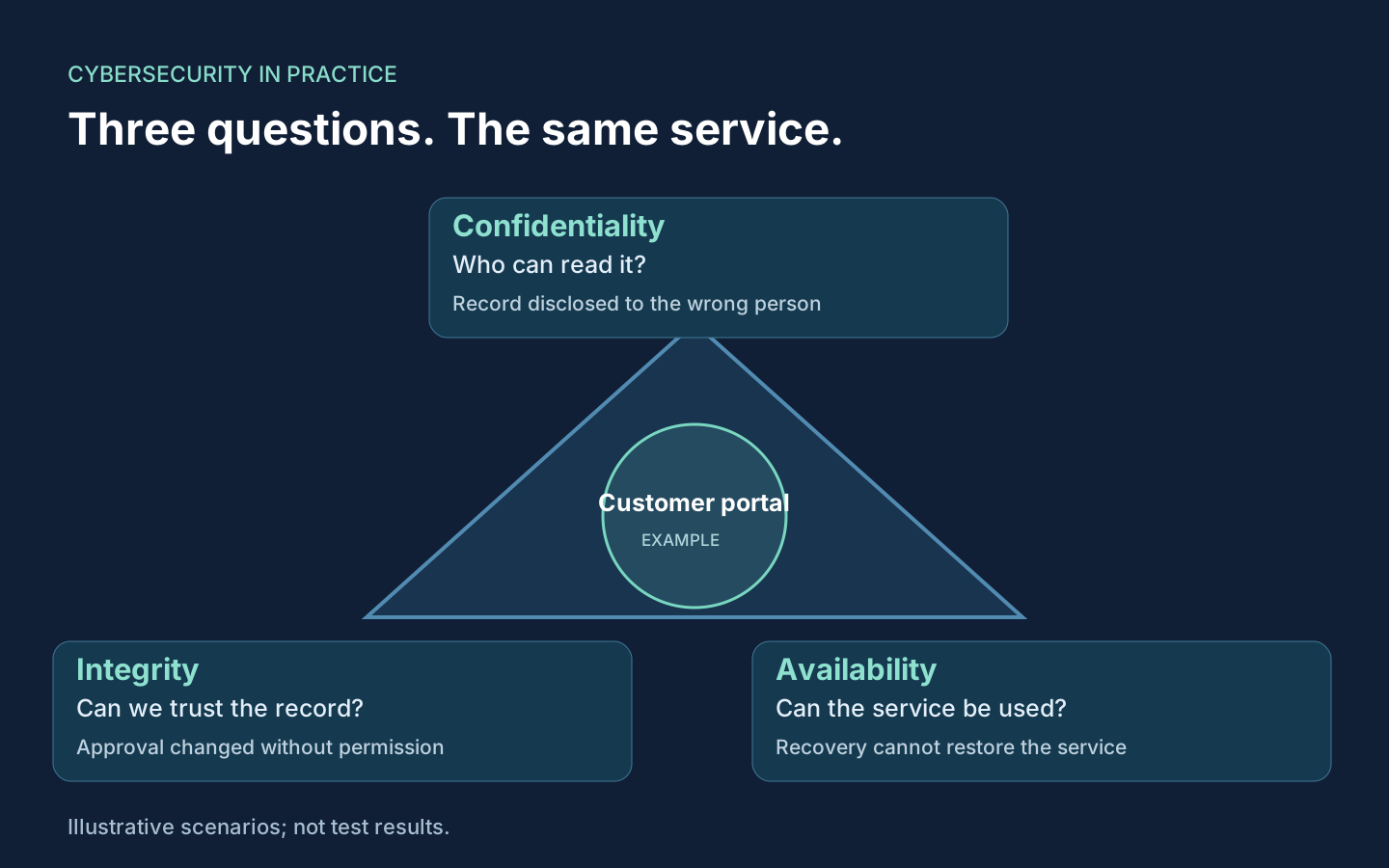 The CIA triad: three questions to ask about the same service
 GitHub secret scanning: review the new filters and your rotation runbook
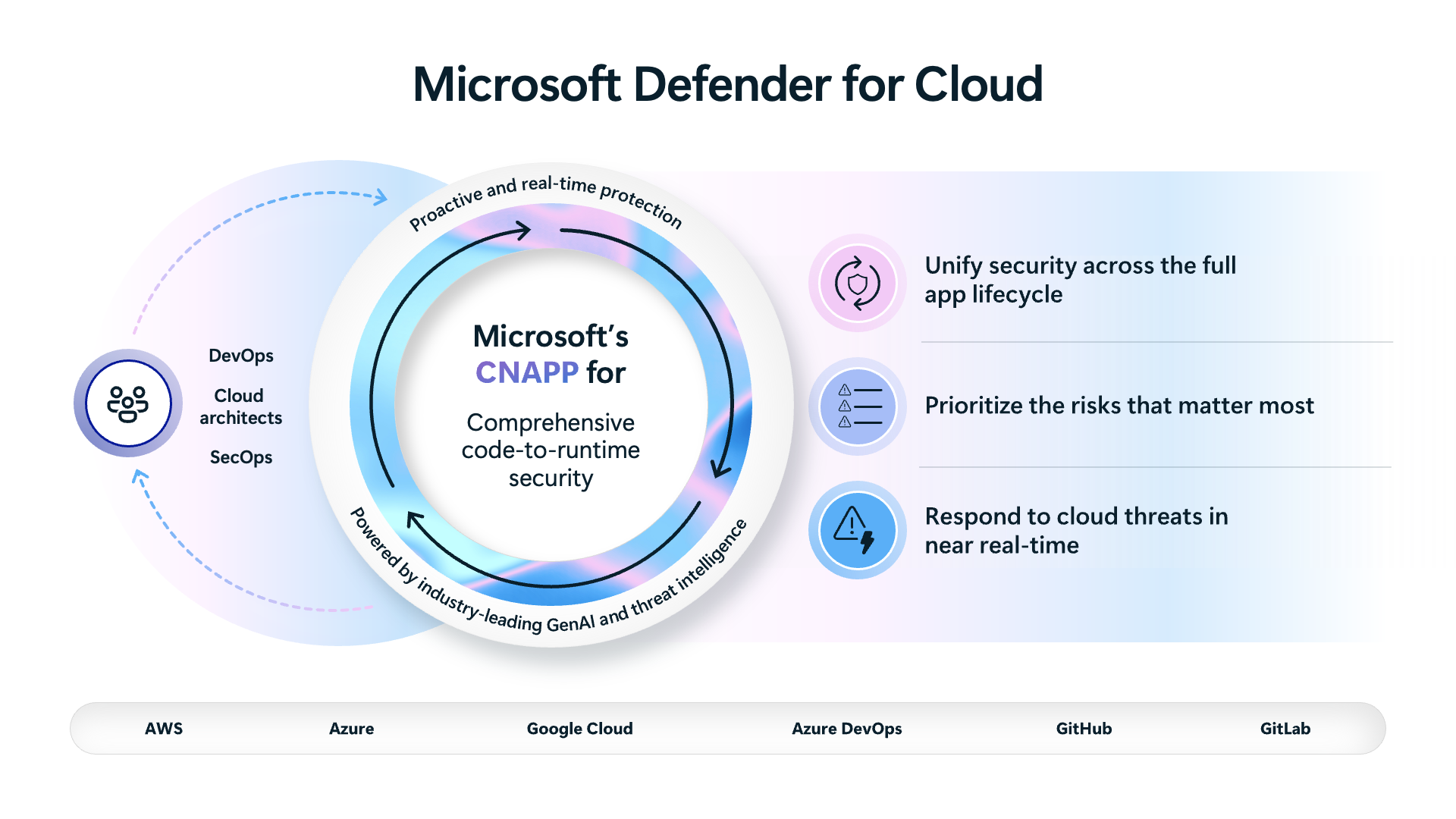 What Defender for Cloud actually is: CNAPP in plain English
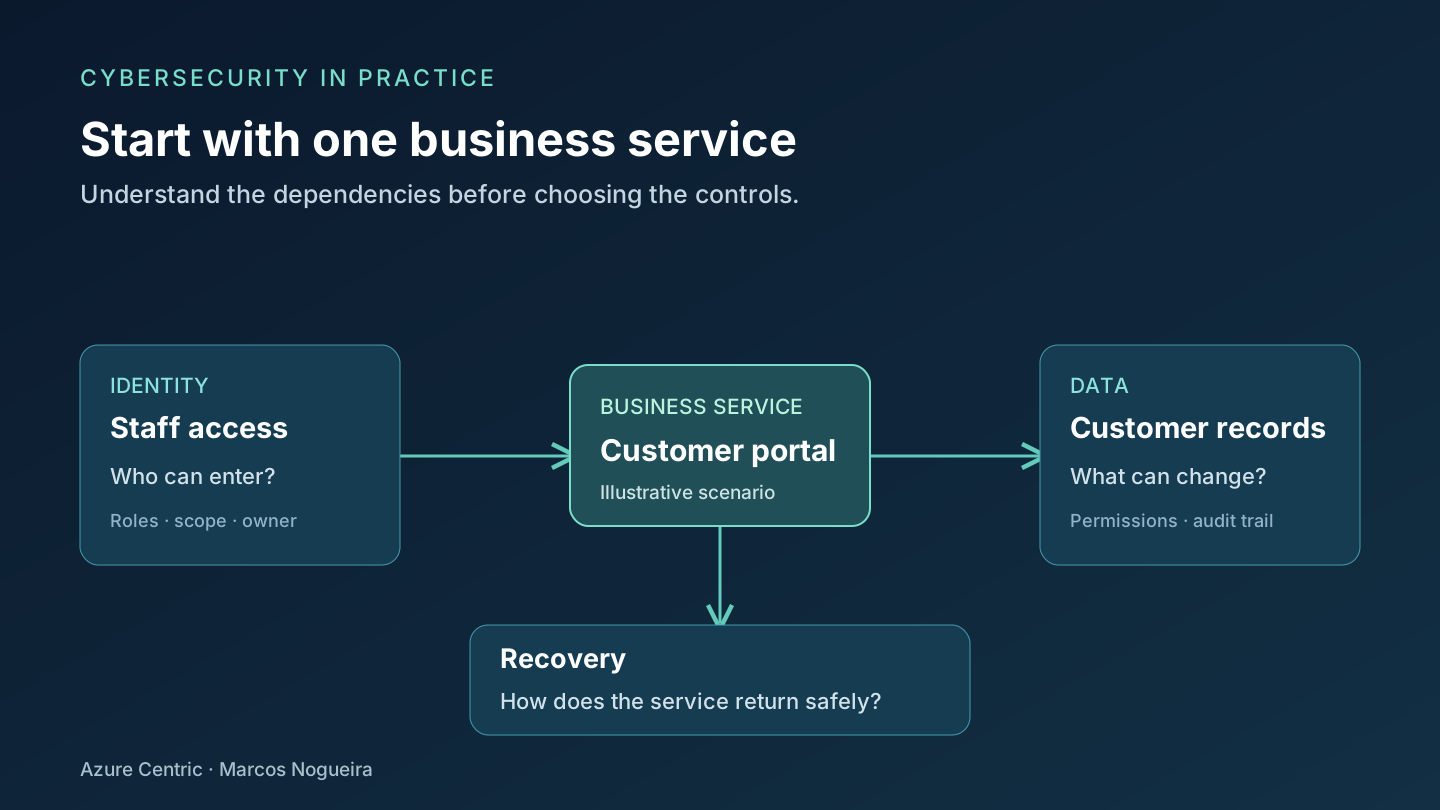 Cybersecurity starts with what your business needs to protect Create a practical workload readiness checklist

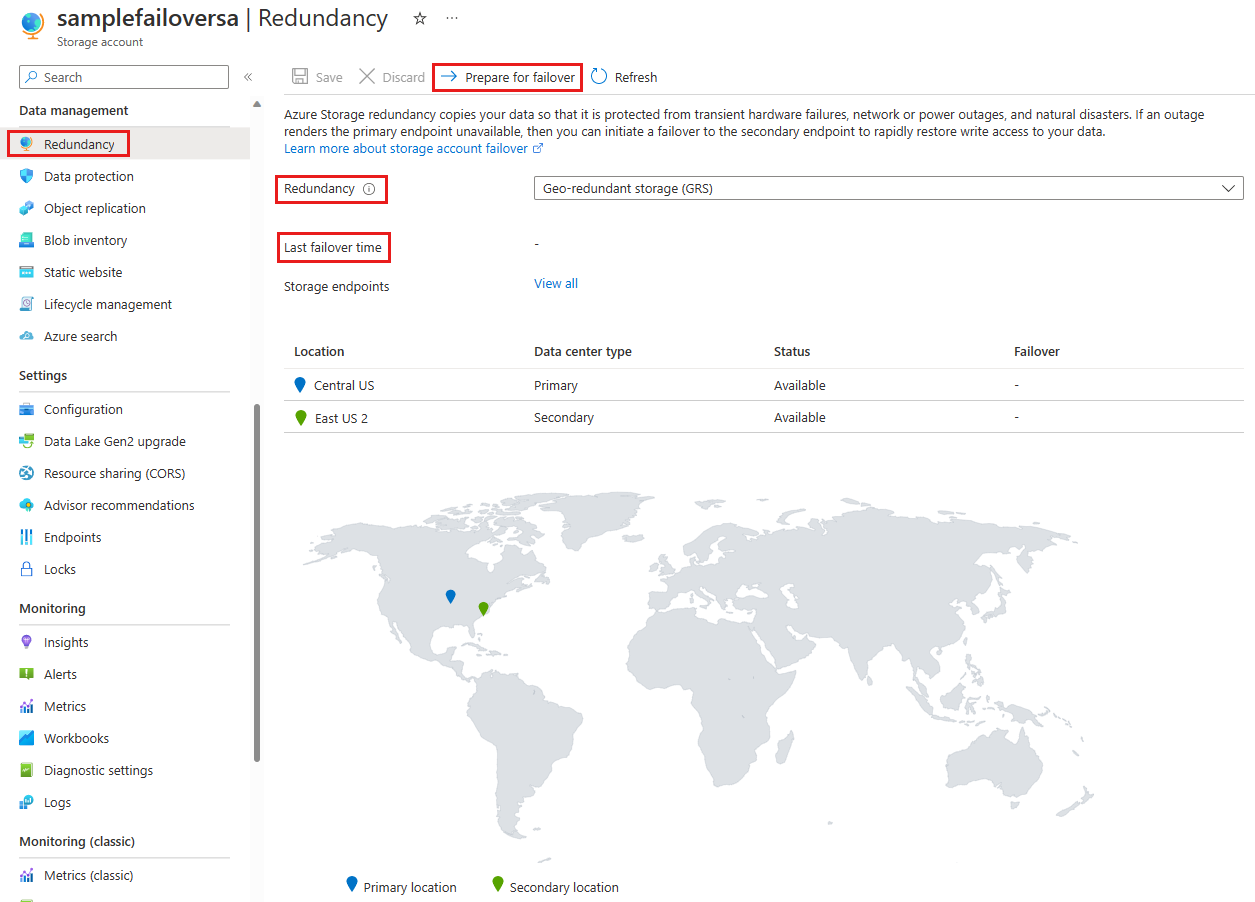 Plan a storage recovery exercise with a verifiable outcome
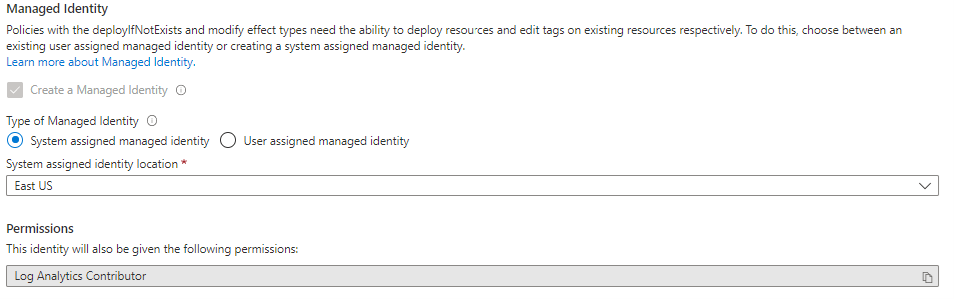 Investigate a policy remediation task that did not run Review network boundaries before connecting another environment Document and test manual replay of failed messages Resolve a Terraform state lock without losing deployment history Build a migration handover the operations team can use
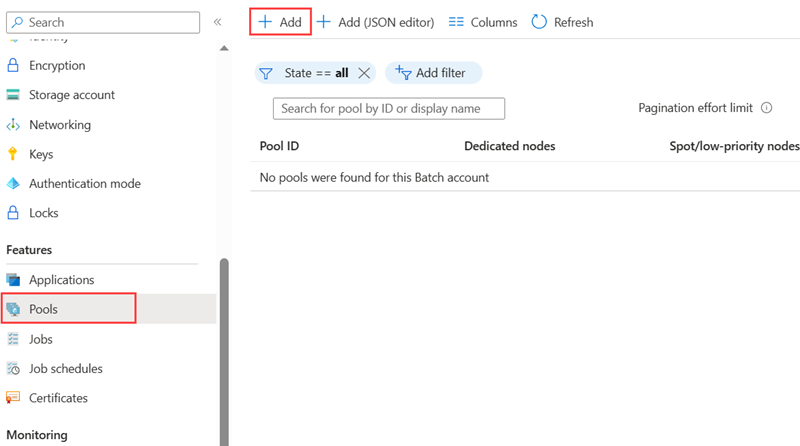 Review networking requirements before selecting an accelerator VM Plan VM maintenance around application recovery requirements Separate staging and production identities for a PaaS application Plan access separation between security operations teams Document the evidence behind a generated incident timeline
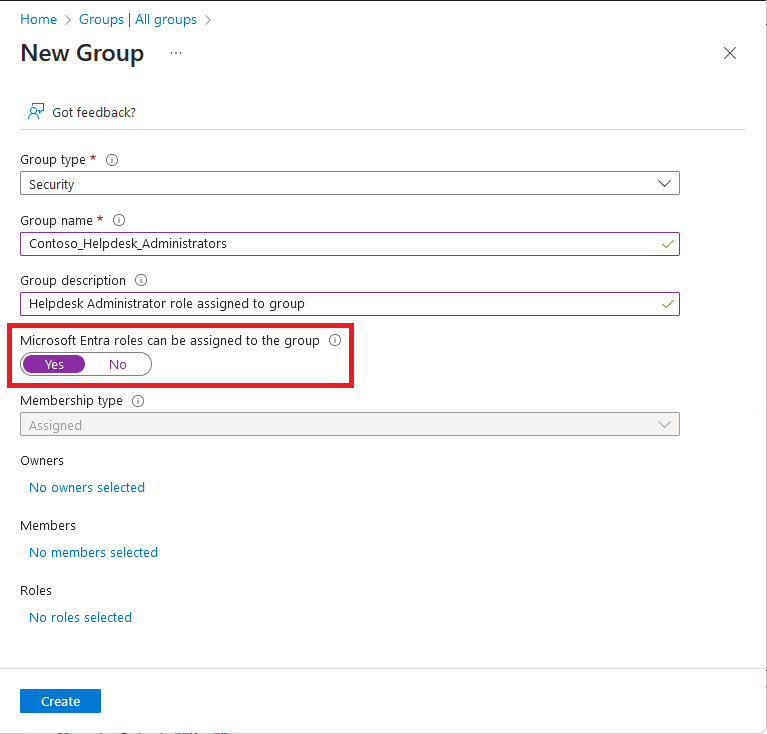 Build a repeatable privileged-access review Find gaps between enabled Defender plans and protected resources Check kernel changes after a Linux guest update Plan backup coverage for a Hyper-V workload Plan maintenance with only one spare node
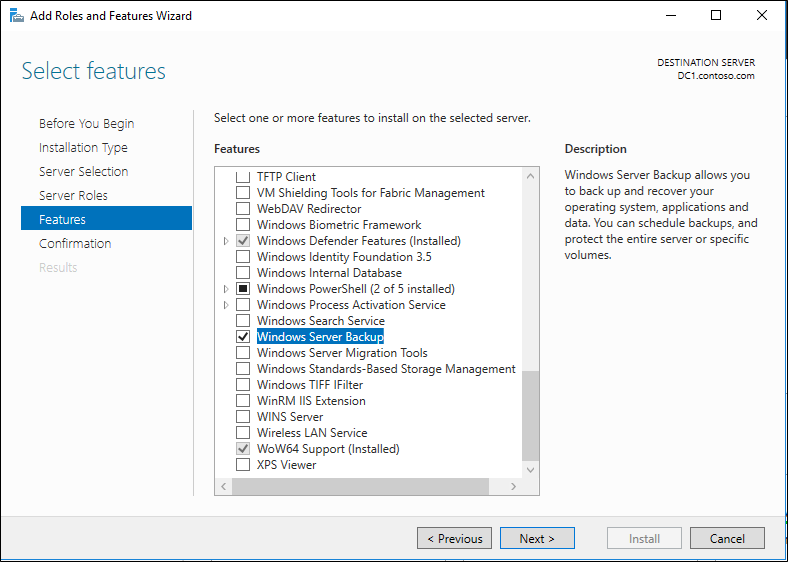 Create a recovery checklist for a Windows infrastructure server Separate configuration, execution and reporting in PowerShell Use recovery evidence to refine an availability target Review storage access after rotating an application identity Export a small Azure resource inventory with PowerShell
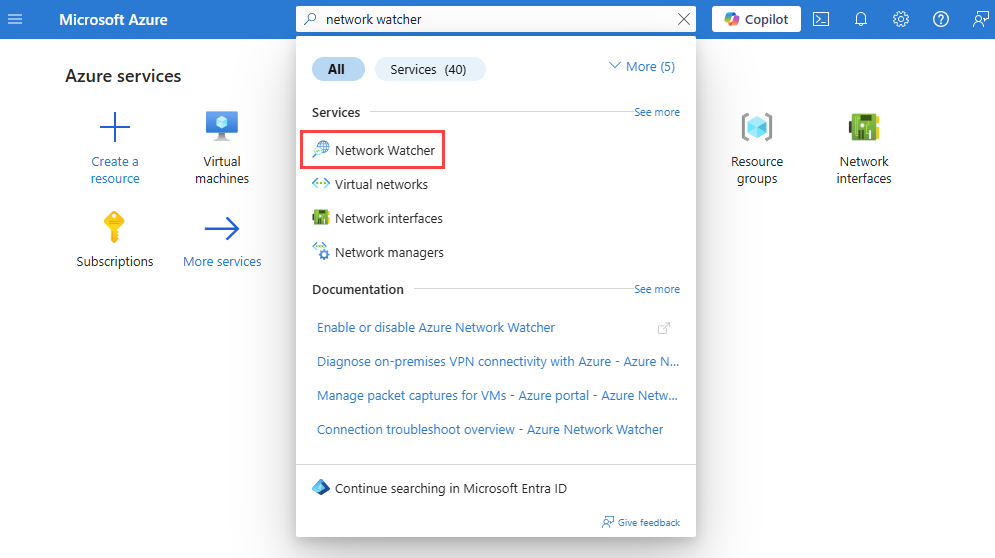 Document the network path before an infrastructure change Plan an integration that can recover after an outage Test a module using a disposable development environment Investigate an assessment with incomplete server data
 Separate job input data from temporary compute storage Investigate disk latency before resizing a virtual machine Plan a rollback that includes application configuration Review connector health and ingestion changes together Compare standalone and embedded investigation workflows
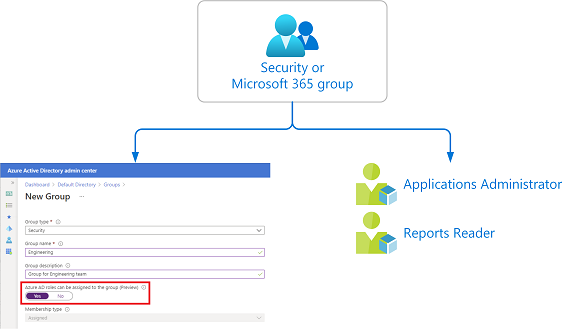 Use group-based administration without hiding excessive access Build a security review into a new Azure workload Create a repeatable Ubuntu guest configuration Review integration-service health across a Hyper-V host Validate a cluster after a network or storage change
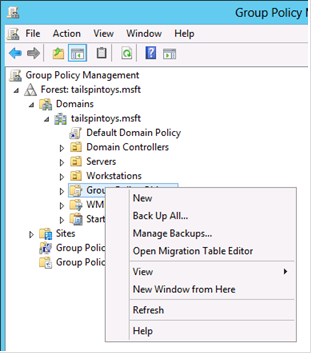 Separate local administration from domain-wide privileges Build an automation script that can resume after a failure Run a Well-Architected review with the operations team Choose managed disks around workload I/O patterns Design a dashboard with clear service ownership Choose NAT Gateway when stable outbound connectivity matters Use API Management policies for a controlled backend change
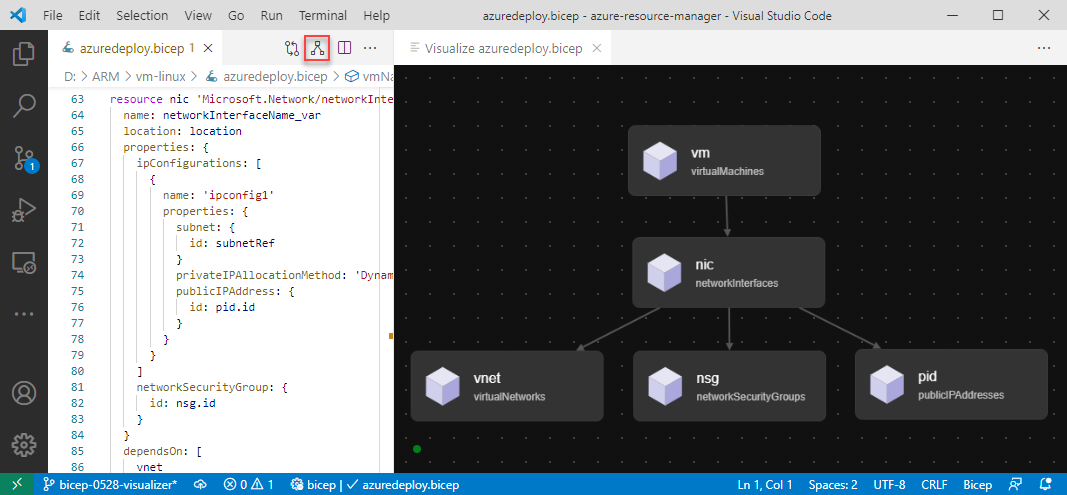 Review infrastructure changes as an application dependency
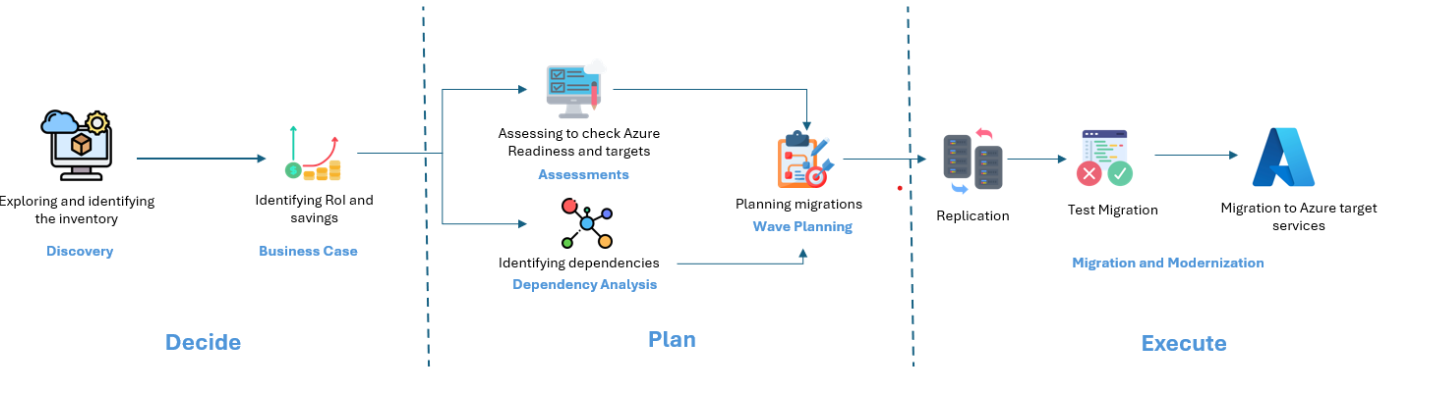 Separate an infrastructure move from application modernisation Plan checkpoint and restart behaviour for long-running jobs Move configuration out of a manually maintained VM Restrict access to an application deployment endpoint
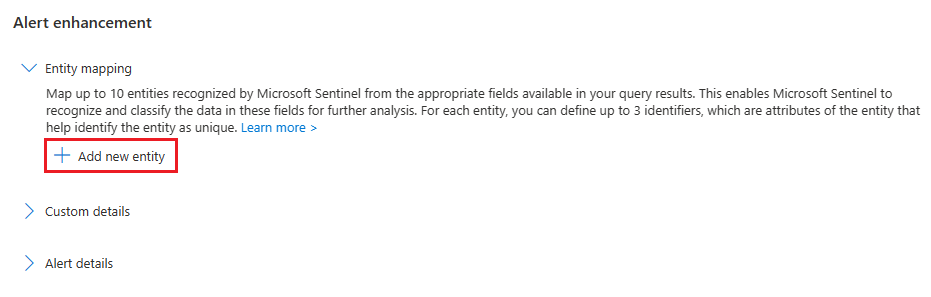 Check entity mapping when related alerts remain separate Check permissions when a security plugin cannot retrieve data
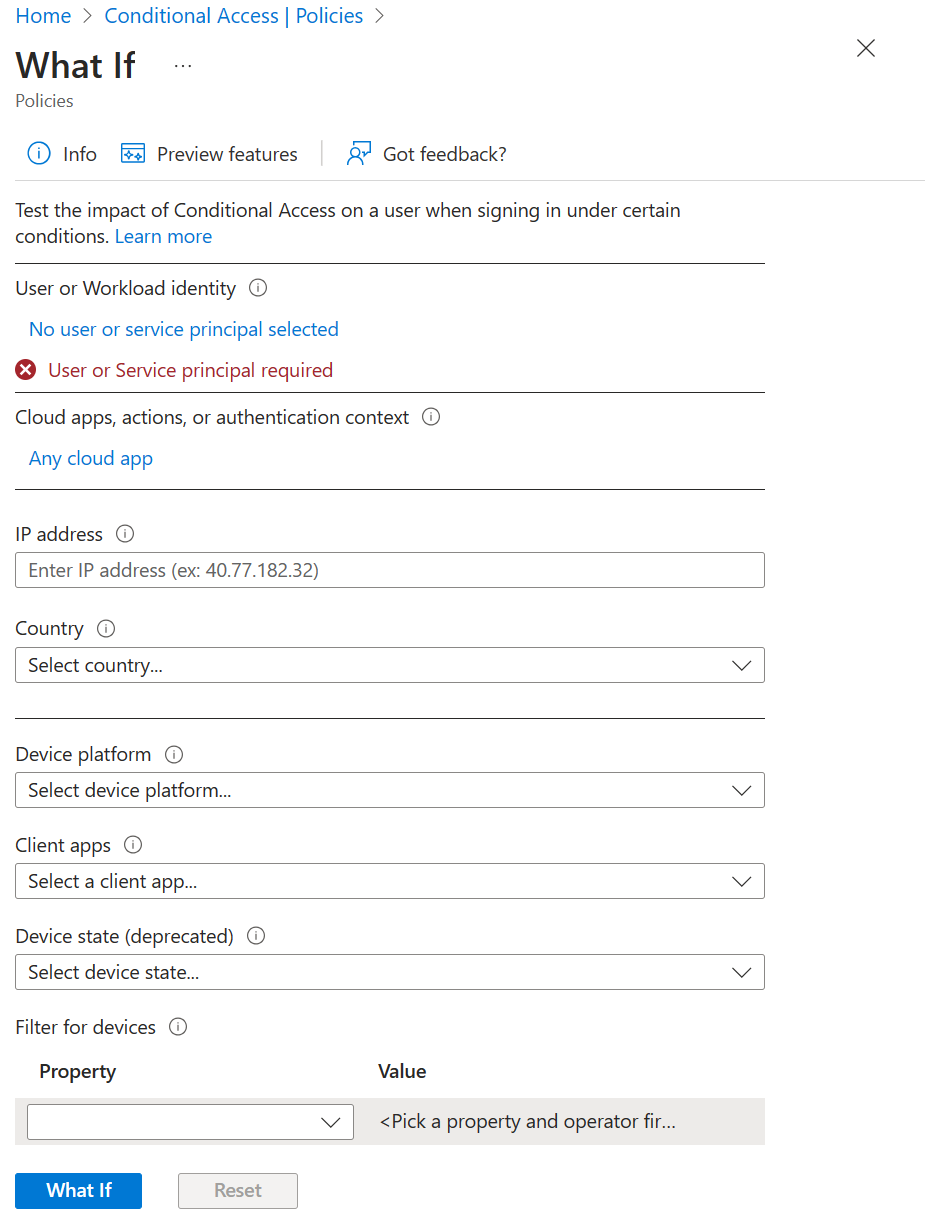 Investigate an unexpected Conditional Access result Investigate a CodeQL alert before merging a pull request
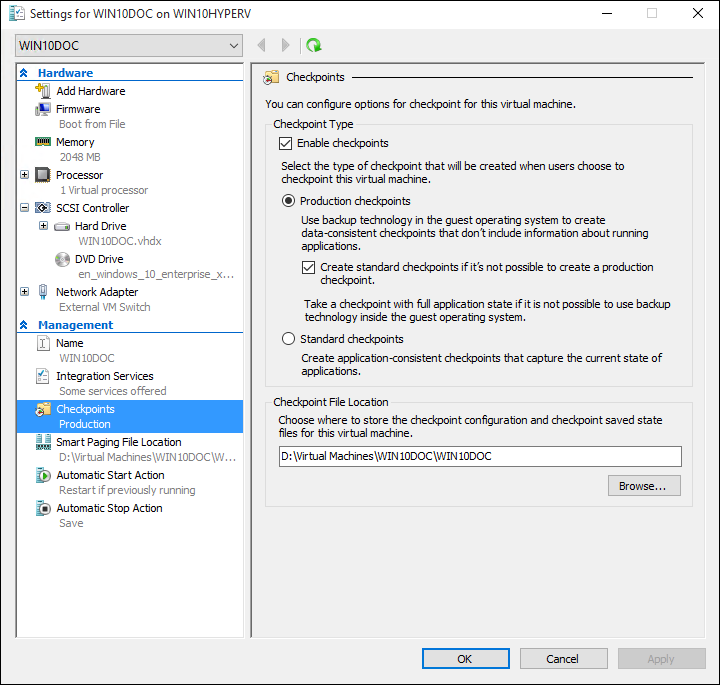 Understand checkpoints for a Linux application Investigate a virtual switch after a host network change Review the revised cost assumptions for Arc-enabled Windows Server Hotpatch Review split-brain risk in a stretched infrastructure design Investigate a server update that repeatedly fails Investigate a scheduled script that works interactively Check hidden dependencies after an application failover Investigate throttling before changing a Storage account design
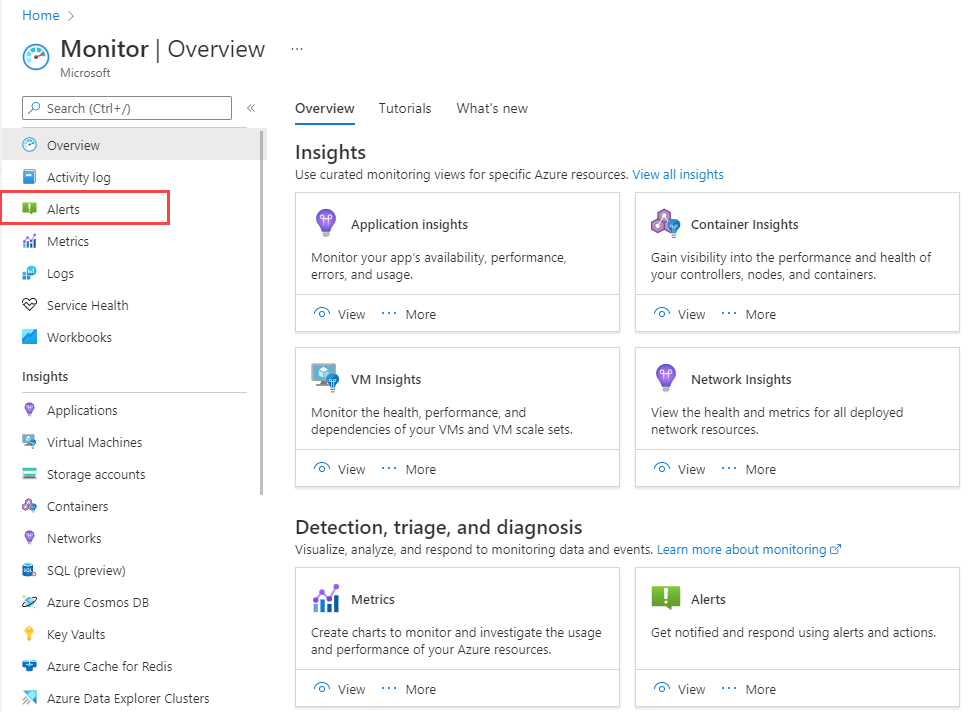 Connect a change record to a useful monitoring check Investigate a private endpoint that resolves to a public address
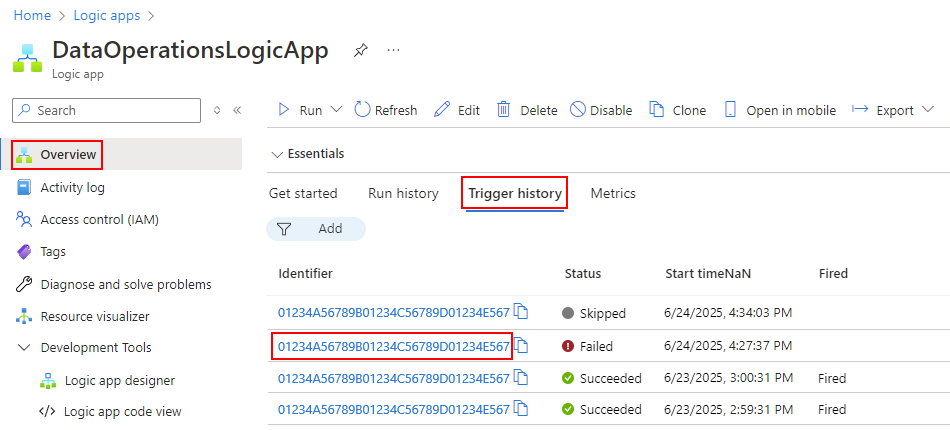 Investigate a workflow trigger that fires unexpectedly Pin provider and module versions in an Azure deployment Validate a migrated server before closing the change Investigate failed node startup in an Azure Batch pool Separate compute image versions from application releases
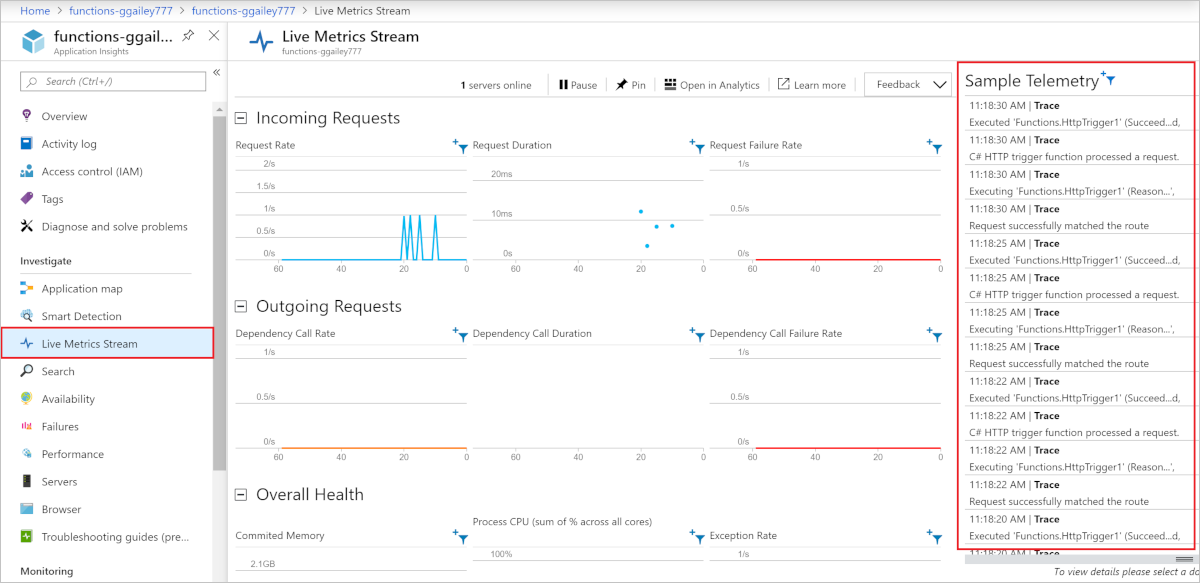 Trace a request through application and platform logs Build an incident triage workbook for the operations team Keep an analyst review step in a repeatable promptbook Review application consent and service principal permissions
 Set useful boundaries for security exemptions Review Linux guest shutdown during host maintenance Use PowerShell Direct for Windows guest administration Investigate a live migration that stalls during maintenance Review certificate expiry across Windows servers Pin module versions for a repeatable automation job PowerShell 7.6 LTS: prepare an automation compatibility check
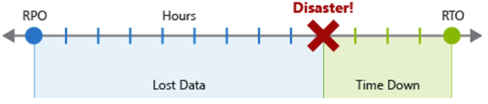 Plan regional recovery without overlooking identity and DNS
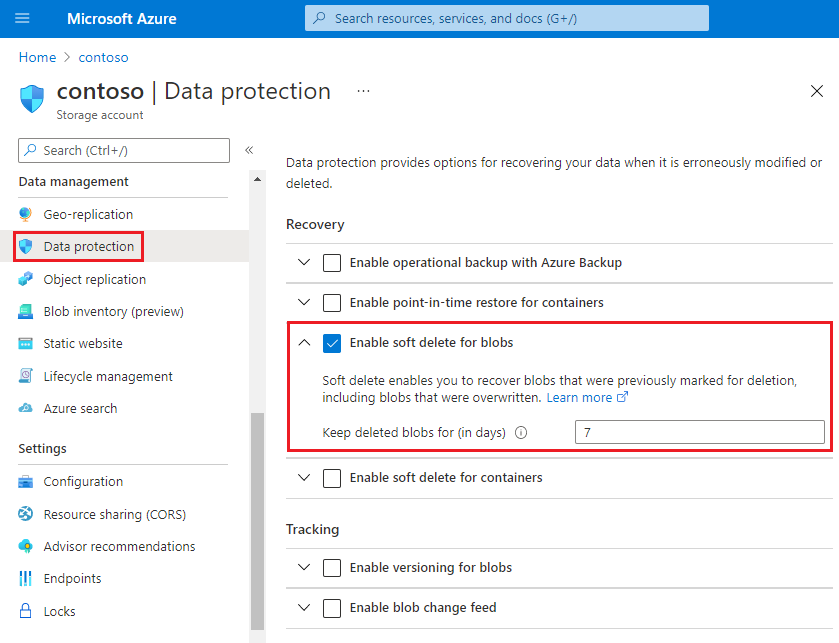 Protect an application against accidental blob deletion Check a failed runbook using its job evidence
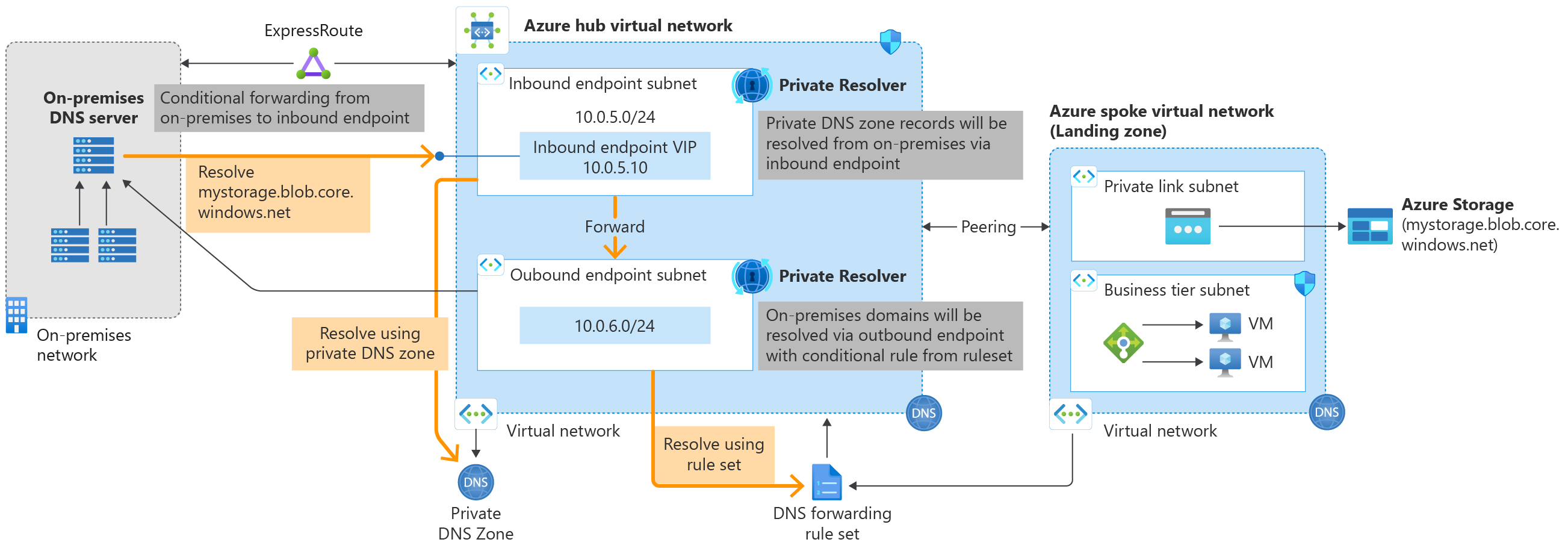 Use DNS Private Resolver for hybrid name resolution Add correlation identifiers across an integration workflow Plan ownership and deletion behaviour for an infrastructure stack Review identity and DNS dependencies before a migration
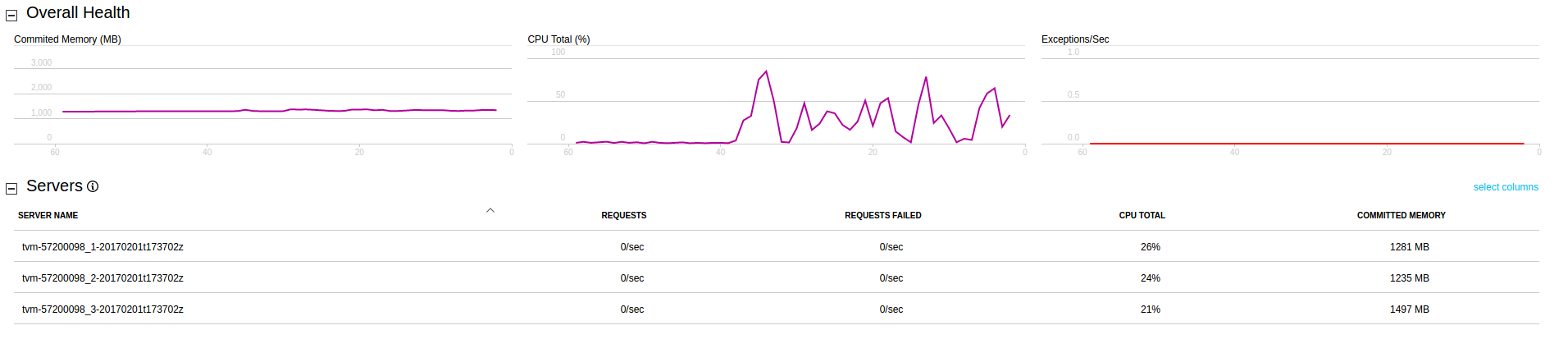 Monitor an HPC run without confusing observations and benchmarks Choose availability zones during the initial VM design Set application scaling rules around measurable demand
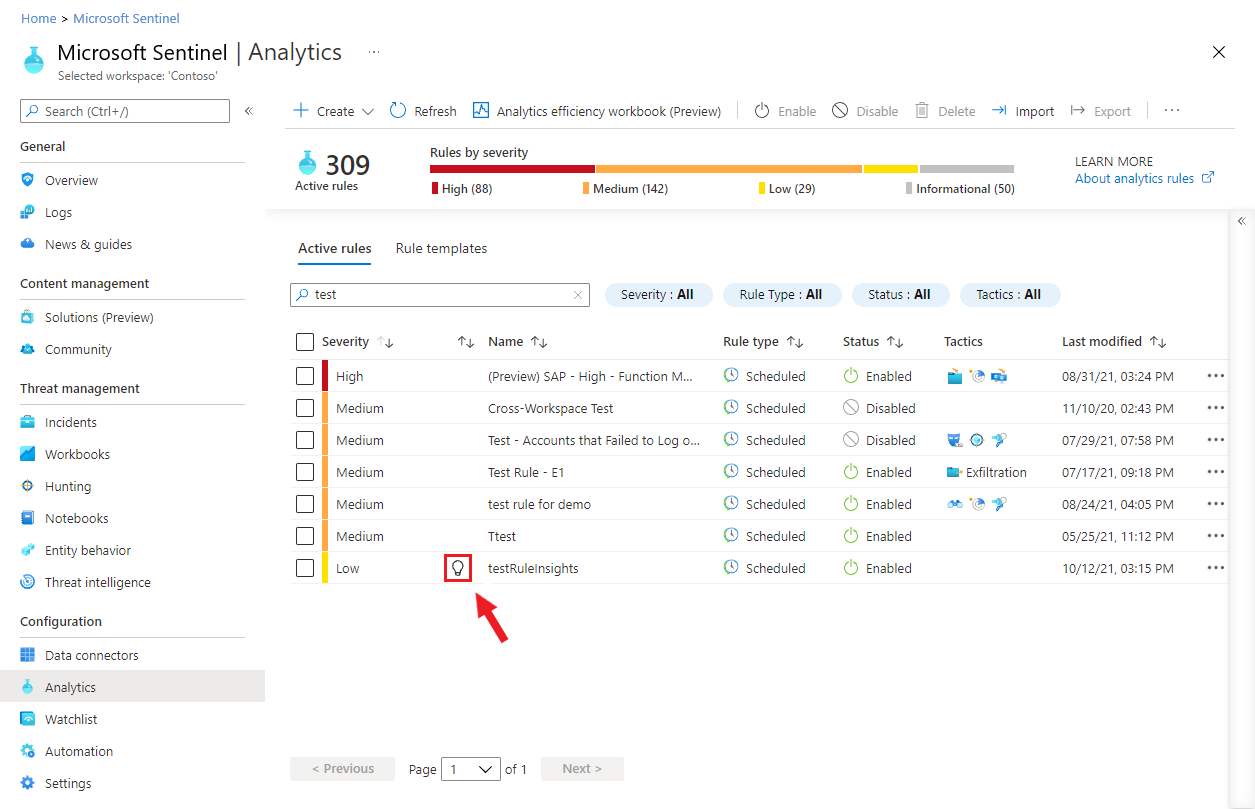 Choose a detection exclusion or a rule change Review access boundaries before sharing investigation results Plan identity permissions for a production deployment pipeline
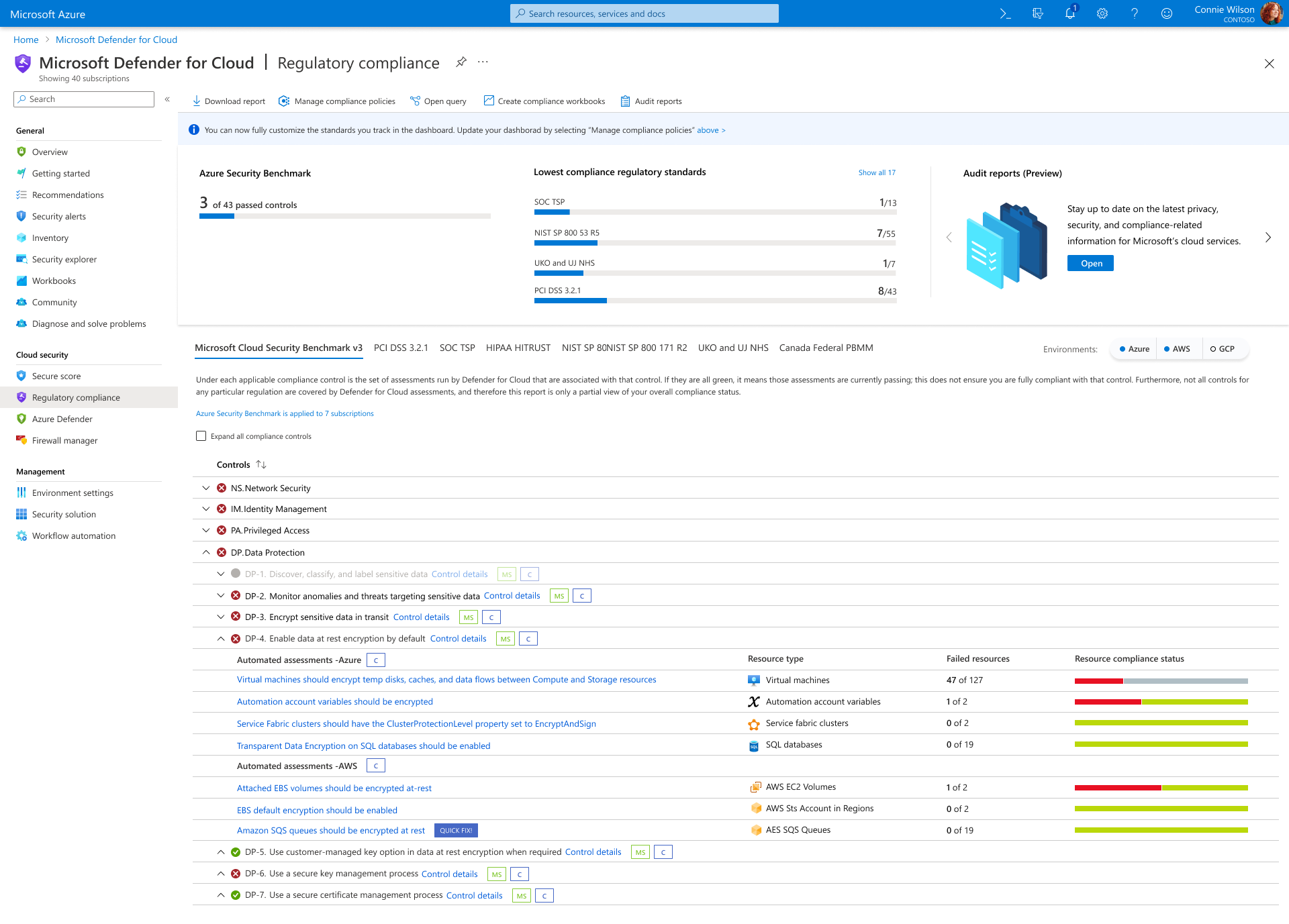 Review the regulatory compliance dashboard in Defender for Cloud Plan Linux guest backup around application consistency
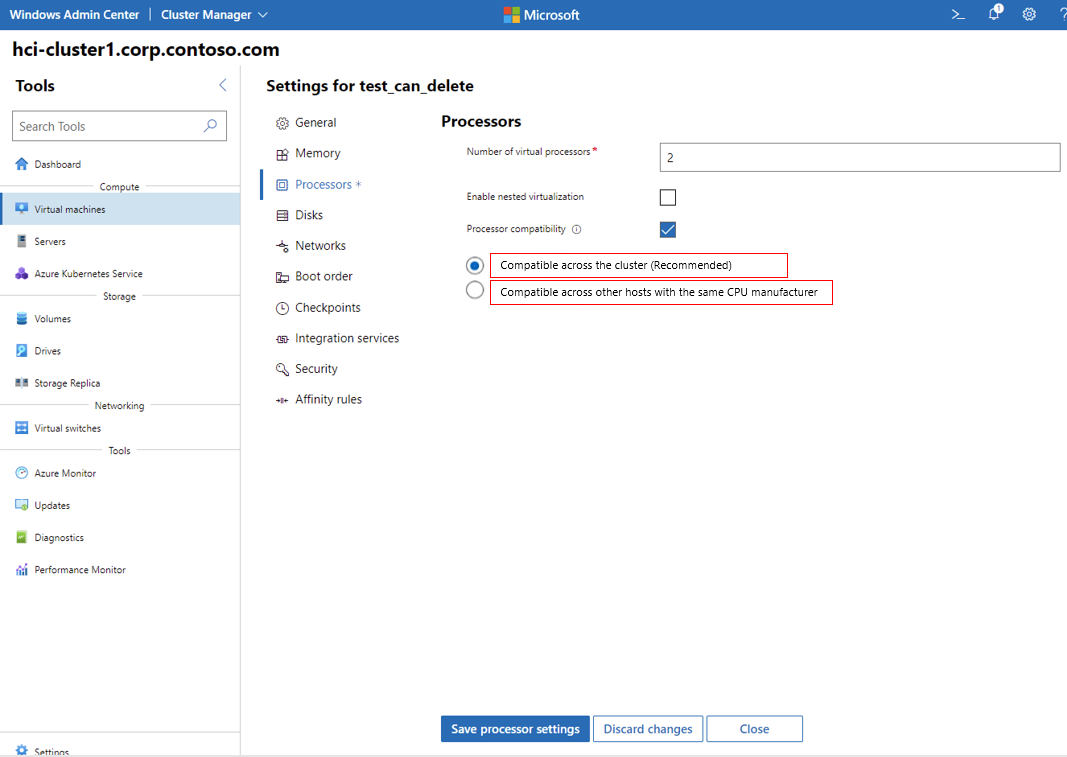 Review CPU compatibility before moving a VM Document a cluster recovery procedure before it is needed Check SMB settings before changing a file-service workload Use ShouldProcess for an infrastructure change function Record a recovery decision before an infrastructure change Measure storage performance without confusing capacity and throughput Plan permissions for an operations automation identity Plan ExpressRoute resilience beyond the primary connection Compare Event Hubs and Service Bus for an ingestion workload Use deployment outputs without exposing secrets
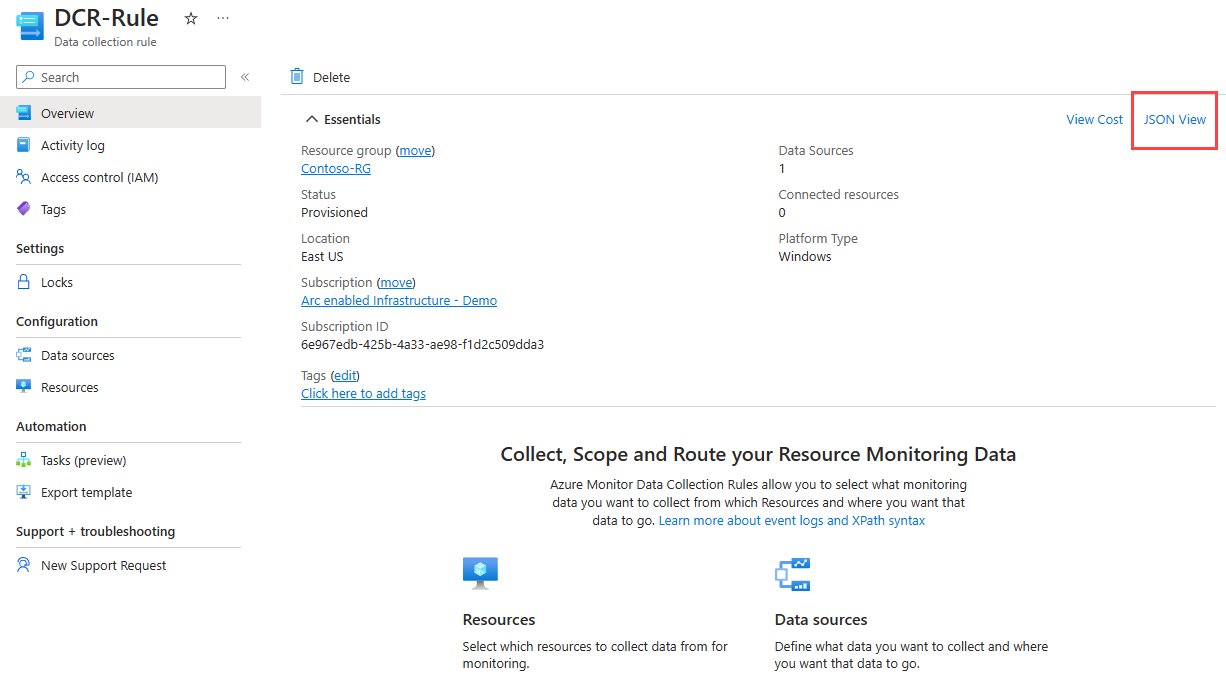 Prepare a hybrid server patching workflow Choose a placement approach for tightly coupled compute jobs Diagnose a VM boot problem using serial console evidence Plan certificate renewal before the production release
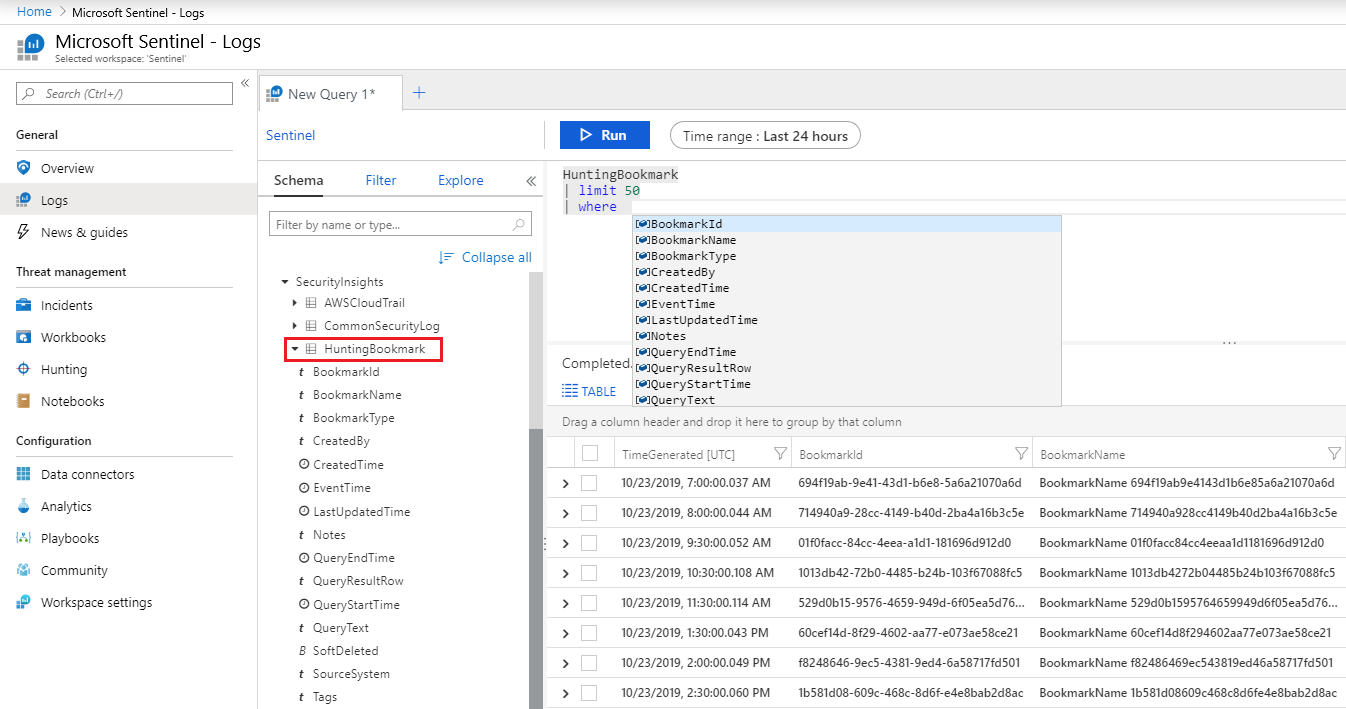 Use Advanced Hunting to test a Defender XDR hypothesis Ask focused questions about an identity-related incident Use Conditional Access authentication strengths carefully Assign owners to cloud security recommendations Investigate slow disk access in a Linux VM
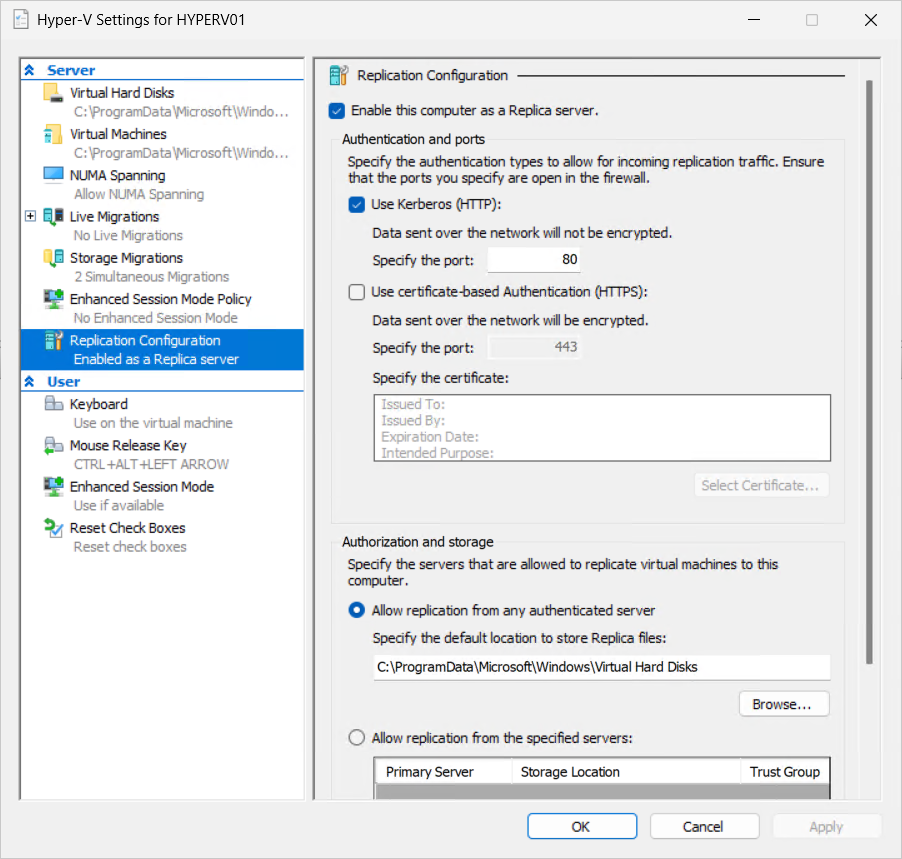 Configure Hyper-V Replica for a defined recovery scenario Choose failover priorities around application dependencies Plan an in-place Windows Server upgrade around dependencies Test a reusable function with Pester Choose a deployment approach that limits the impact of failure Plan an immutable storage policy before retaining regulated data
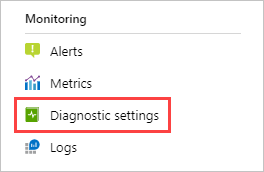 Apply diagnostic settings consistently across Azure resources Configure health probes that reflect application readiness Protect a workflow secret with Key Vault Troubleshoot deployment permissions without assigning Owner Understand the operating model of Azure Local Set a budget boundary around a compute experiment Apply a consistent patching approach to Azure servers Configure a custom domain and HTTPS for a web application Connect Sentinel incidents with Defender XDR context Use Copilot for Security alongside Defender investigations
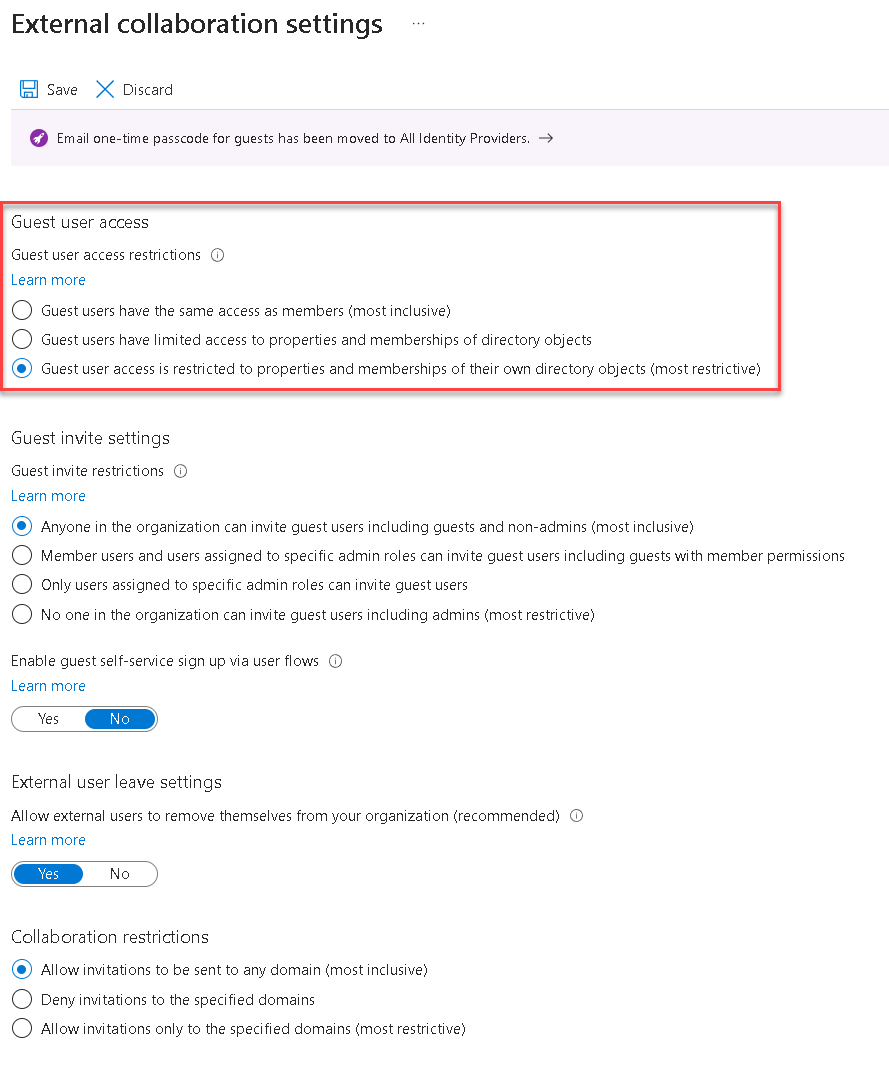 Review guest access before sharing an Azure application Choose between network security groups, Azure Firewall and WAF Check storage and network drivers in a Linux guest Plan host storage for Hyper-V virtual machines Review cluster event logs during a node failure Investigate a time synchronisation problem on Windows Server Decide when parallel execution improves a script Define health checks across application and infrastructure layers Use Azure File Sync with a deliberate endpoint design Use resource health information during an incident Choose Load Balancer or Application Gateway for a workload
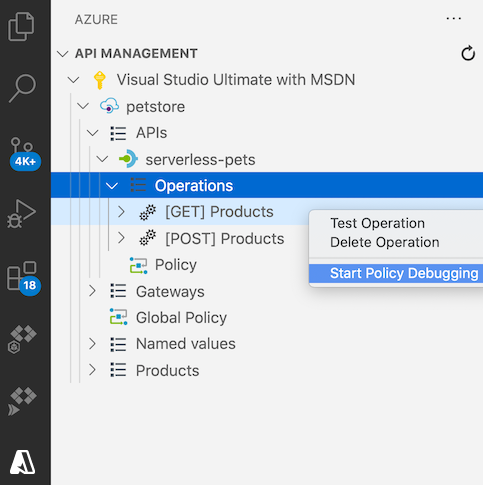 Trace a failed request through an API Management policy Review drift before applying another infrastructure deployment Review agent logs when an Arc extension fails Plan data movement before moving an HPC workload to Azure Choose ephemeral OS disks when the workload permits it Store application settings outside a container image Investigate a rule that creates too many incidents Define useful pilot outcomes without assuming productivity gains Troubleshoot a managed identity that cannot reach a resource Configure malware scanning for an Azure Storage account Choose a supported Linux distribution for Hyper-V Investigate a checkpoint chain before deleting files Plan storage availability across cluster nodes Use group policy to configure a small server estate Check native command exit codes in an automation script Review resilience trade-offs in a cost-constrained workload Check DNS when a private file share is unreachable Review log ingestion cost alongside retention requirements Investigate asymmetric routing through an Azure firewall Separate API authentication from subscription keys Import an existing Azure resource into a Terraform workflow Connect a Linux server to Azure Arc
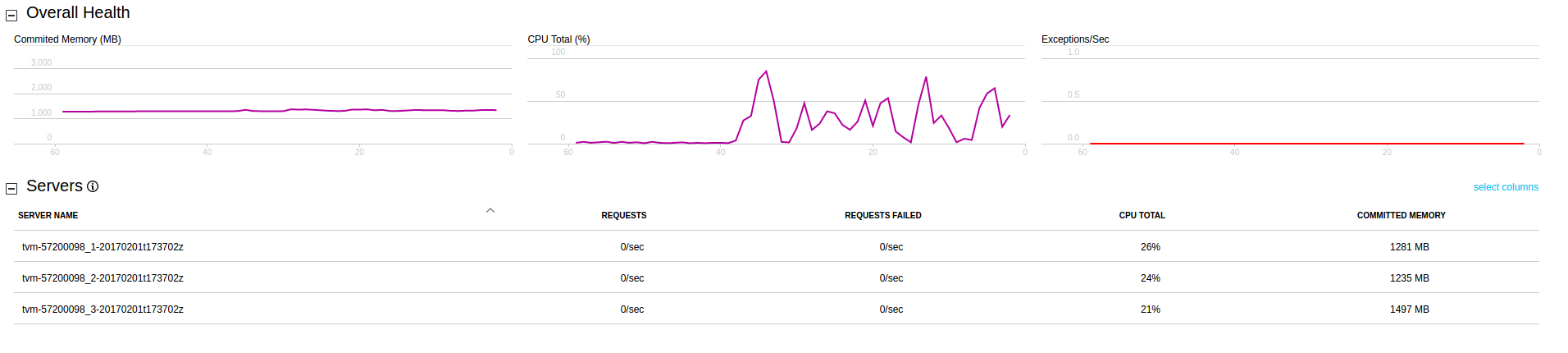 Separate storage bottlenecks from compute bottlenecks Configure VM backup and test the recovery path Compare App Service and Container Apps for a small service
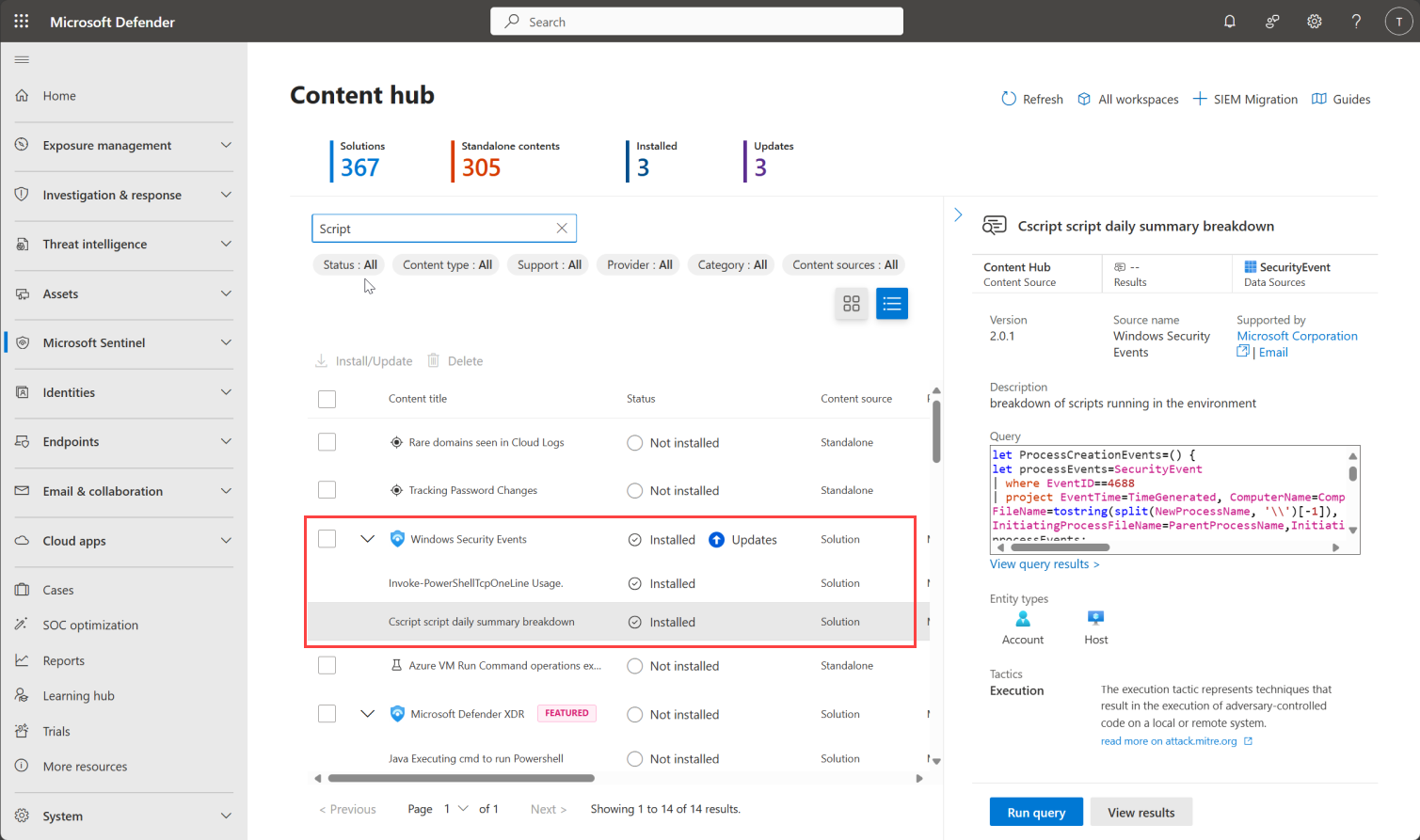 Use Content Hub templates with a production review Investigate an answer that lacks the expected security context
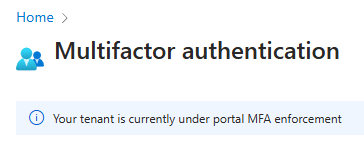 Require stronger authentication for privileged operations Plan Arc-enabled Windows Server 2025 Hotpatch with its baseline reboots
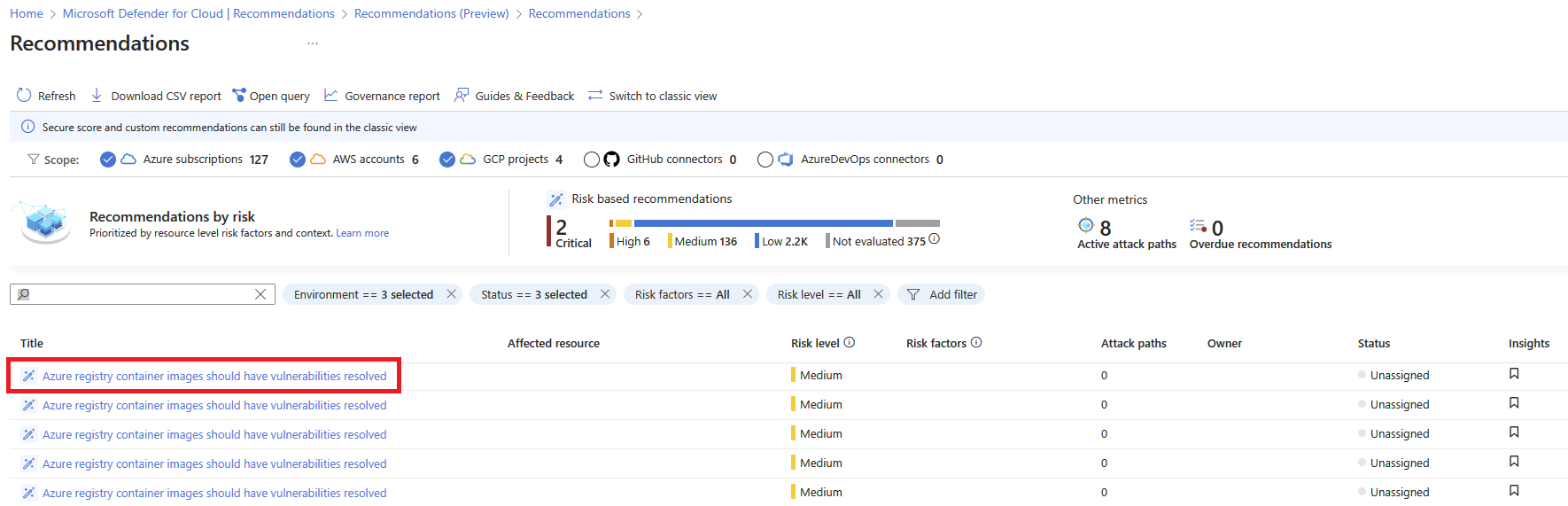 Investigate agentless vulnerability findings before remediation Use SSH for routine Linux guest administration Export and import a Hyper-V virtual machine Investigate a cluster validation report before dismissing warnings Review event logs around a Windows infrastructure change Read and validate JSON configuration in PowerShell Investigate a failover that leaves an application unavailable Compare Azure Files and Blob Storage for an application Investigate an alert that repeatedly closes and reopens Build a route table for a controlled outbound path
 Put an API behind Azure API Management Add validation before deploying a Bicep change Plan rollback before a server migration Record GPU driver and library versions in a workload image Investigate a VM that cannot complete provisioning Investigate a function timeout without changing every setting Decide which response steps belong in a playbook Review the plugins available to a Copilot for Security session Decide where Azure RBAC assignments should live
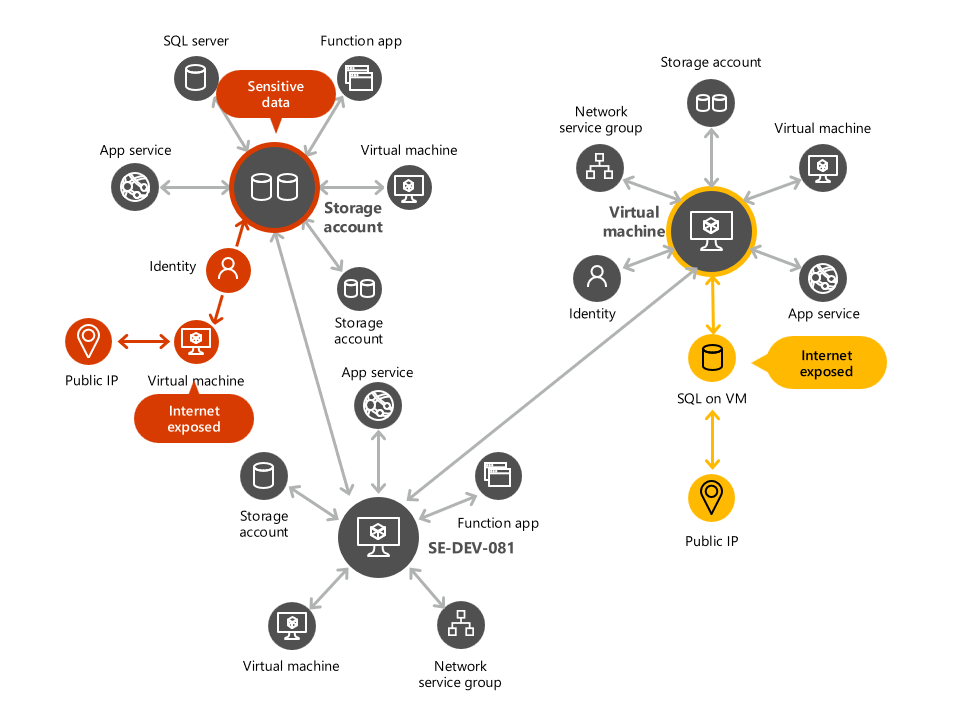 Use attack paths to prioritise exposed Azure resources Investigate a Linux guest that enters an emergency shell Use production checkpoints with a clear recovery purpose Test a planned failover and record the application result Apply a baseline Windows Firewall configuration Use remoting to inspect several Windows servers Build a recovery runbook with an explicit validation step Plan a private endpoint for a Storage account
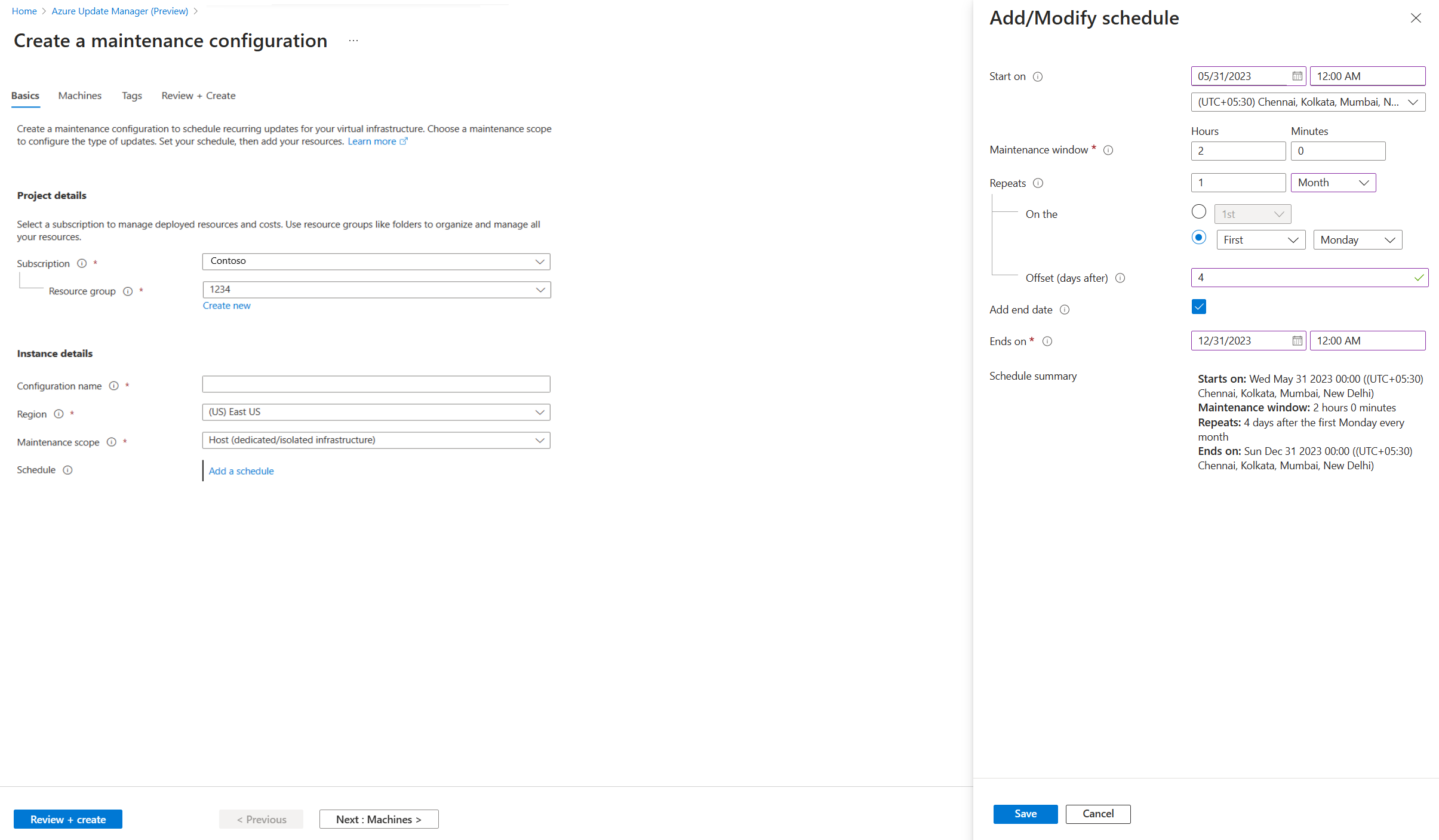 Schedule server updates with Azure Update Manager Choose a VPN gateway around connectivity requirements
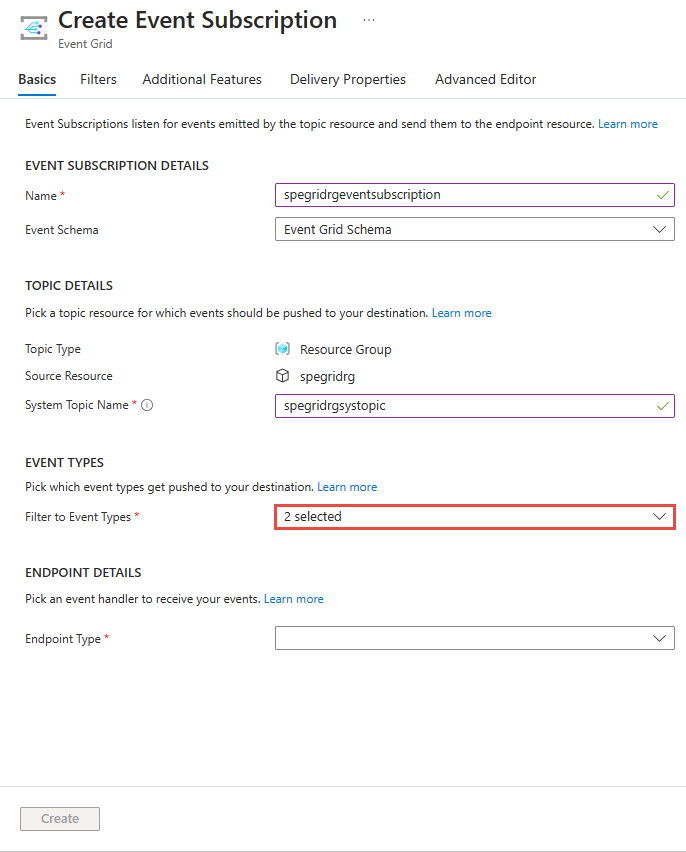 Filter an Event Grid subscription around a consumer need Choose where reusable infrastructure modules should live Apply Azure Policy to Arc-enabled servers Compare scale-up and scale-out for a compute workload Review repository protection as GitHub security product choices change
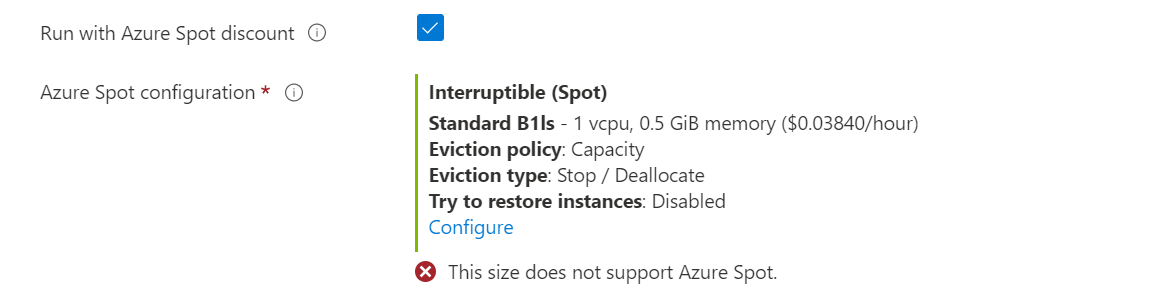 Understand the trade-offs of Azure Spot Virtual Machines Deploy an Azure Functions application with clear configuration boundaries
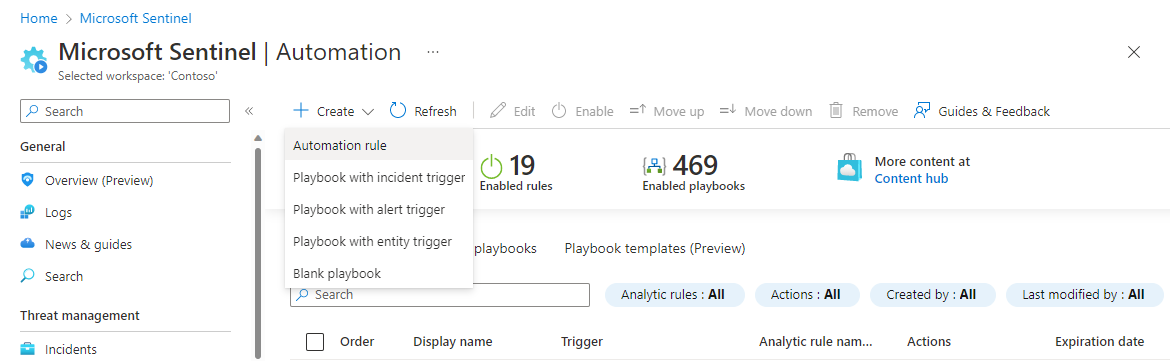 Build an automation rule with a clear owner Understand the boundary between a generated answer and evidence
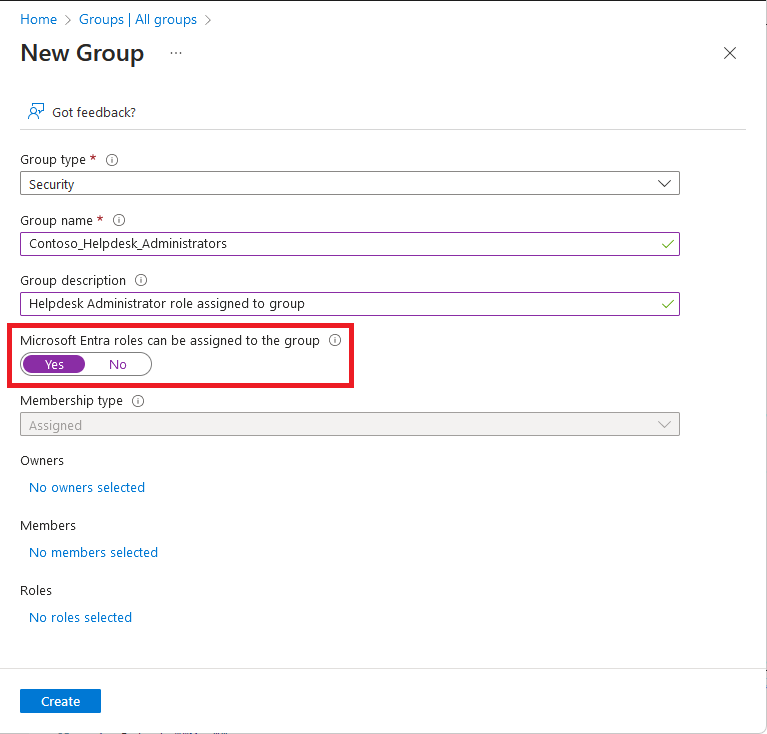 Run an access review for privileged group membership
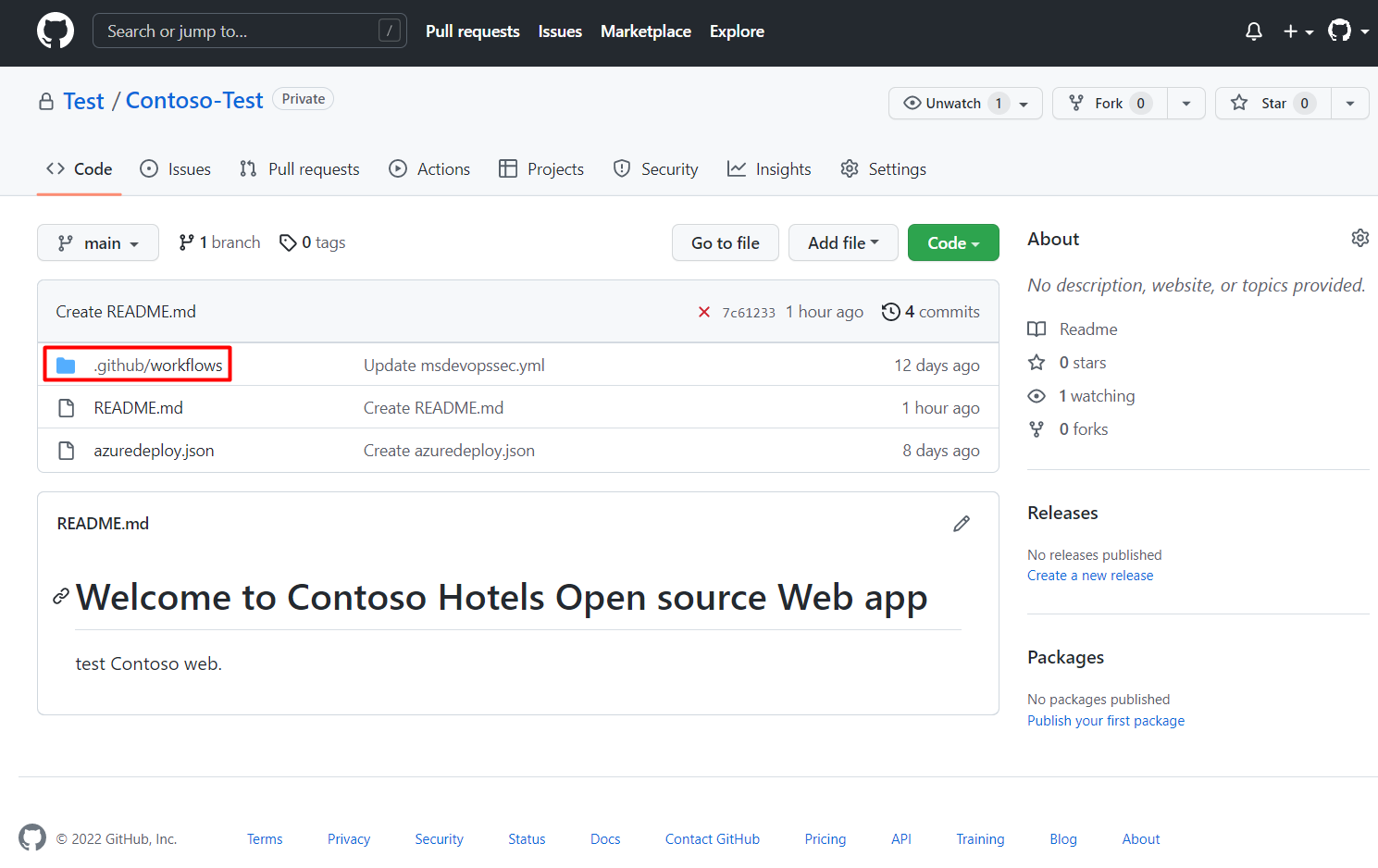 Review infrastructure security findings during a pull request Expand a Linux guest disk and verify the file system Choose VHDX settings around capacity and performance needs Understand Cluster Shared Volumes in a Hyper-V design GitHub Code Security and Secret Protection: plan for the new product choices Check DNS configuration before investigating a domain problem Choose a safe approach to PowerShell credential handling Plan an outage test that produces useful evidence Mount an Azure file share from a Windows server
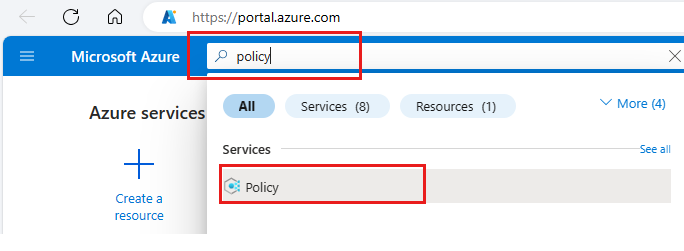 Use Azure Policy to report on missing configuration Check connectivity with Azure Network Watcher Design retry behaviour without creating duplicate work PowerShell 7.5 is available: review compatibility before upgrading automation Deploy infrastructure through a federated pipeline identity Choose what to manage through Azure Arc Investigate an HPC job waiting for compute capacity
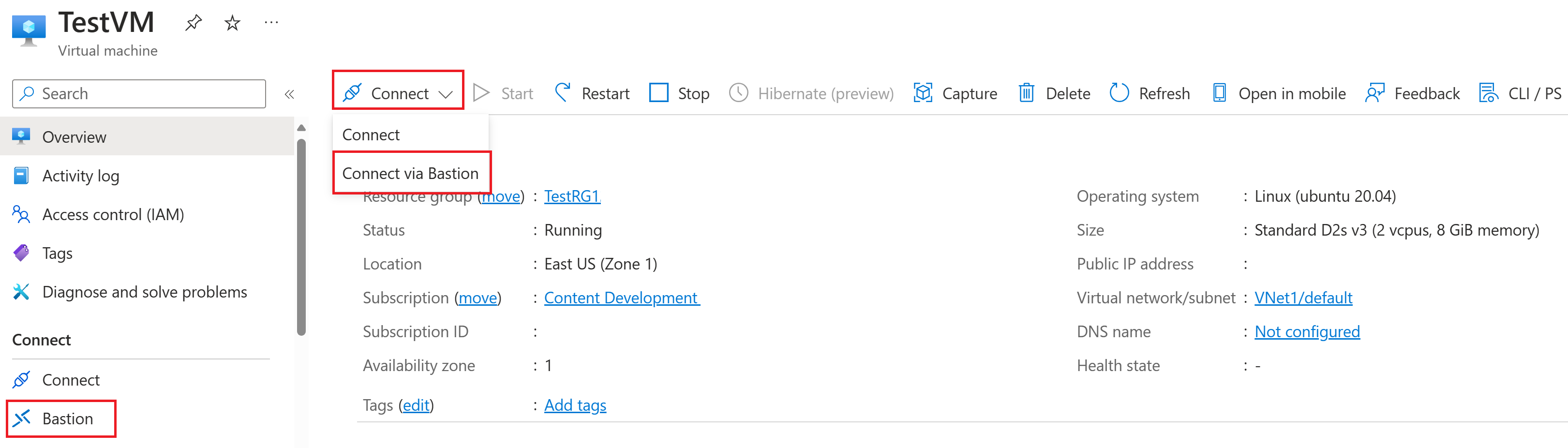 Use Azure Bastion to administer a private VM
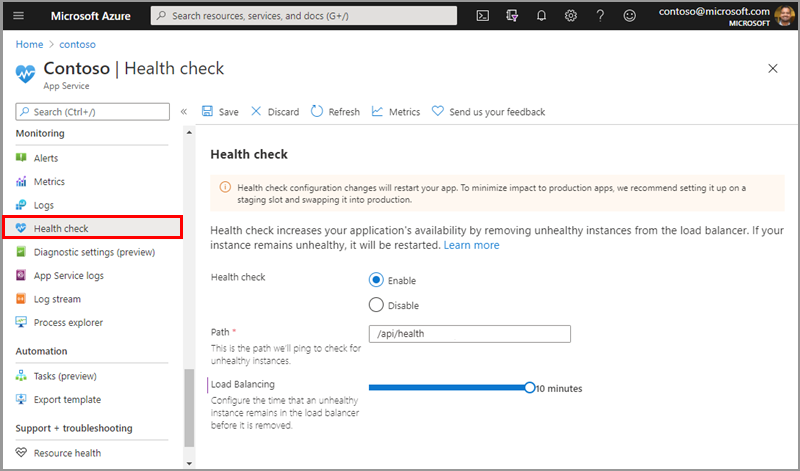 Add a health check before enabling application scale-out Use a watchlist to enrich a detection query Use promptbooks for repeatable security investigations Separate Azure control-plane roles from data-plane permissions Roll out GitHub push protection without disrupting developers Plan memory allocation for Linux on Hyper-V Investigate a VM that cannot boot from installation media Use Cluster-Aware Updating with a tested maintenance process Choose an Active Directory site and subnet design Add structured logging to an infrastructure script Document an application dependency map for a recovery exercise
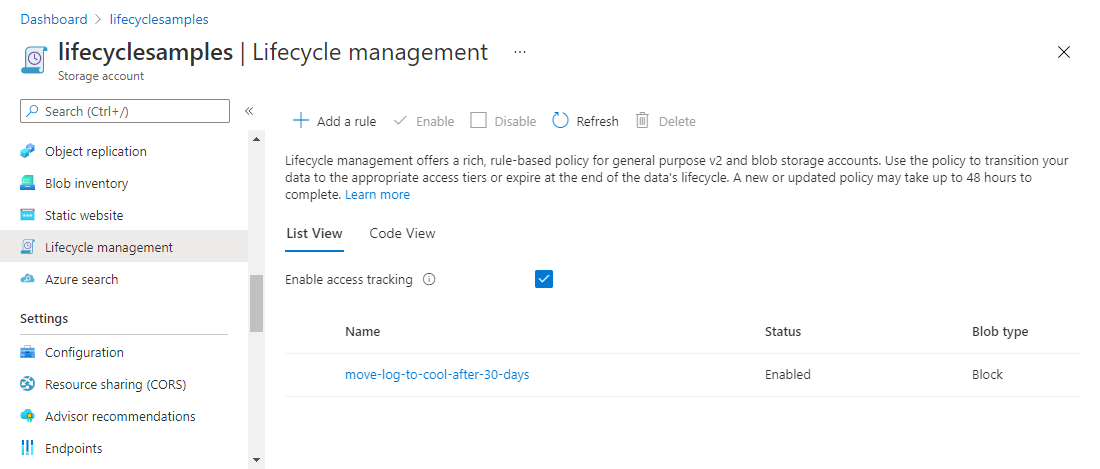 Choose a lifecycle policy around data access patterns Choose alert thresholds around an actionable response Plan private DNS zones before adding private endpoints Use message sessions when processing order matters Investigate a deployment that failed after creating some resources Investigate an Arc-enabled server that appears disconnected Configure an Azure Batch pool for a repeatable compute job Configure a scale set health probe before autoscaling Understand deployment slots before an App Service swap
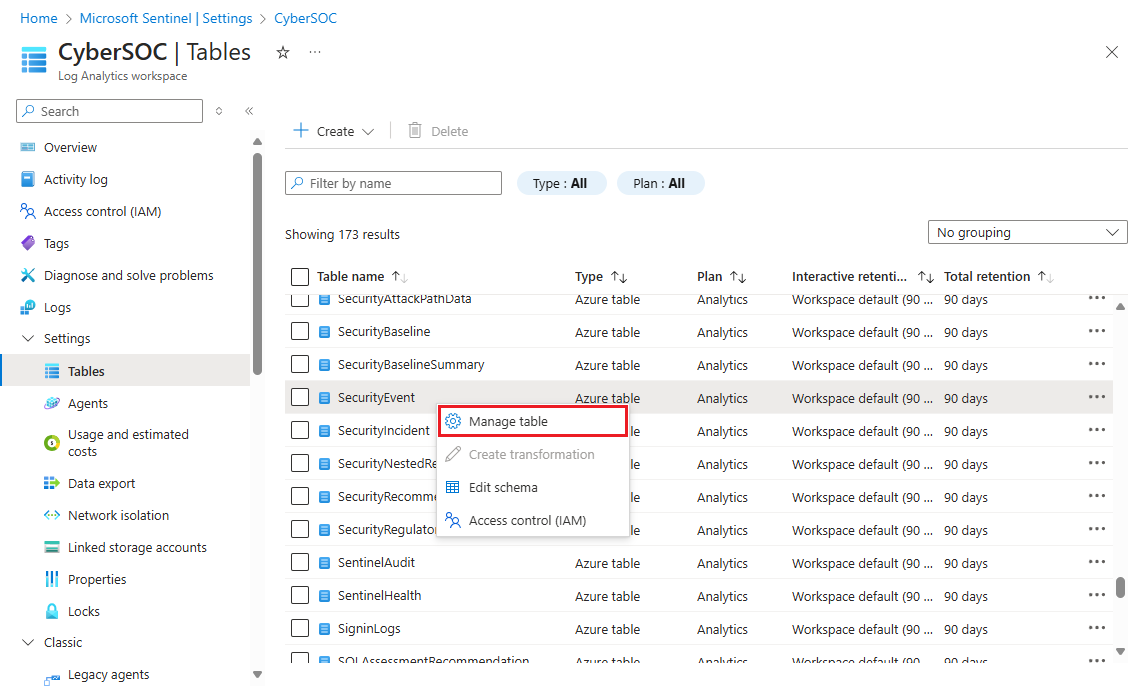 Choose retention settings around investigation needs Build a prompt that produces a useful incident summary
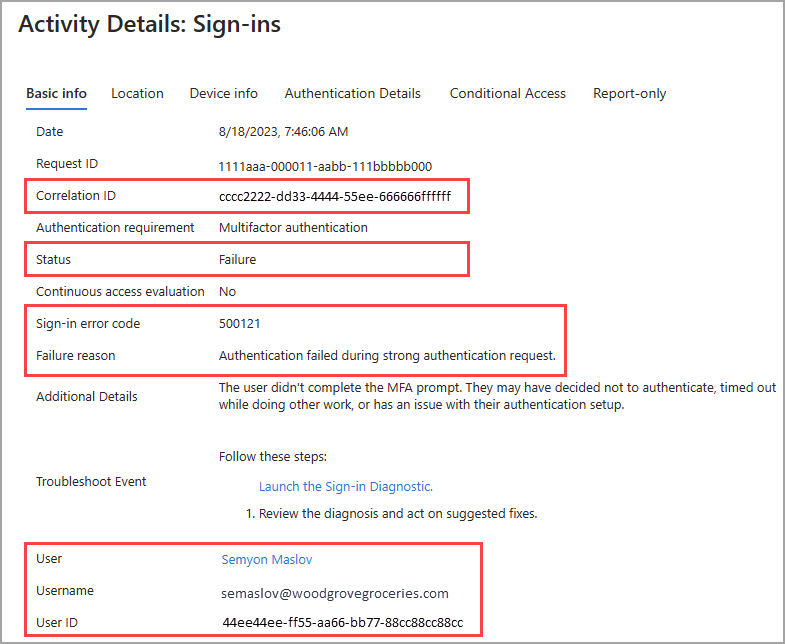 Investigate a failed sign-in using Entra logs Enable GitHub secret scanning and assign alert ownership Check time synchronisation in a Linux VM Azure Local: understand the operating model announced at Ignite Configure a virtual network adapter and VLAN Investigate a cluster resource that keeps moving between nodes Investigate a Windows service that fails after a restart Investigate a module that loads in one shell but not another
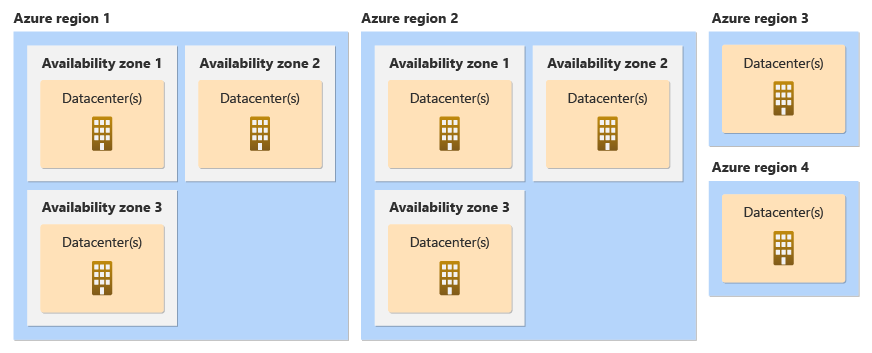 Choose availability zones without assuming application resilience Windows Server 2025 is available: what belongs in the evaluation plan
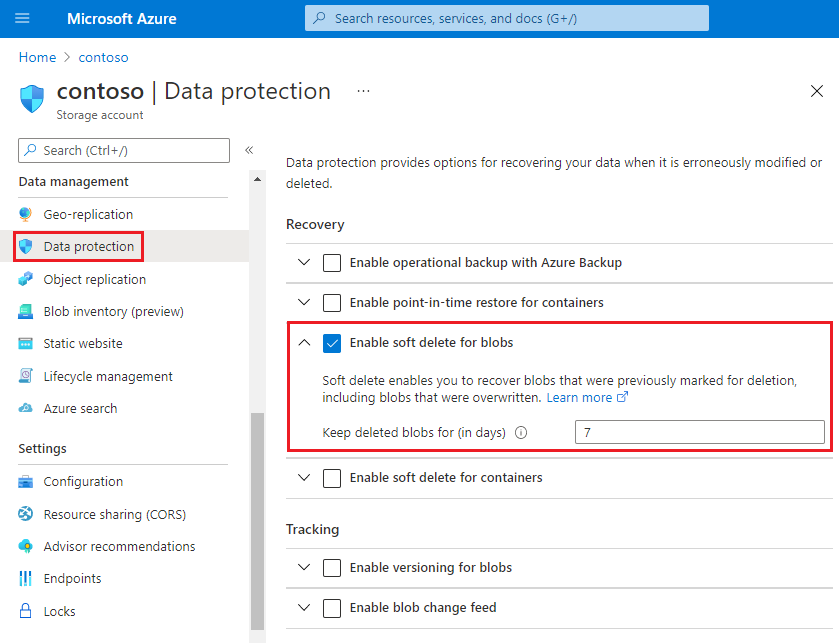 Configure blob soft delete and versioning Build an Azure workbook around an operational question
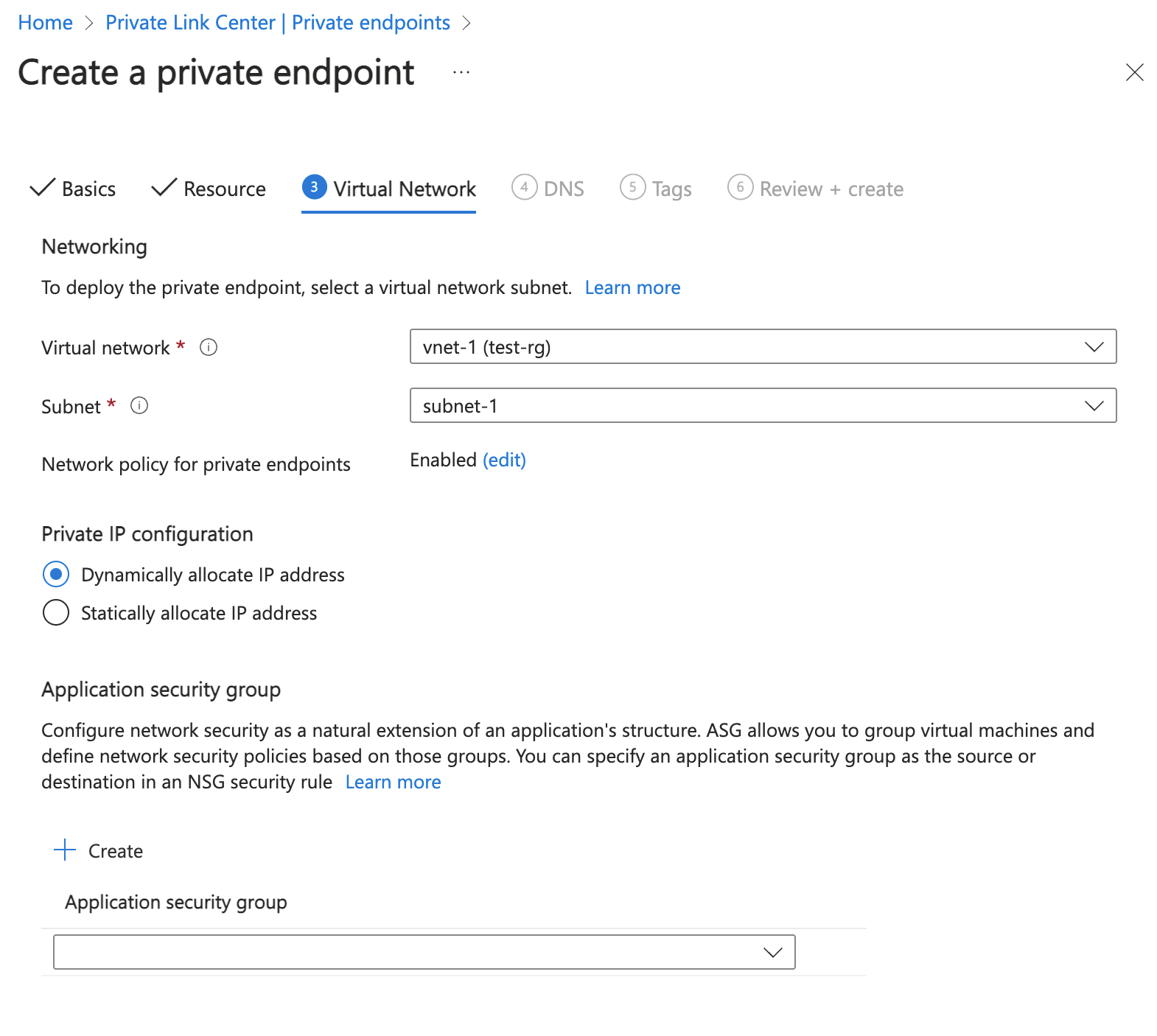 Create a private endpoint and verify name resolution Investigate messages in a Service Bus dead-letter queue
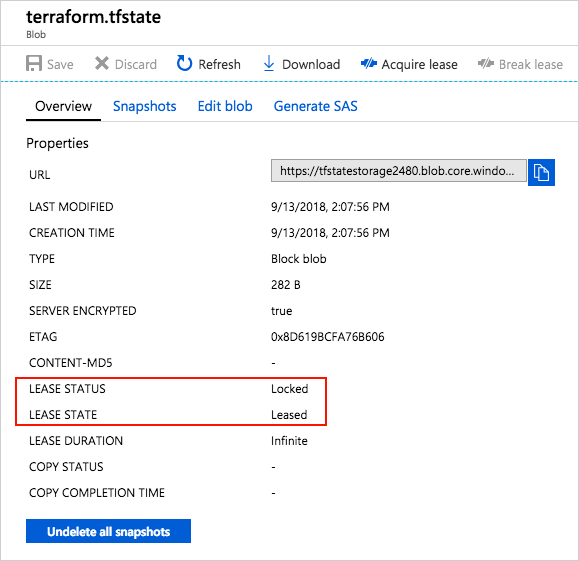 Use a remote backend for Terraform state in Azure Azure Cobalt 100 VMs: check Arm compatibility before moving a workload Test a migration before scheduling the production cutover Plan shared storage access for an Azure HPC cluster Decide when a virtual machine scale set is appropriate Give an App Service application private access to a database
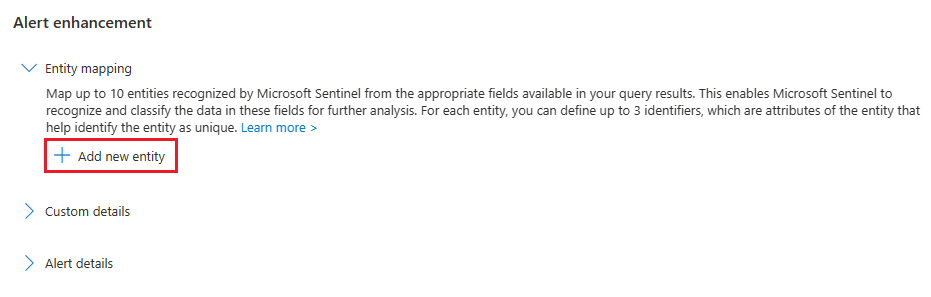 Map entities so incidents contain useful context Plan Security Compute Unit usage for a small pilot Connect GitHub Actions to Azure using OpenID Connect Connect GitHub repositories to Defender for Cloud Investigate a Linux guest with a missing network adapter Choose fixed or dynamic memory for a VM Configure and verify a cluster witness Configure a file share with clear Windows permissions Export an Azure inventory without losing object structure Review a workload against the Well-Architected reliability pillar Investigate a storage request that returns an authorisation error Investigate a server that stopped sending logs Diagnose a route that sends traffic to the wrong next hop Send and receive an initial Service Bus message Choose a state boundary for Azure Terraform deployments Use dependency information to plan migration waves Understand where an RDMA network helps an MPI workload Prepare Azure administrators for mandatory multifactor authentication Check Azure quota before a compute deployment fails Troubleshoot an application that fails to start in App Service Troubleshoot a Sentinel connector that stopped sending data Set up an initial Copilot for Security investigation session Replace a service principal secret with workload identity federation Trace a blocked outbound connection in Azure Firewall logs Configure networking inside an Ubuntu Hyper-V guest Build a repeatable virtual machine with PowerShell Plan cluster networks around storage and client traffic
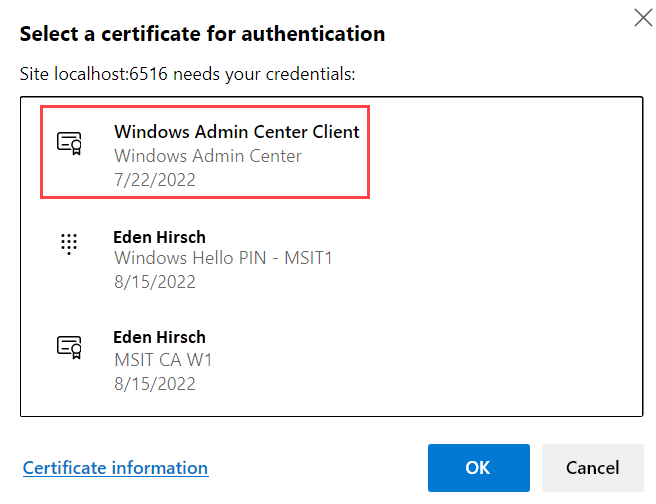 Use Windows Admin Center for a defined administration task Handle script failures using try, catch and ErrorAction
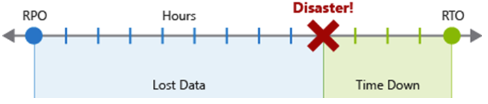 Set RPO and RTO before selecting a recovery design Create a narrowly scoped shared access signature
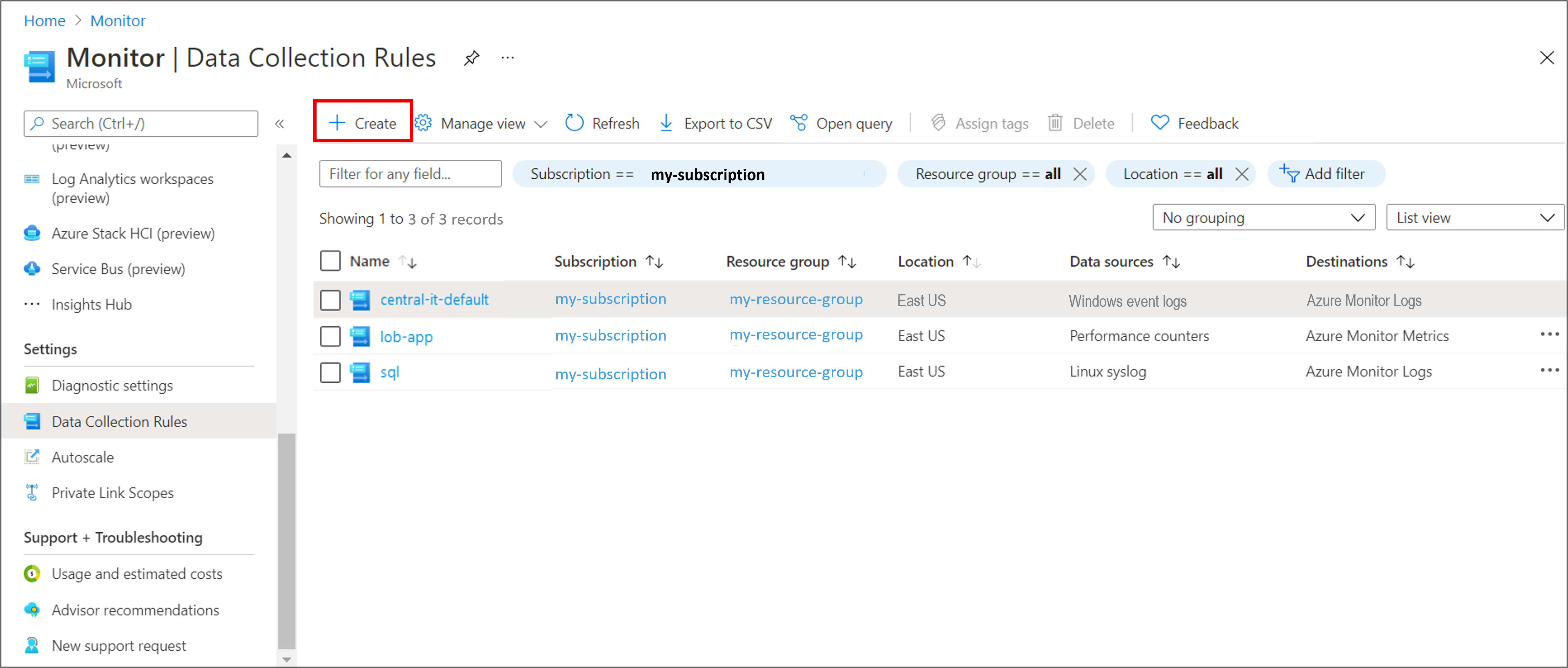 Use data collection rules to control server telemetry Use network security groups with clear traffic ownership Choose a Service Bus queue or topic for an integration Keep environment configuration separate from deployment logic Assess a server estate with Azure Migrate Prepare a repeatable HPC compute image
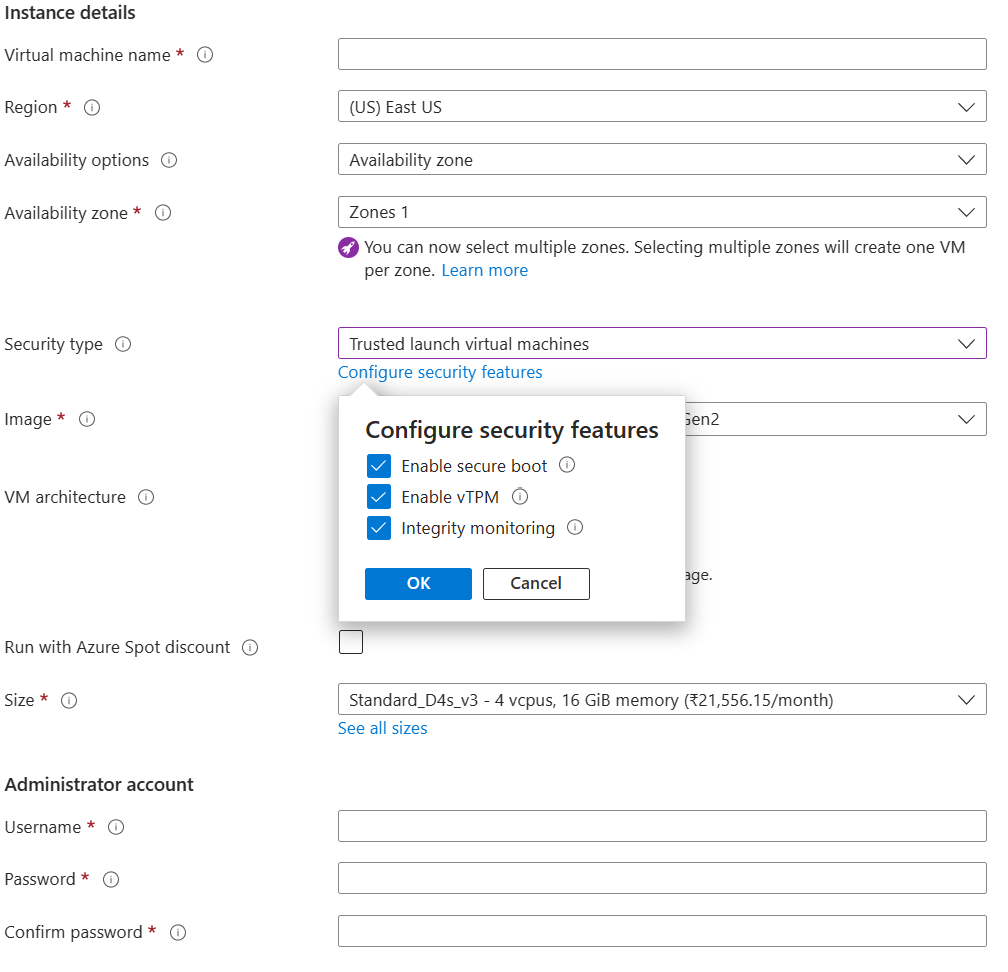 Use Trusted Launch when creating a supported virtual machine Configure Application Insights for an application deployment
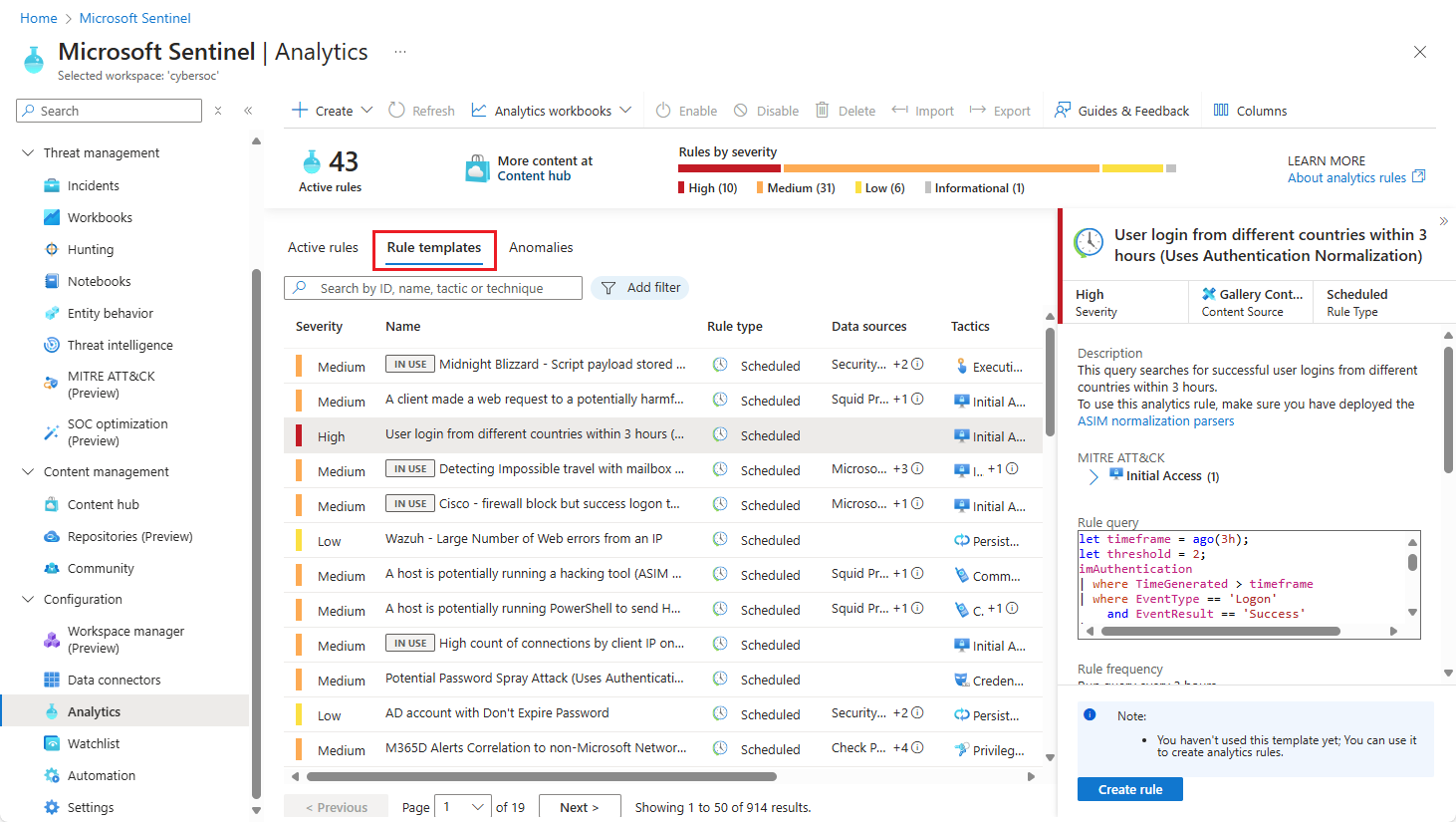 Turn a detection requirement into an analytics rule Prepare permissions before onboarding Copilot for Security
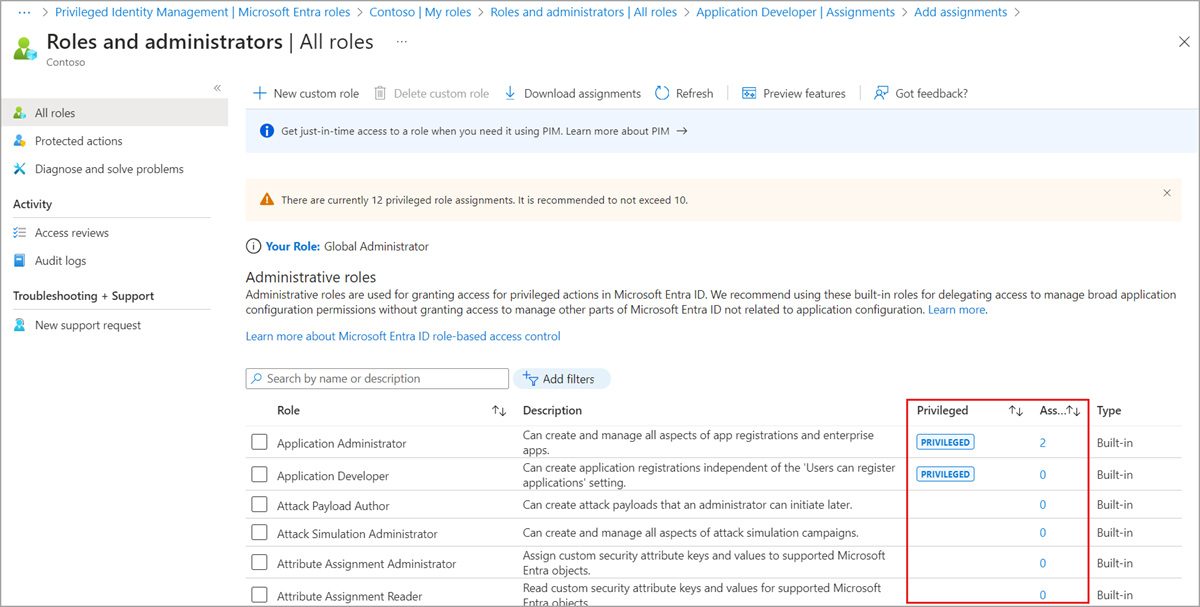 Use Privileged Identity Management for Azure administration Keep Azure Firewall rules consistent with Firewall Policy Understand Linux integration services on Hyper-V Create and verify a Hyper-V virtual switch Create a small failover cluster with a clear network design Plan a Windows Server patching and rollback window Choose objects rather than formatted text for script output
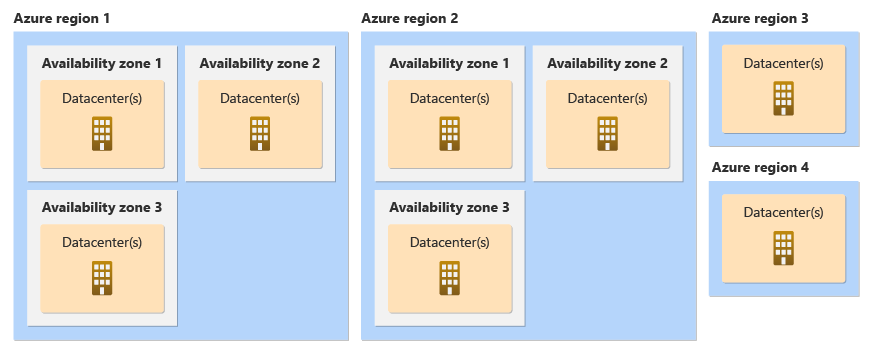 Map an Azure workload across its failure domains Use Microsoft Entra permissions to access blob data Choose a Log Analytics workspace boundary Create virtual network peering and verify the routing path
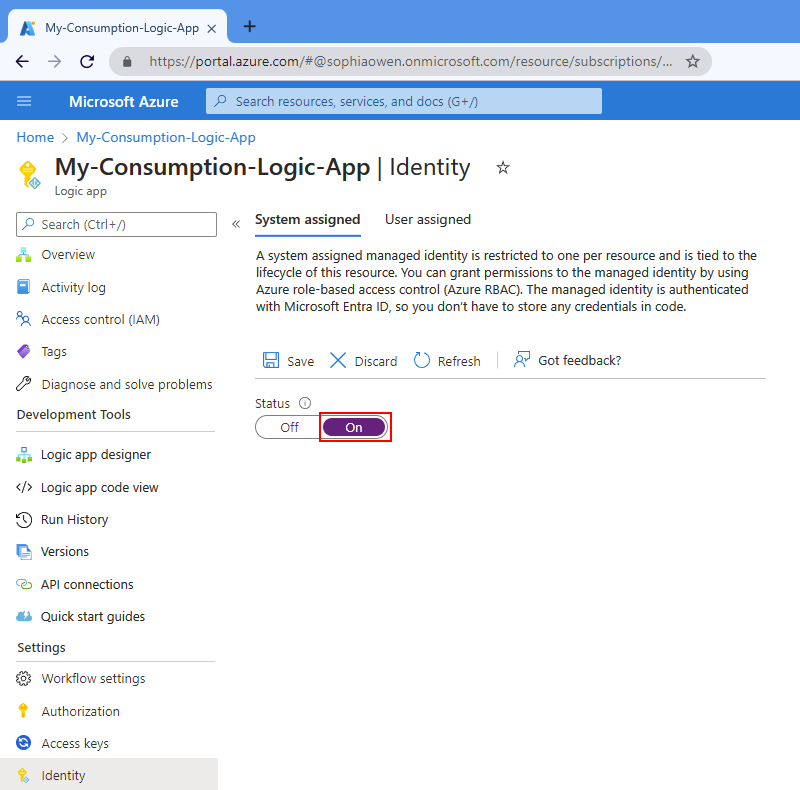 Use managed identity for a supported workflow connection Use what-if to review an Azure deployment
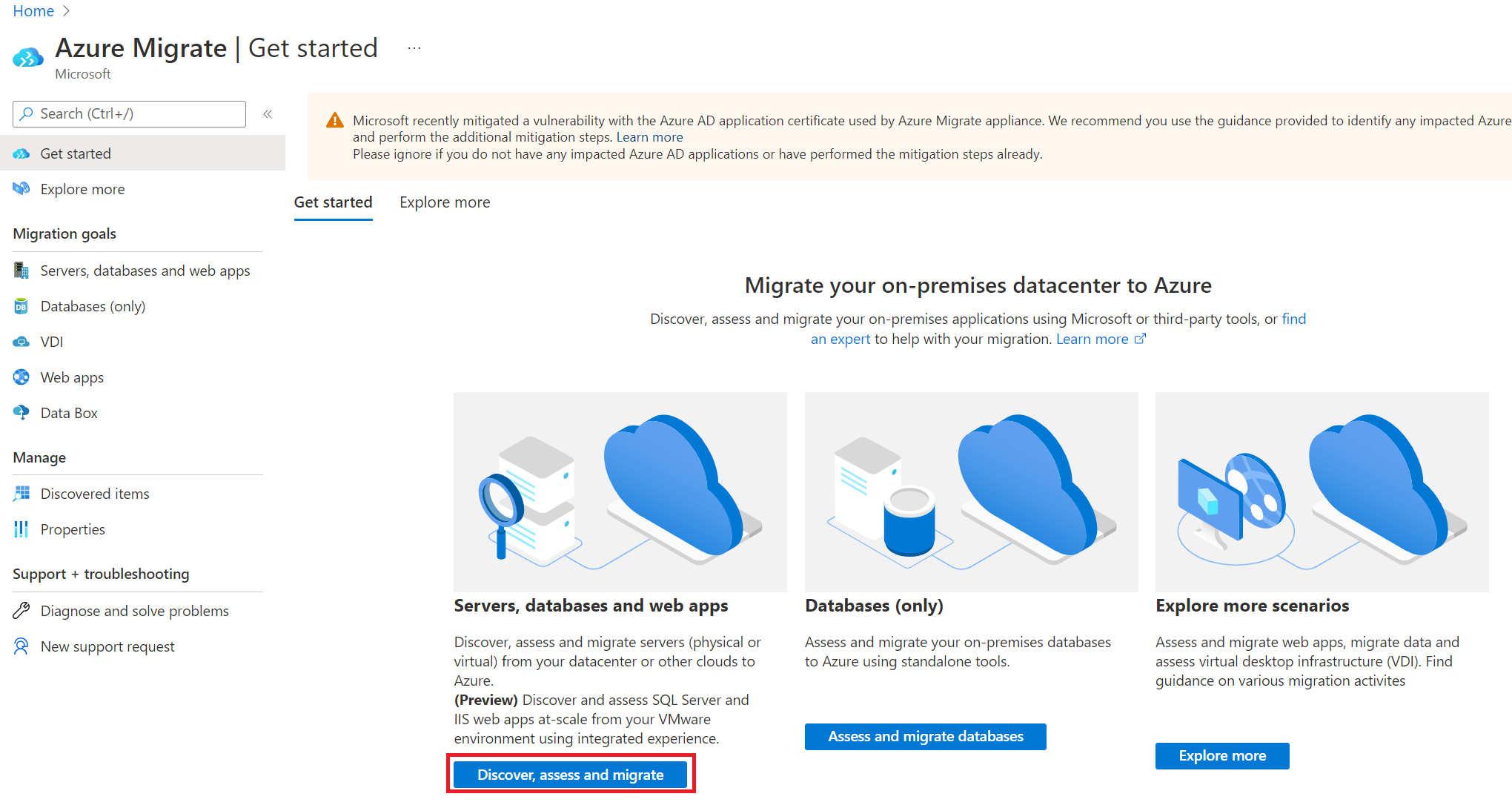 Build a migration inventory before selecting a migration method
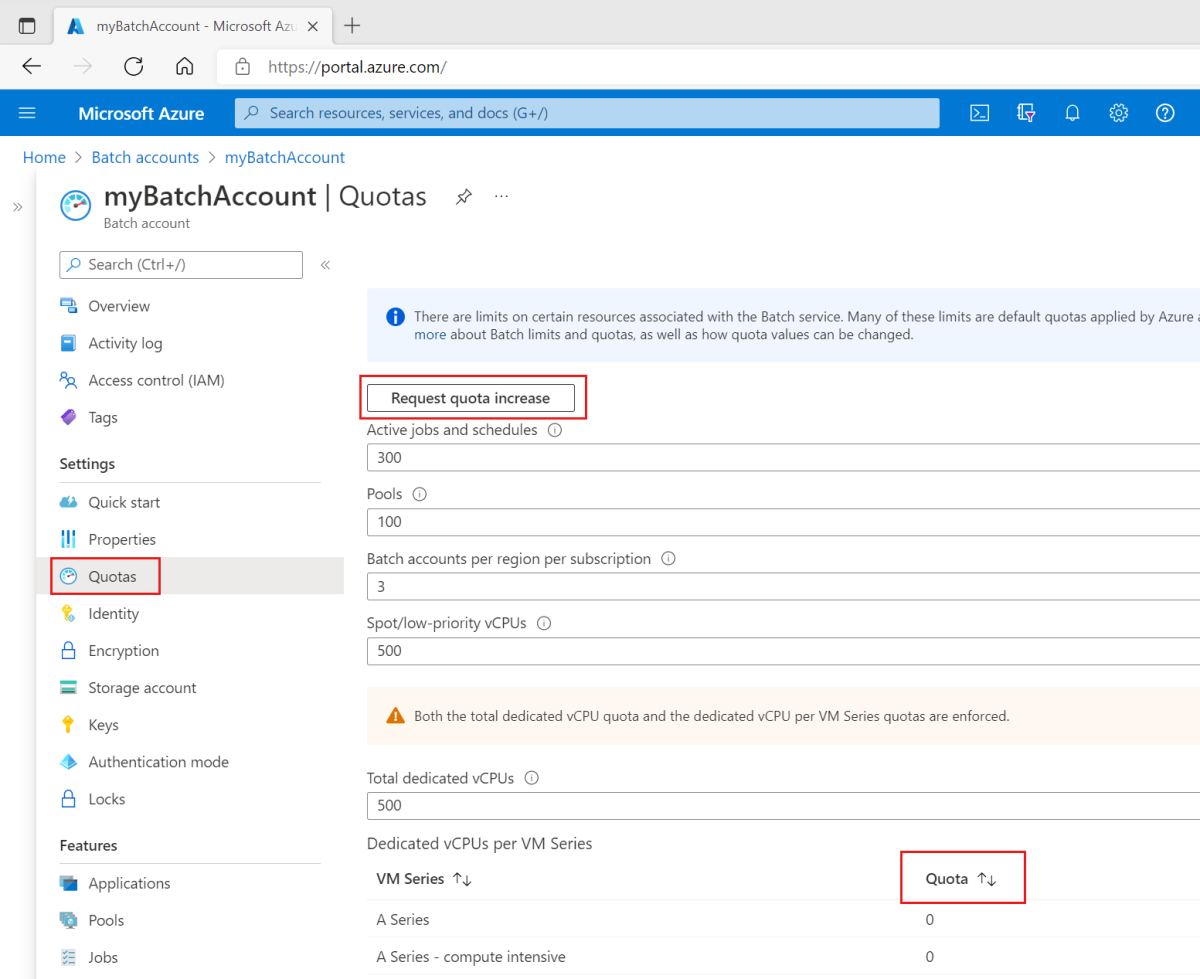 Check regional quota before planning a GPU deployment Build an Azure Compute Gallery image workflow Use managed identity to read an application secret from Key Vault Create a useful KQL query for an initial investigation What Copilot for Security can help a security team investigate Choose system-assigned or user-assigned managed identities Compare Defender plan coverage across subscriptions Configure Secure Boot for a supported Linux guest Choose generation 1 or generation 2 for a Hyper-V VM Validate Windows Server nodes before creating a cluster Configure a Windows Server 2022 host using PowerShell Copilot for Security is available: plan a controlled first investigation Write a reusable function with clear parameters
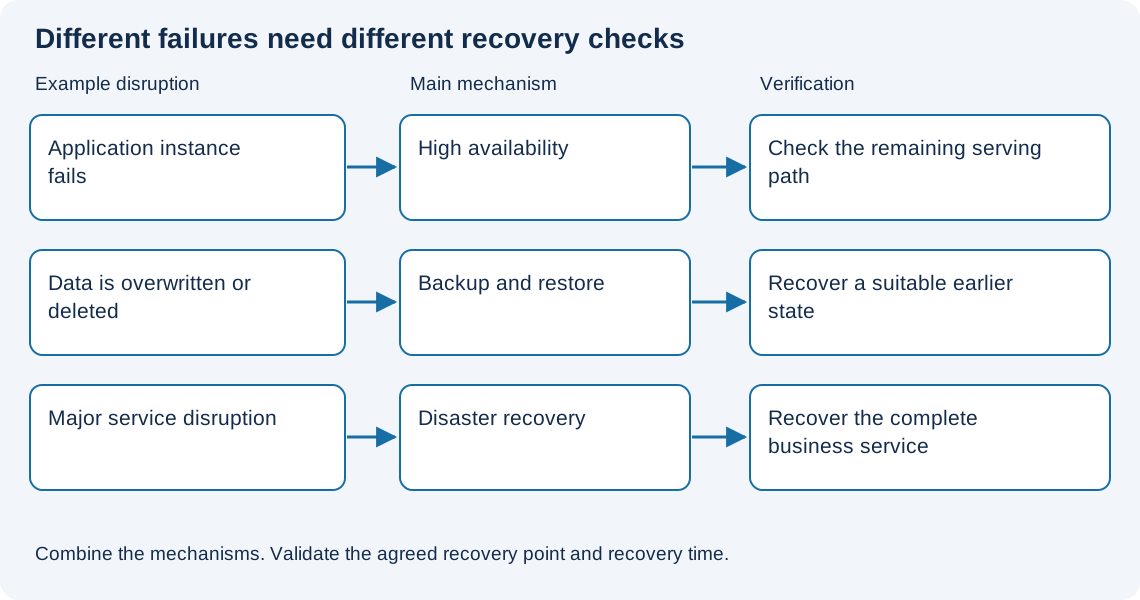 Separate backup, high availability and disaster recovery
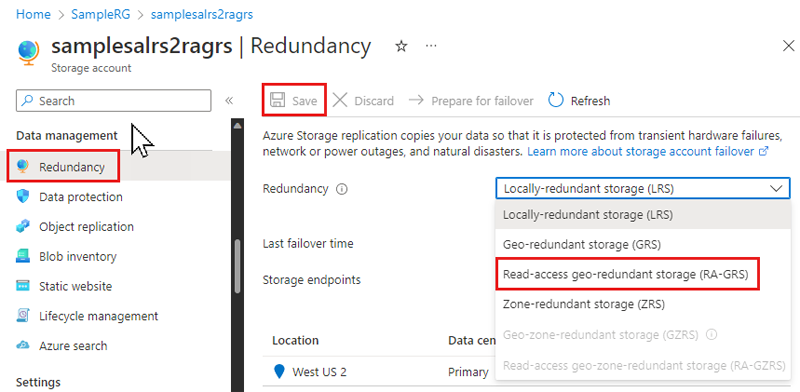 Choose storage redundancy around recovery requirements
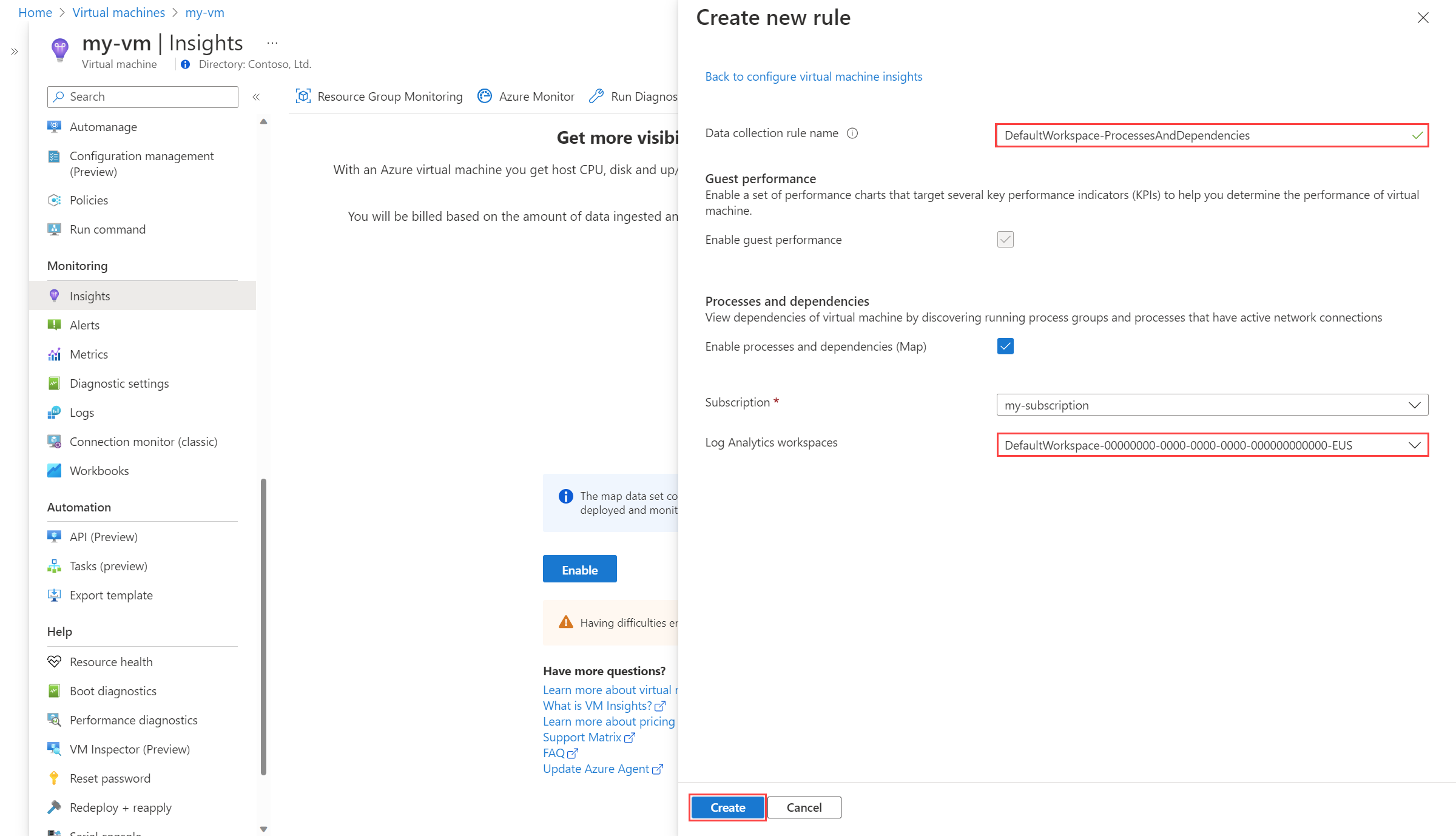 Configure VM insights for a group of Azure servers
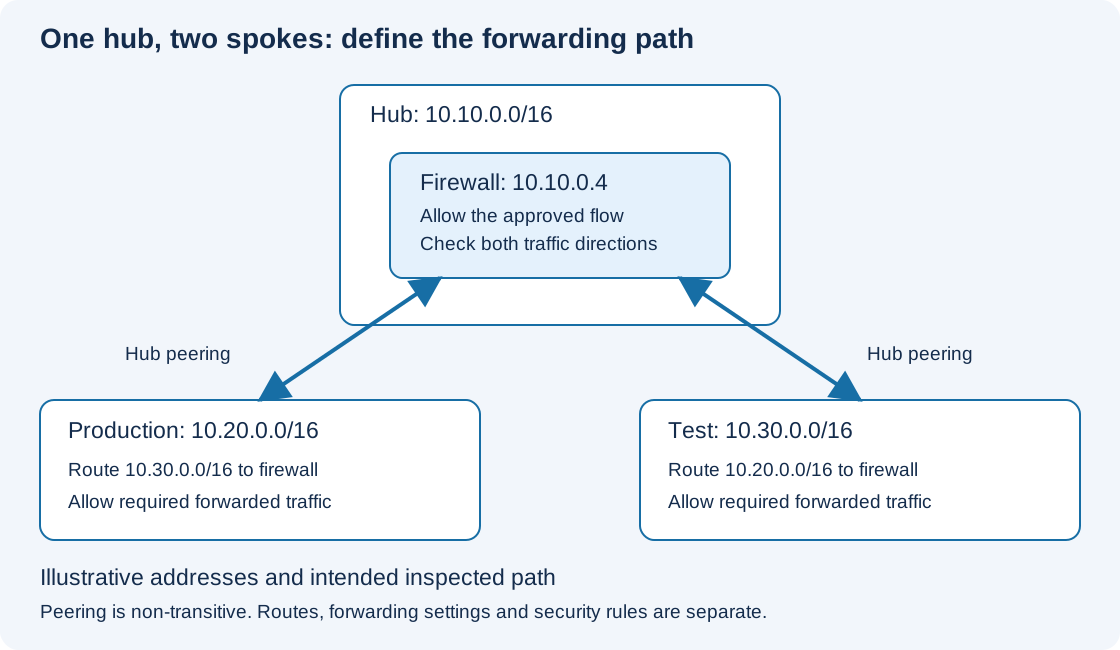 Choose a hub-and-spoke topology for a small Azure estate
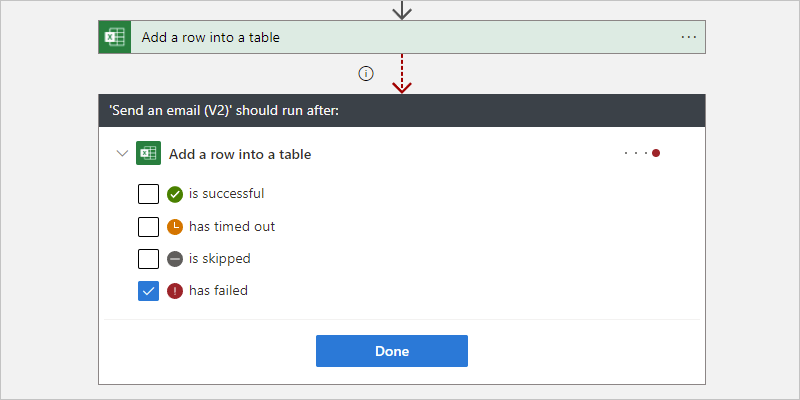 Create a Logic Apps workflow with a clear failure path Copilot for Security is coming in April: prepare the pilot first Decide which settings belong in Bicep parameters Check outbound network requirements for Azure Arc agents Choose CPU or GPU infrastructure for an AI workload Choose a VM size using workload requirements
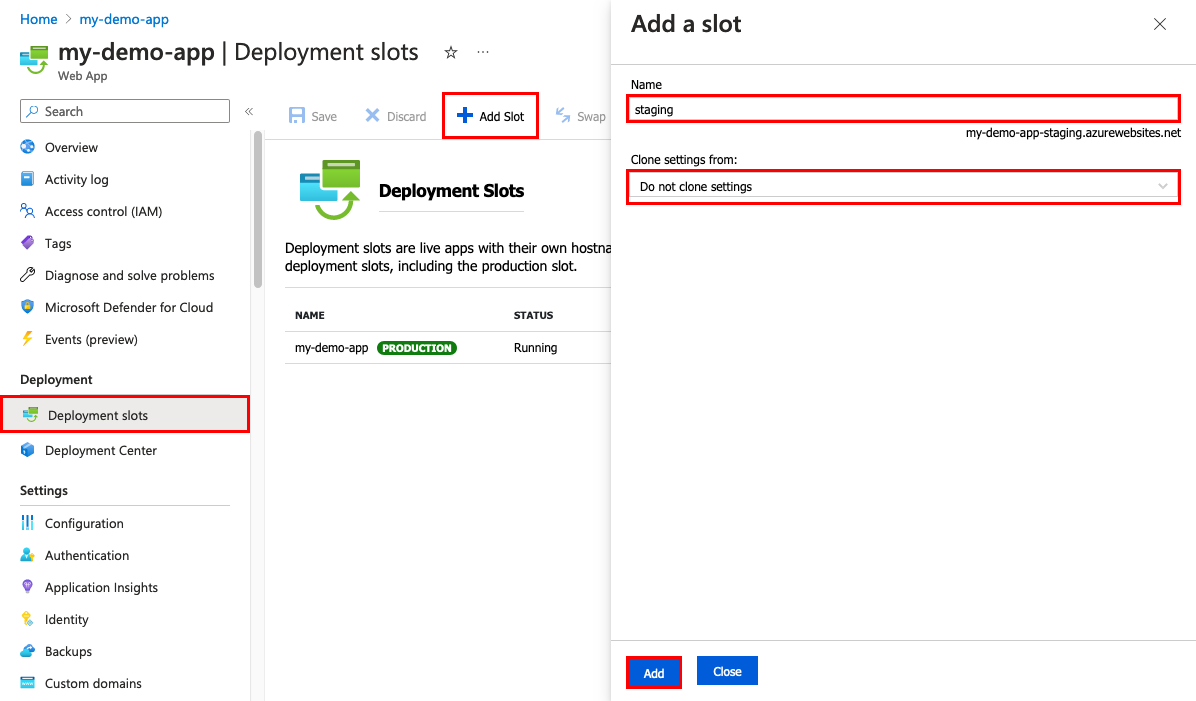 Deploy an App Service application with a staging slot Connect Windows security events using Azure Monitor Agent
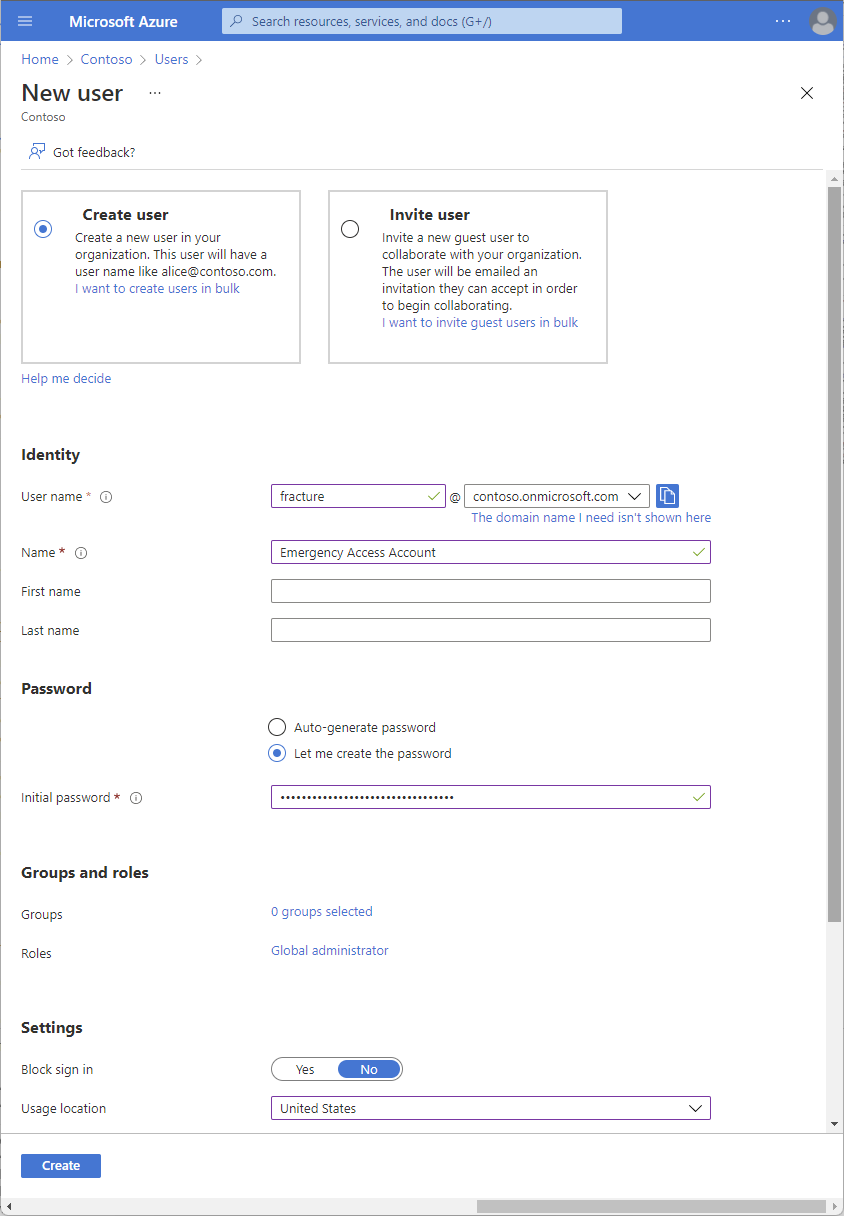 Create and test emergency access accounts in Microsoft Entra ID
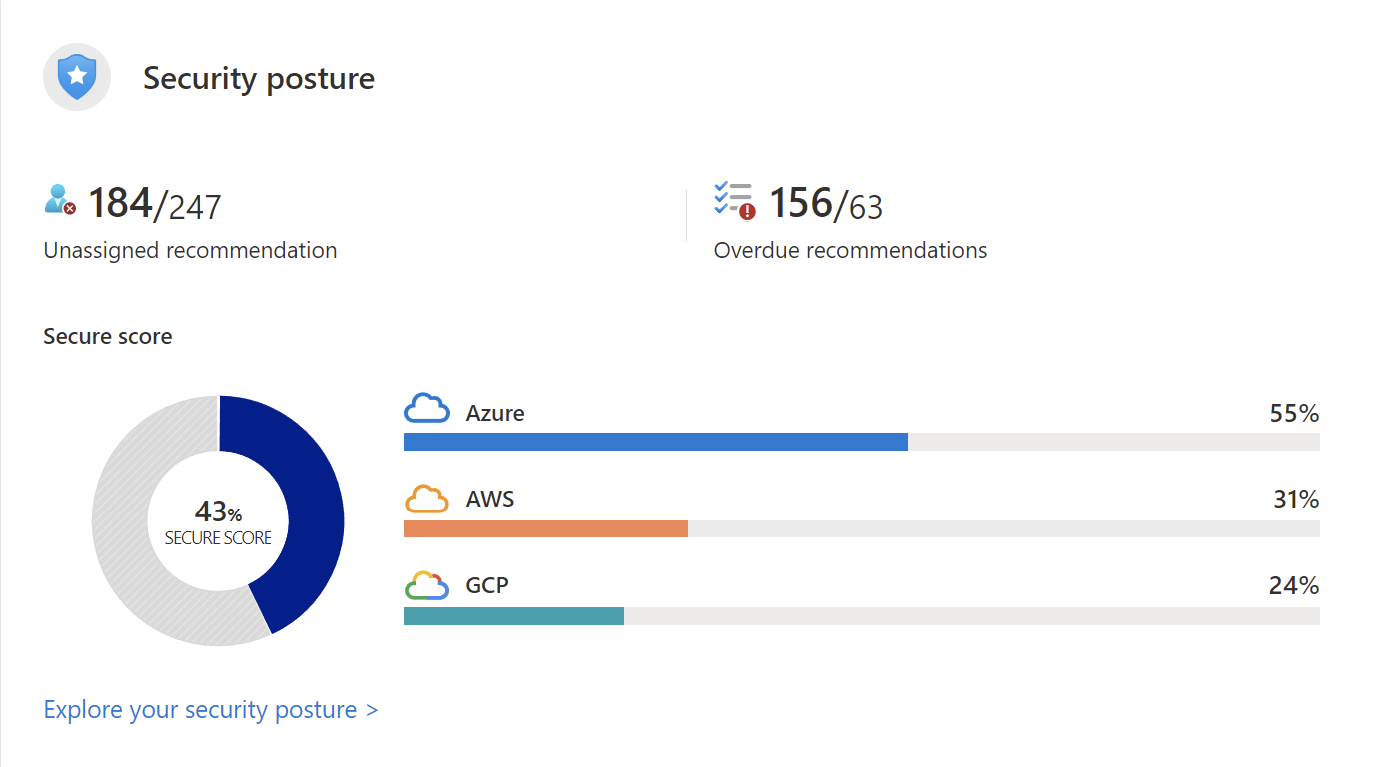 Turn secure score findings into a practical remediation queue Create an Ubuntu 22.04 LTS virtual machine on Hyper-V Install Hyper-V on a Windows Server 2022 host Choose a quorum witness for a failover cluster Prepare a Windows Server 2022 installation for infrastructure workloads Install PowerShell 7.4 alongside Windows PowerShell Turn an application availability target into design decisions Create a Storage account with private access in mind Build an Azure Monitor alert with a useful action group Build a virtual network with a deliberate subnet plan Choose Logic Apps Consumption or Standard for an integration Build a small Azure deployment with Bicep modules
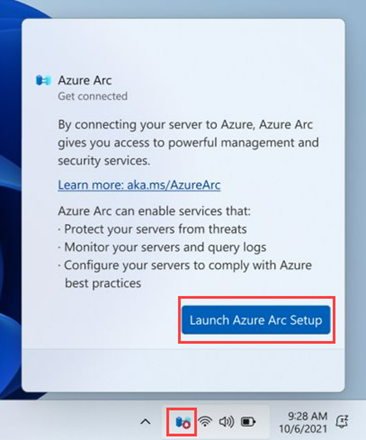 Connect a Windows server to Azure Arc Start an Azure HPC design with the workload requirements Deploy an Azure VM with a deliberate disk layout
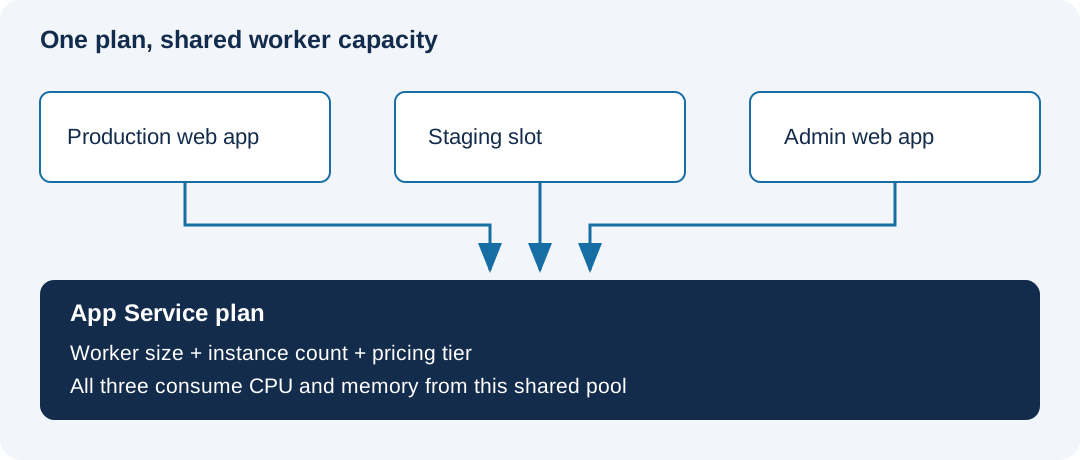 Choose an App Service plan around the workload
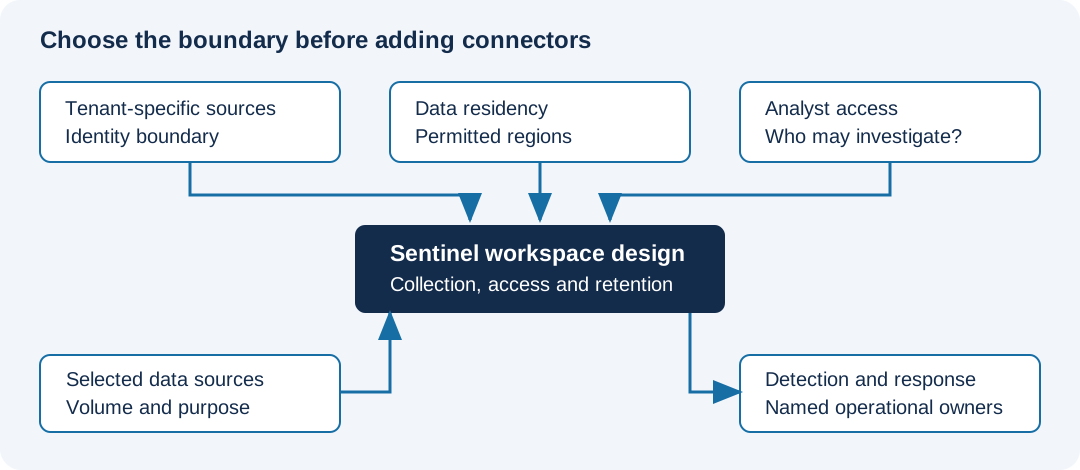 Plan a Sentinel workspace before connecting data
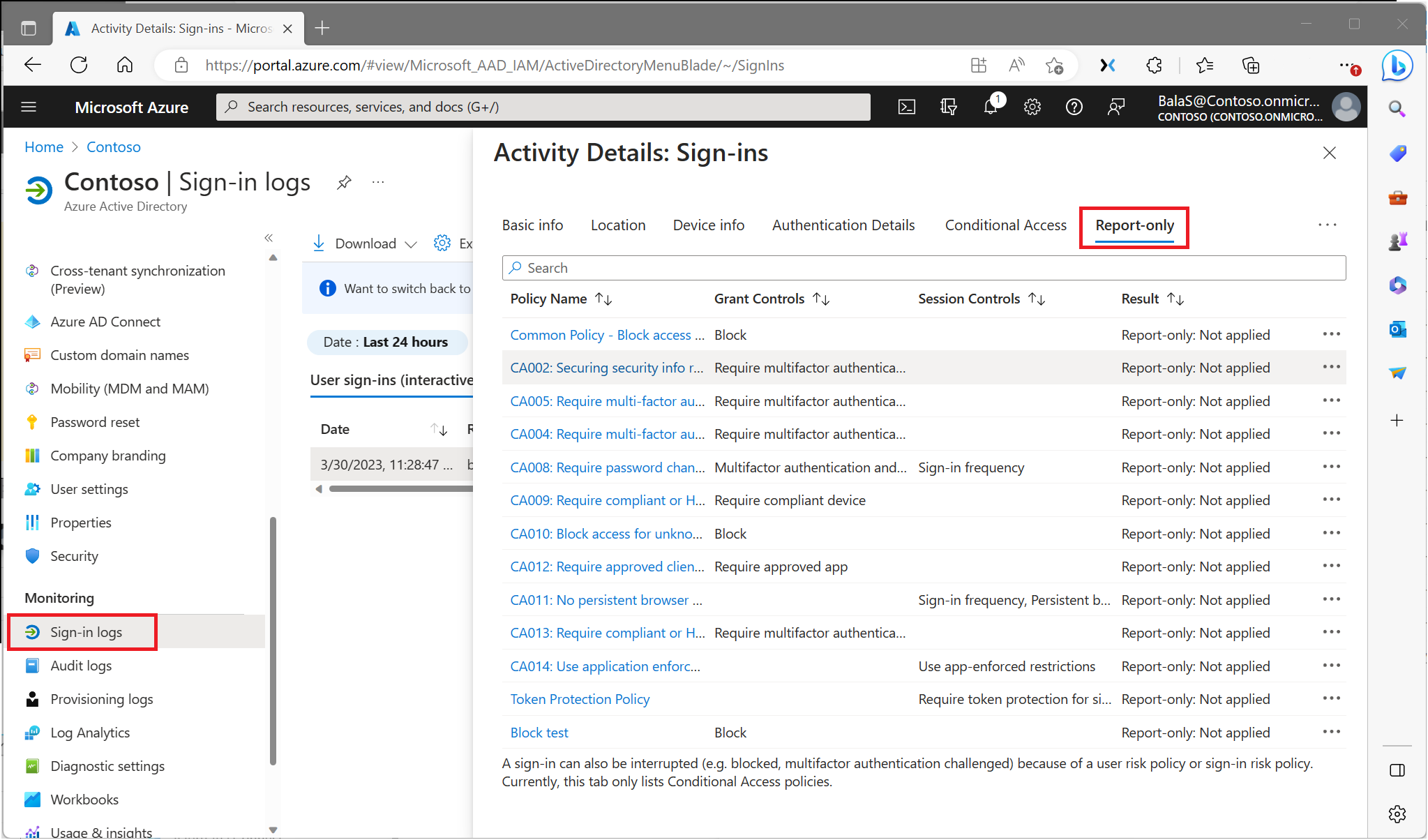 Roll out Conditional Access using report-only mode
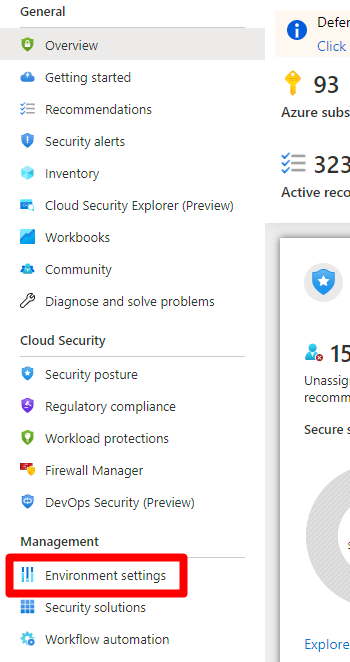 Enable Defender for Cloud with a clear subscription scope
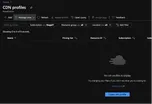 Error on creating an Azure CDN profile with Resource Provider
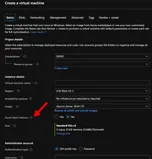 Azure Spot Virtual Machines
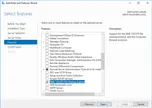 Error 0x800F081F when adding features on Windows Server 2016 on Azure Virtual Machine How to automate file restore from an Azure File Share Snapshot
 How to Connect Windows Admin Center with Azure File Level restore on an Azure VM with encrypted disks File level restore on an encrypted Azure virtual machine Best practices to architect Resource Groups in Azure Error code UserErrorFsFreezeFailed on Azure Backup
 How to remove a HostPool from the Windows Virtual Desktop on Azure
 Error on adding virtual machines to Azure Backup
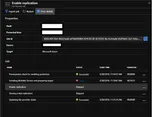 Moving to Azure Series – Error 78007 on deploying ASR agent
 Monitoring Azure File Sync
 Infrastructure as a Code (IaC) Series #2 – The tools Infrastructure as a Code (IaC) Series #1 – The beginning! Considerations on using Load Balancing with Azure VMs Auto shutdown an Azure VM with PowerShell
 Moving to Azure Series – How to get the Azure VM Unique ID How to migrate Azure Managed Disk to different subscription and region – Part II How to migrate Azure Managed Disk to different subscription and region – Part I How to overwrite Tags on an Azure Resource How to update specified tag from a resource How to get Tags for all the resources on the same Resource Group How to access Azure Blob Storage container via a SAS token Azure Policy – Auditing public blob storage Azure Policy – Allowing only define VM sizes Choosing the type of Azure Blob storage for SQL Backups Instant VM Recovery using Azure Backup
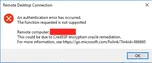 Unable to RDP into Azure VMs
 How to enable RDS license on an Azure VM Changing the Azure Gateway subnet with Express Route How to remotely disable Network Level Authentication (NLA) on Azure Virtual Machine What Accelerated Networking can do on Azure VMs
 Understanding the limits on Azure Key Vault
 Adding an IP to an existing Azure Virtual Network Gateway
 Global VNet Peering is available
 Azure Update Management for Linux VMs
 Unresponsive Azure VM Azure Availability Zones and Zone-Redundant Storage hits GA
 Serial Console access on Azure Virtual Machine
 Azure VNet-to-VNet VPN configuration – Part 3 Azure VNet-to-VNet VPN configuration – Part 2
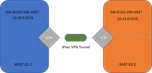 Azure VNet-to-VNet VPN configuration – Part 1
 Instant Recovery Point and Large Disk Azure Backup support
 Enhancements on Azure Portal Notifications Azure Cloud Shell vs Azure CLI
 How to use Azure Cloud Shell
 Disaster Recovery solution within Azure – Part 2
 Disaster Recovery solution within Azure – Part 1 Interview with MVP
 Deploy ARM Templates using Key Vault
 Azure Resource Manager PowerShell Module
 Load Balanced and Availability Set with multiple VMs Azure Updates Series – August 2017
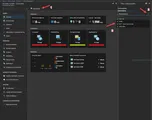 Multiple Azure Subscriptions with one OMS Workspace
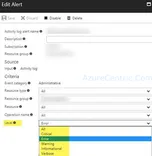 Multiple level alerts with ARM Template Move VM between VNETs in Azure Create AzureRM VM from existing VHD Deploy a ARM VM using an existing VHD in Azure
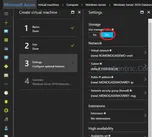 Managed disk on Azure
 Azure MVP Award Implementing Azure Site Recovery – Part 4 – Managing and Automating Implementing Azure Site Recovery – Part 3 – For VMware Virtual Machines and physical server Implementing Azure Site Recovery – Part 2 – For Hyper-V Virtual Machines in SCVMM Clouds Implementing Azure Site Recovery – Part 1 – For Hyper-V Virtual Machines Azure Site Recovery Planning Considerations – Part 4 – For VMware Virtual Machines and physical server Azure Site Recovery Planning Considerations – Part 3 – For Hyper-V Virtual Machines in SCVMM clouds Azure Site Recovery Planning Considerations – Part 2 – For Hyper-V Virtual Machines Azure Site Recovery Planning Considerations – Part 1
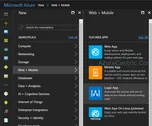 How to configure Azure Logic Apps How to configure your Hybrid Network Solution with Azure Creating an ExpressRoute VPN on Azure Creating a Site-to-Site VPN on Azure Creating a Point-to-Site VPN on Azure Options to connect your datacenter to Azure Virtual Networks – Part 4 – ExpressRoute New version of Azure Backup Server introduces Modern Backup Storage technology Bigger disks on Azure Storage Options to connect your datacenter to Azure Virtual Networks – Part 3 – Site-to-Site VPN Options to connect your datacenter to Azure Virtual Networks – Part 2 – Point-to-Site VPN
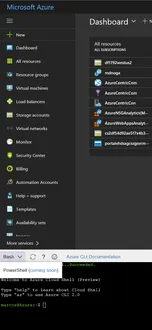 Using PowerShell on Azure Cloud Shell Options to connect your datacenter to Azure Virtual Networks – Part 1 Azure Resource Manager Networking – Part 1 Containers on Azure – Part 2 Containers on Azure – Part 1
 Azure Cloud Shell Everywhere
 Azure Cloud Shell Differences between the classic and the Azure Resource Manager deployment model How to extend Azure Service Fabric to on-premise? The difference between Azure Virtual Machines and Azure Cloud Services? Virtual Machines: Hyper-V vs Azure IaaS How to move your workloads to Azure How to implement Azure Site Recovery How to build a Disaster Recovery solution with Azure Site Recovery Virtual Machine Scalability in Azure – Part 1 Azure Site Recovery Azure Backup – Part 4 – System Center and Azure Backup Azure Backup – Part 3 – Backup Virtual Machines Azure Backup – Part 2 – Azure Backup Agent Azure Backup – Part 1 How to monitor and manage Azure Classic Virtual Machines Azure Classic Virtual Machines – Why use it? How to use Blob containers in Azure Designing your Azure Storage – Part 2 Designing your Azure Storage – Part 1 How to secure your Azure Virtual Machine Virtual Machines High Availability on Azure Using PowerShell to create VMs in Azure Azure Storage Deployment Models Convention Names versus Tags in Azure
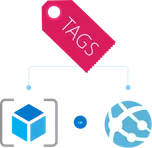 When to use Resource Tags in Azure Naming Conventions in Azure
 Azure Subscriptions Best Practices – Part 2 Azure Subscriptions Best Practices - Part 1
 Store, Backup, Recover your data – Part 2
 Store, Backup, Recover your data - Part 1
 Hybrid Cloud storage Storage, backup, and disaster recovery: a comparison What is the Internet of Things? Using Virtual Machine extensions to configure the OS on a VM How to connect to a Virtual Machine on Azure? Creating Virtual Machines using the Azure ARM Portal
 Creating Windows Server 2016 virtual machine on Azure Deploying virtual machine in Azure using templates Azure Resource Manager templates Classic Virtual Machines in Azure Resource Manager Azure SDK Why and when to use Azure CLI
 How much it cost Azure? Azure PowerShell to manage Azure Subscriptions Azure PowerShell - Overview Lets try to understand the Azure Datacenters
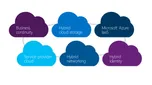 Transform the Datacenter – Part 4 – Extend to the cloud
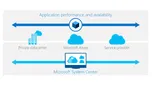 Transform the Datacenter – Part 3 – Automate and Secure
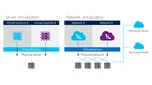 Transform the Datacenter – Part 2 - Software-defined Datacenter
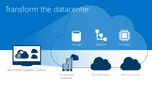 Transform the Datacenter – Part 1 What are we learning from cloud?
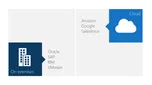 Applications: On-Premises vs Cloud ARM vs Classic Virtual Machines
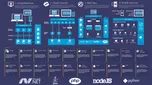 What is in Azure? Azure Innovations in the last 18 months
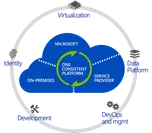 Azure on Enterprise world
 Why Microsoft Azure? Azure Site Recovery Cloud innovation presents challenges for IT Why Consider the cloud?
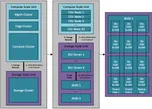 New CPS Whitepaper is out now!
 Take your next Microsoft Certification exam on-line, nearly anywhere Update Rollup 5 for System Center 2012 R2 Virtual Machine Manager Cloud Platform roadmap Software-Defined Networking with Windows Server and System Center Jump Start
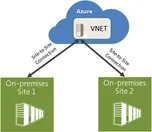 Azure enhancement Site-to-Site VPN functionality Hyper-V 2012 Hotfixes: Where I can find it and how to automate the deployment? SCOM Alert: WinRM is not functional or not the right version Virtualizing Your Data Center with Hyper-V and System Center iSCSI connection issues with Hyper-V Server Cluster Shared Volumes (CSV) errors on Hyper-V Cluster Updates on Hyper-V Server? How to see what had been installed? Integration between Hyper-V Network Virtualization and Windows Server Gateway MPIO on Hyper-V Server Hyper-V Best Practices Analyzer How to delegate access in Hyper-V Performing daily task with PowerShell to manage Hyper-V Server Managing Hyper-V Server remotely through PowerShell Backing up Hyper-V and virtual machines using Windows Server Backup Restoring Hyper-V and Virtual Machines using Windows Server Backup Enabling and disabling the graphical interface in Hyper-V Server Core Managing a Hyper-V Server Core installation using sconfig Installing and running Hyper-V 2012 R2 from a USB stick
 Configuring constrained delegation to authenticate live migrations How to plan your System Center Virtual Machine Manager Networks Windows Server 2012 R2 Hyper-V vs VMware vSphere 5.5 Storage QoS on VMs in Hyper-V 2012 R2
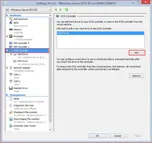 Configuring a Shared Virtual Hard Disk RTM for Windows Server 2012 R2!
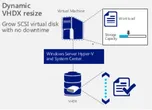
 Free ebook: Introducing Windows Server 2012 R2 Preview Release Automatic Virtual Machine Activation on Windows Server 2012 R2 Resizing a virtual hard disk with Windows Server 2012 R2 Enhanced Session Mode on Hyper-V 2012 R2 Server management and automation with Windows Server 2012 R2 Generation 2 Virtual Machine Overview
 System Center 2012 R2 Infrastructure overview
 Free E-Books of different Microsoft Technologies. What’s new in System Center 2012 R2 – Virtual Machine Manager? Overview of Networking with Windows Server 2012 R2 Overview of Storage with Windows Server 2012 R2
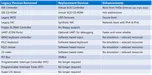 What’s New in Windows Server 2012 R2 – Hyper-V
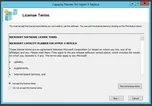 Capacity Planner for Hyper-V Replica
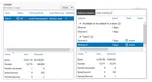 Statistics of a NIC Teaming Microsoft System Center Virtual Machine Manager 2012 Cookbook
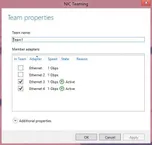 Modifying a NIC Team through GUI and PowerShell
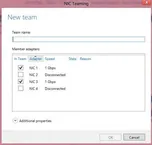 Creating a NIC teaming Update on System Center 2012 SP1 Update Rollup 2 (UR2) for Virtual Machine Manager
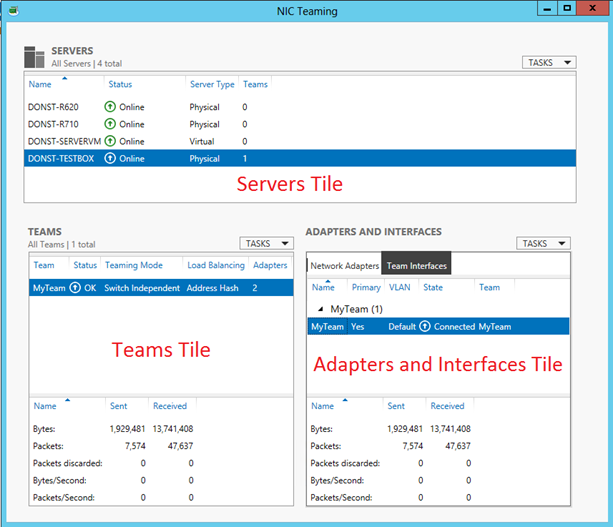 The components of the NIC Teaming Management UI Windows Server 2012 NIC Teaming tools for troubleshooting
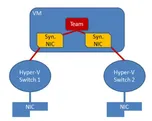 NIC teaming on Virtual Machines
 Management Tasks for Hyper-V Replica Troubleshooting Hyper-V Replica
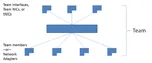 Overview of NIC Teaming (LBFO) in Windows Server 2012
 General Methodology for Troubleshooting Hyper-V Replica Update for SCVMM 2012 SP1 on Windows server 2012
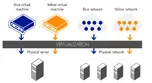 VLANs with Hyper-V Network Virtualization
 Hyper-V Failover Cluster as a Primary or Replica Server
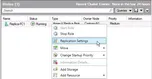
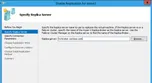 Enabling a Virtual Machine for Replication
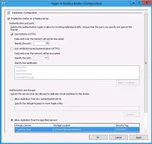 Configuring and Managing Hyper-V Replica
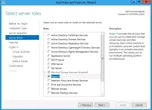 Installation Process of Hyper-V Replica
 Hyper-V Replica PowerShell CMDLETS Dynamic Optimization on SCVMM 2012
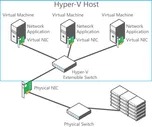 Multitenant security and isolation with Hyper 2012
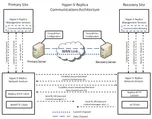 Hyper-V Replica Communications Architecture
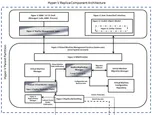 Hyper-V Replica Component Architecture
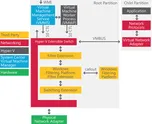 Extending the Hyper-V Extensible Switch Enabling the Firewall rules in the Hyper-V Replica Server Implementing Self-signed Certificates in Hyper-V Replica
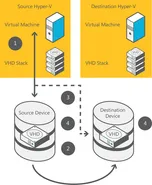 “Share nothing” Live Migration with Hyper-V 2012 Free, simple, standalone tool to migrate vms from a VMware environment to Hyper-V in Windows Server 2012
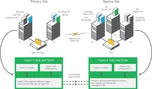 Hyper-V Replica
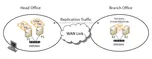 Enabling Hyper-V Replica
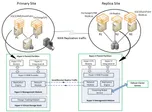 Technical Overview of Hyper-V Replica
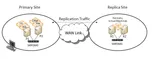 What Is Hyper-V Replica?
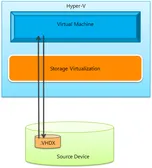 How does a storage migration of a running virtual machine in Windows Server 2012 (both through Hyper-V manager and through PowerShell) actually work? What is the ‘Replication State’ and what are the values? Storage and Continuous Availability Enhancements in Windows Server 2012
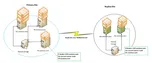 Why is the "Hyper-V Replica Broker" required?
 How to Create a Cluster in a Restrictive Active Directory Environment
 How SCVMM 2012 manage storage What is a Cloud for IT Pro?