
Hyper-V
85 posts, newest first.
#avma#azman#azure-virtual-network#backup#best-practices-analyzer#capacity-planner#certificates#checkpoints#cluster-shared-volumes#data-consistency#disaster-recovery#disk-performance#drivers#dynamic-memory#dynamic-optimization#emergency-shell#export-import#failover-clustering#generation-2#gpt#high-availability#host-maintenance#hotfix#hyper-v#hyper-v-replica#i-o-scheduler#integration-services#iscsi#kernel#linux#live-migration#memory#migration#mpio#nas#network-virtualization#powershell#powershell-direct#processor-compatibility#production-checkpoints#replication#san#secure-boot#server-core#sles#ssh#storage-architecture#storage-qos#system-center#time-synchronisation#troubleshooting#ubuntu#usb#vhd#vhdx#virtual-switch#virtualisation#vlan#vmware#vpn#vss#windows-firewall#windows-server#windows-server-2022#windows-server-2025#windows-server-gateway

All posts in this category
Review integration-service health across a Hyper-V host 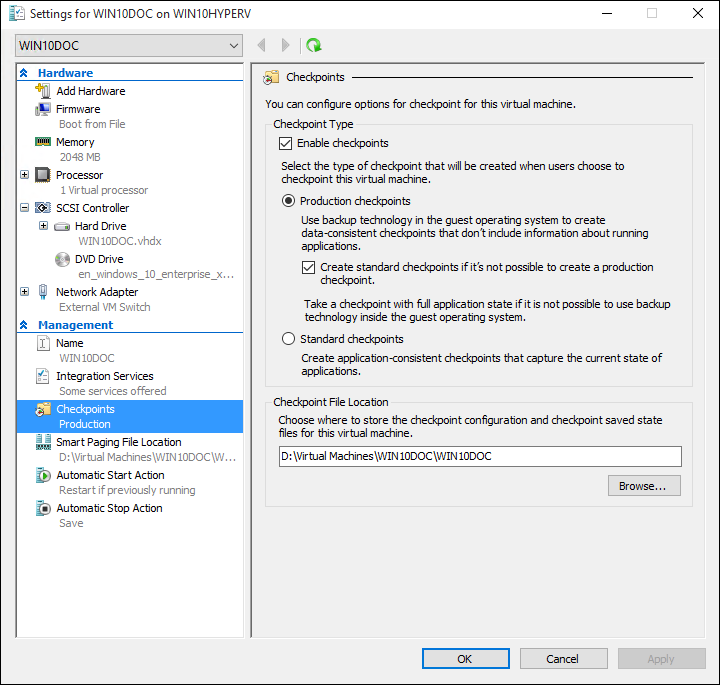 Understand checkpoints for a Linux application Investigate a virtual switch after a host network change Review Linux guest shutdown during host maintenance Use PowerShell Direct for Windows guest administration Plan Linux guest backup around application consistency
 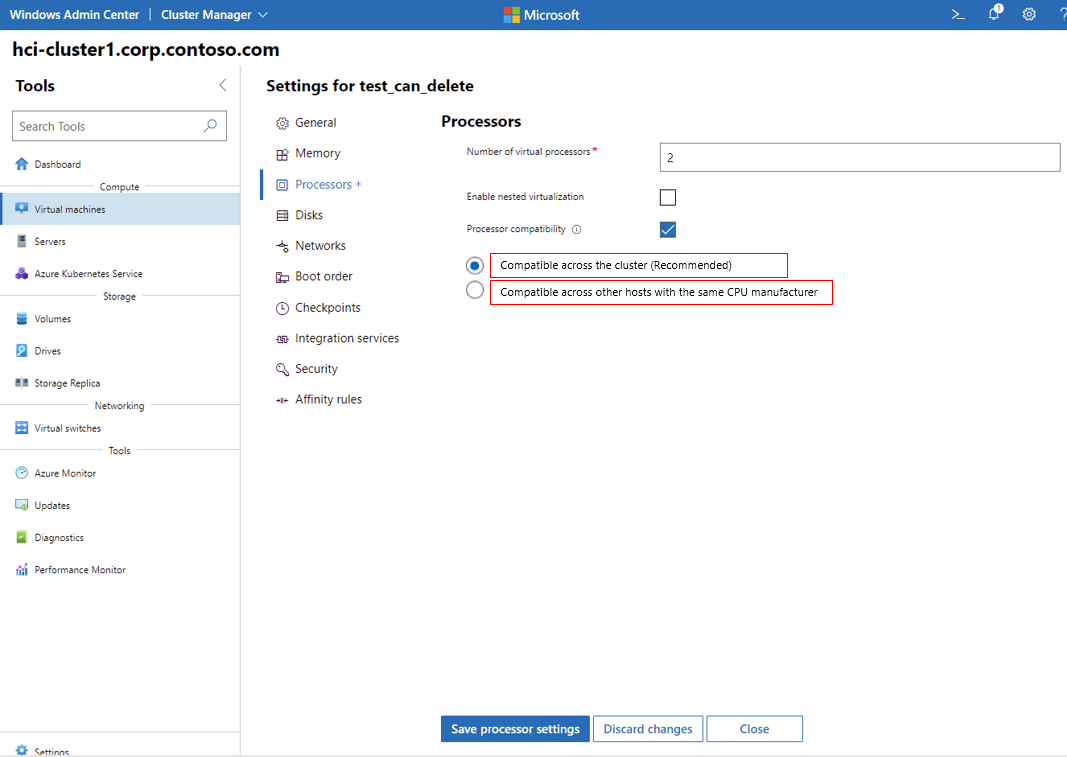 Review CPU compatibility before moving a VM Investigate slow disk access in a Linux VM
 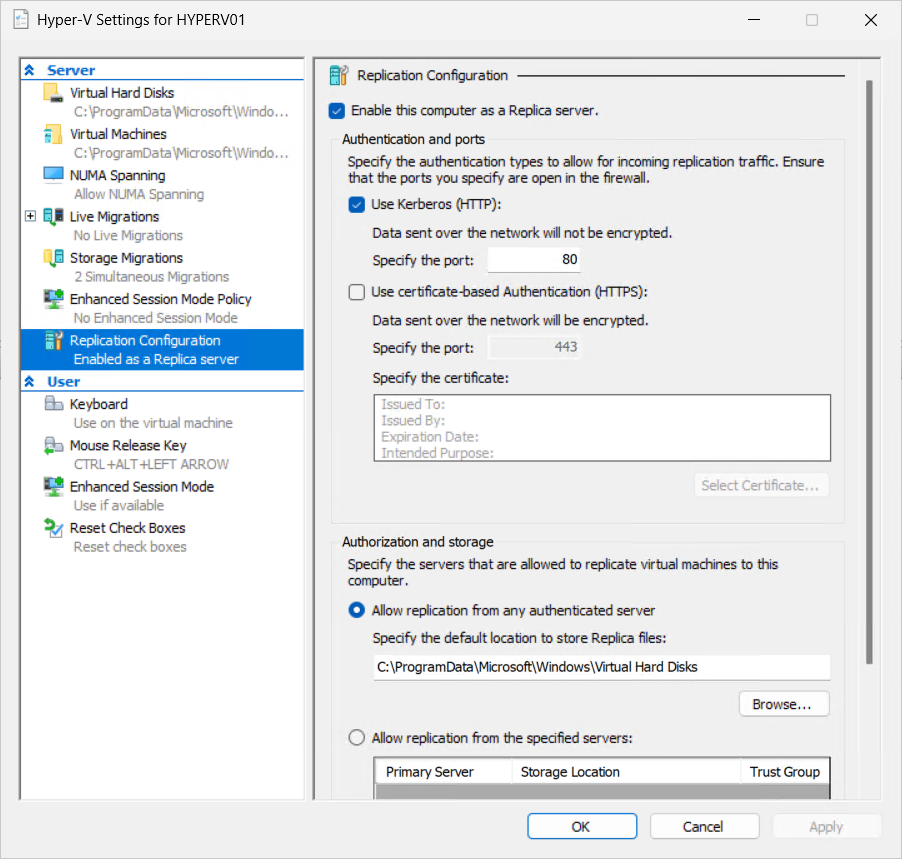 Configure Hyper-V Replica for a defined recovery scenario Check storage and network drivers in a Linux guest Plan host storage for Hyper-V virtual machines Choose a supported Linux distribution for Hyper-V Investigate a checkpoint chain before deleting files Use SSH for routine Linux guest administration Export and import a Hyper-V virtual machine Investigate a Linux guest that enters an emergency shell Use production checkpoints with a clear recovery purpose Expand a Linux guest disk and verify the file system Choose VHDX settings around capacity and performance needs Plan memory allocation for Linux on Hyper-V Investigate a VM that cannot boot from installation media Check time synchronisation in a Linux VM Configure a virtual network adapter and VLAN Investigate a Linux guest with a missing network adapter Choose fixed or dynamic memory for a VM Configure networking inside an Ubuntu Hyper-V guest Build a repeatable virtual machine with PowerShell Understand Linux integration services on Hyper-V Create and verify a Hyper-V virtual switch Configure Secure Boot for a supported Linux guest Choose generation 1 or generation 2 for a Hyper-V VM Create an Ubuntu 22.04 LTS virtual machine on Hyper-V Install Hyper-V on a Windows Server 2022 host Hyper-V 2012 Hotfixes: Where I can find it and how to automate the deployment? iSCSI connection issues with Hyper-V Server Cluster Shared Volumes (CSV) errors on Hyper-V Cluster Updates on Hyper-V Server? How to see what had been installed? Integration between Hyper-V Network Virtualization and Windows Server Gateway MPIO on Hyper-V Server Hyper-V Best Practices Analyzer How to delegate access in Hyper-V Performing daily task with PowerShell to manage Hyper-V Server Managing Hyper-V Server remotely through PowerShell Backing up Hyper-V and virtual machines using Windows Server Backup Restoring Hyper-V and Virtual Machines using Windows Server Backup Enabling and disabling the graphical interface in Hyper-V Server Core Managing a Hyper-V Server Core installation using sconfig Installing and running Hyper-V 2012 R2 from a USB stick
  Configuring constrained delegation to authenticate live migrations Windows Server 2012 R2 Hyper-V vs VMware vSphere 5.5 Storage QoS on VMs in Hyper-V 2012 R2
 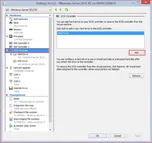 Configuring a Shared Virtual Hard Disk Automatic Virtual Machine Activation on Windows Server 2012 R2 Resizing a virtual hard disk with Windows Server 2012 R2 Enhanced Session Mode on Hyper-V 2012 R2 Generation 2 Virtual Machine Overview
 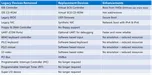 What’s New in Windows Server 2012 R2 – Hyper-V
 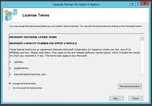 Capacity Planner for Hyper-V Replica
  Management Tasks for Hyper-V Replica Troubleshooting Hyper-V Replica
 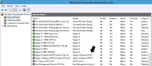 General Methodology for Troubleshooting Hyper-V Replica
 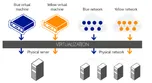 VLANs with Hyper-V Network Virtualization
 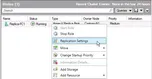 Hyper-V Failover Cluster as a Primary or Replica Server
 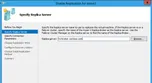 Enabling a Virtual Machine for Replication
 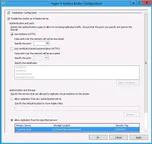 Configuring and Managing Hyper-V Replica
 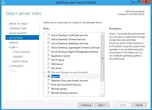 Installation Process of Hyper-V Replica
 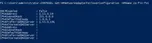 Hyper-V Replica PowerShell CMDLETS
 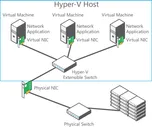 Multitenant security and isolation with Hyper 2012
 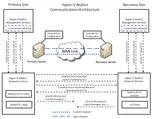 Hyper-V Replica Communications Architecture
 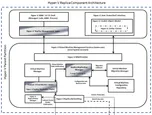 Hyper-V Replica Component Architecture
 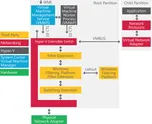 Extending the Hyper-V Extensible Switch Enabling the Firewall rules in the Hyper-V Replica Server Implementing Self-signed Certificates in Hyper-V Replica
 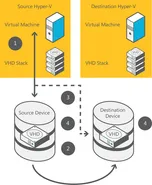 “Share nothing” Live Migration with Hyper-V 2012 Free, simple, standalone tool to migrate vms from a VMware environment to Hyper-V in Windows Server 2012
 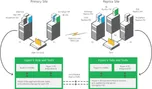 Hyper-V Replica
 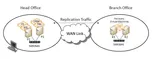 Enabling Hyper-V Replica
 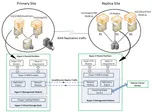 Technical Overview of Hyper-V Replica
 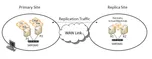 What Is Hyper-V Replica?
 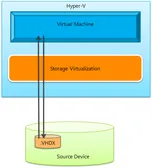 How does a storage migration of a running virtual machine in Windows Server 2012 (both through Hyper-V manager and through PowerShell) actually work? What is the ‘Replication State’ and what are the values?
 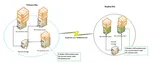 Why is the "Hyper-V Replica Broker" required?
Understand checkpoints for a Linux application Investigate a virtual switch after a host network change Review Linux guest shutdown during host maintenance Use PowerShell Direct for Windows guest administration Plan Linux guest backup around application consistency Review CPU compatibility before moving a VM Investigate slow disk access in a Linux VM Configure Hyper-V Replica for a defined recovery scenario Check storage and network drivers in a Linux guest Plan host storage for Hyper-V virtual machines Choose a supported Linux distribution for Hyper-V Investigate a checkpoint chain before deleting files Use SSH for routine Linux guest administration Export and import a Hyper-V virtual machine Investigate a Linux guest that enters an emergency shell Use production checkpoints with a clear recovery purpose Expand a Linux guest disk and verify the file system Choose VHDX settings around capacity and performance needs Plan memory allocation for Linux on Hyper-V Investigate a VM that cannot boot from installation media Check time synchronisation in a Linux VM Configure a virtual network adapter and VLAN Investigate a Linux guest with a missing network adapter Choose fixed or dynamic memory for a VM Configure networking inside an Ubuntu Hyper-V guest Build a repeatable virtual machine with PowerShell Understand Linux integration services on Hyper-V Create and verify a Hyper-V virtual switch Configure Secure Boot for a supported Linux guest Choose generation 1 or generation 2 for a Hyper-V VM Create an Ubuntu 22.04 LTS virtual machine on Hyper-V Install Hyper-V on a Windows Server 2022 host Hyper-V 2012 Hotfixes: Where I can find it and how to automate the deployment? iSCSI connection issues with Hyper-V Server Cluster Shared Volumes (CSV) errors on Hyper-V Cluster Updates on Hyper-V Server? How to see what had been installed? Integration between Hyper-V Network Virtualization and Windows Server Gateway MPIO on Hyper-V Server Hyper-V Best Practices Analyzer How to delegate access in Hyper-V Performing daily task with PowerShell to manage Hyper-V Server Managing Hyper-V Server remotely through PowerShell Backing up Hyper-V and virtual machines using Windows Server Backup Restoring Hyper-V and Virtual Machines using Windows Server Backup Enabling and disabling the graphical interface in Hyper-V Server Core Managing a Hyper-V Server Core installation using sconfig Installing and running Hyper-V 2012 R2 from a USB stick Configuring constrained delegation to authenticate live migrations Windows Server 2012 R2 Hyper-V vs VMware vSphere 5.5 Storage QoS on VMs in Hyper-V 2012 R2 Configuring a Shared Virtual Hard Disk Automatic Virtual Machine Activation on Windows Server 2012 R2 Resizing a virtual hard disk with Windows Server 2012 R2 Enhanced Session Mode on Hyper-V 2012 R2 Generation 2 Virtual Machine Overview What’s New in Windows Server 2012 R2 – Hyper-V Capacity Planner for Hyper-V Replica Management Tasks for Hyper-V Replica Troubleshooting Hyper-V Replica General Methodology for Troubleshooting Hyper-V Replica VLANs with Hyper-V Network Virtualization Hyper-V Failover Cluster as a Primary or Replica Server Enabling a Virtual Machine for Replication Configuring and Managing Hyper-V Replica Installation Process of Hyper-V Replica Hyper-V Replica PowerShell CMDLETS Multitenant security and isolation with Hyper 2012 Hyper-V Replica Communications Architecture Hyper-V Replica Component Architecture Extending the Hyper-V Extensible Switch Enabling the Firewall rules in the Hyper-V Replica Server Implementing Self-signed Certificates in Hyper-V Replica “Share nothing” Live Migration with Hyper-V 2012 Free, simple, standalone tool to migrate vms from a VMware environment to Hyper-V in Windows Server 2012 Hyper-V Replica Enabling Hyper-V Replica Technical Overview of Hyper-V Replica What Is Hyper-V Replica? How does a storage migration of a running virtual machine in Windows Server 2012 (both through Hyper-V manager and through PowerShell) actually work? What is the ‘Replication State’ and what are the values? Why is the "Hyper-V Replica Broker" required?