
#windows-server
109 artigos, mais recentes primeiro.
Plan maintenance with only one spare node 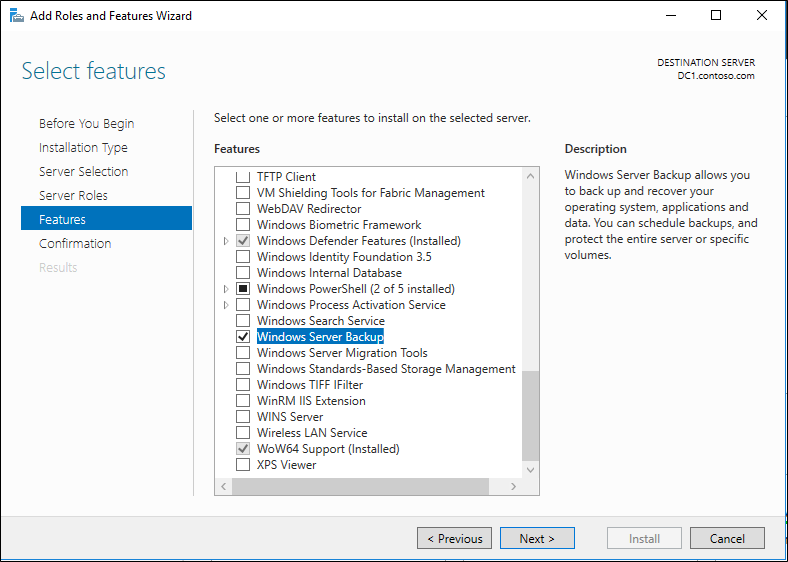 Create a recovery checklist for a Windows infrastructure server Review integration-service health across a Hyper-V host
 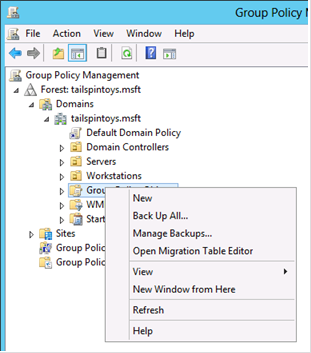 Separate local administration from domain-wide privileges Review the revised cost assumptions for Arc-enabled Windows Server Hotpatch Review split-brain risk in a stretched infrastructure design Investigate a server update that repeatedly fails Use PowerShell Direct for Windows guest administration Investigate a live migration that stalls during maintenance Review certificate expiry across Windows servers Document a cluster recovery procedure before it is needed Check SMB settings before changing a file-service workload
 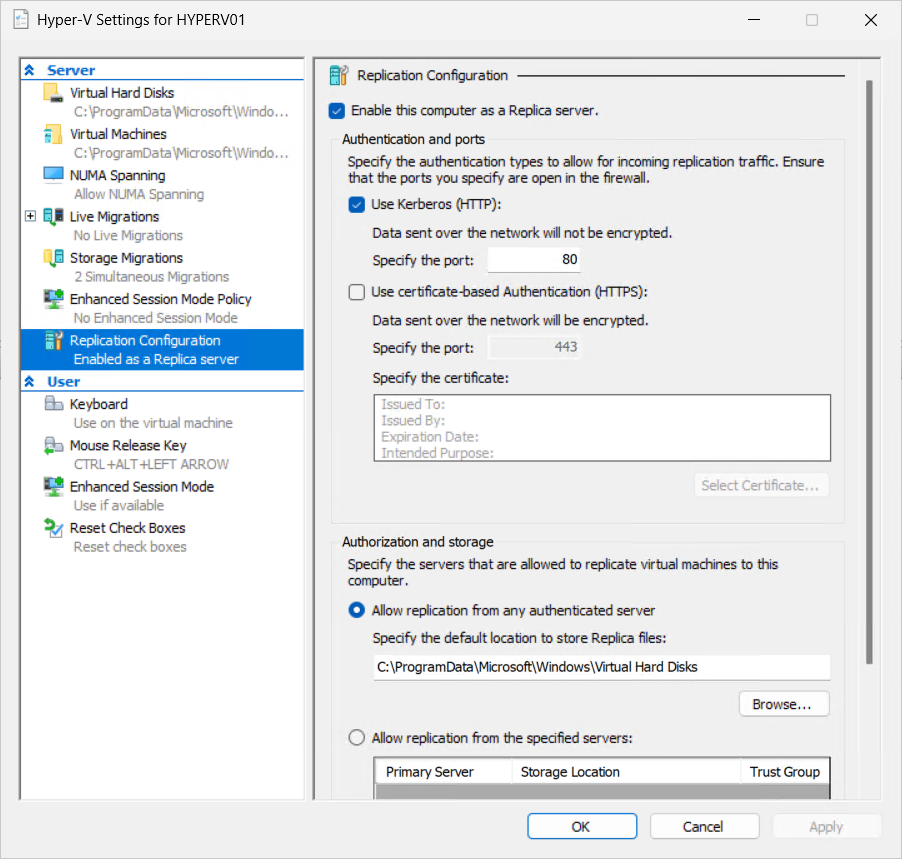 Configure Hyper-V Replica for a defined recovery scenario Plan an in-place Windows Server upgrade around dependencies Plan host storage for Hyper-V virtual machines Review cluster event logs during a node failure Investigate a time synchronisation problem on Windows Server Investigate a checkpoint chain before deleting files Plan storage availability across cluster nodes Use group policy to configure a small server estate Plan Arc-enabled Windows Server 2025 Hotpatch with its baseline reboots Export and import a Hyper-V virtual machine Review event logs around a Windows infrastructure change Use production checkpoints with a clear recovery purpose Test a planned failover and record the application result Apply a baseline Windows Firewall configuration Use remoting to inspect several Windows servers Choose VHDX settings around capacity and performance needs Understand Cluster Shared Volumes in a Hyper-V design Check DNS configuration before investigating a domain problem Mount an Azure file share from a Windows server Plan memory allocation for Linux on Hyper-V Use Cluster-Aware Updating with a tested maintenance process Choose an Active Directory site and subnet design Configure a virtual network adapter and VLAN Investigate a Windows service that fails after a restart Windows Server 2025 is available: what belongs in the evaluation plan Configure and verify a cluster witness Configure a file share with clear Windows permissions Configure networking inside an Ubuntu Hyper-V guest Build a repeatable virtual machine with PowerShell Plan cluster networks around storage and client traffic
 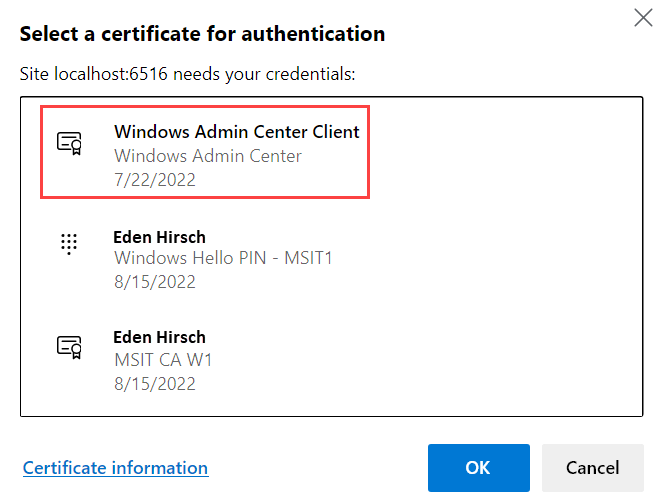 Use Windows Admin Center for a defined administration task Understand Linux integration services on Hyper-V Create and verify a Hyper-V virtual switch Create a small failover cluster with a clear network design Plan a Windows Server patching and rollback window Validate Windows Server nodes before creating a cluster Configure a Windows Server 2022 host using PowerShell Install Hyper-V on a Windows Server 2022 host Choose a quorum witness for a failover cluster Prepare a Windows Server 2022 installation for infrastructure workloads
 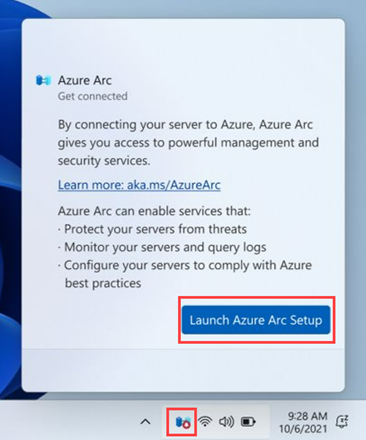 Connect a Windows server to Azure Arc Deploy an Azure VM with a deliberate disk layout
  Erro 0x800F081F ao adicionar features no Windows Server 2016 numa Azure Virtual Machine
  Como ligar o Windows Admin Center ao Azure
  Unable to RDP into Azure VMs How to extend Azure Service Fabric to on-premise?
  Creating Windows Server 2016 virtual machine on Azure Azure PowerShell - Overview
 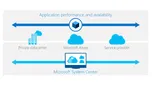 Transform the Datacenter – Part 3 – Automate and Secure Update Rollup 5 for System Center 2012 R2 Virtual Machine Manager Software-Defined Networking with Windows Server and System Center Jump Start Hyper-V 2012 Hotfixes: Where I can find it and how to automate the deployment? SCOM Alert: WinRM is not functional or not the right version Integration between Hyper-V Network Virtualization and Windows Server Gateway MPIO on Hyper-V Server Backing up Hyper-V and virtual machines using Windows Server Backup Restoring Hyper-V and Virtual Machines using Windows Server Backup Installing and running Hyper-V 2012 R2 from a USB stick How to plan your System Center Virtual Machine Manager Networks Windows Server 2012 R2 Hyper-V vs VMware vSphere 5.5 Storage QoS on VMs in Hyper-V 2012 R2
 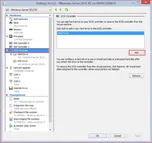 Configuring a Shared Virtual Hard Disk RTM for Windows Server 2012 R2!
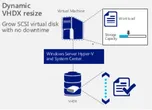
  Free ebook: Introducing Windows Server 2012 R2 Preview Release Automatic Virtual Machine Activation on Windows Server 2012 R2 Resizing a virtual hard disk with Windows Server 2012 R2 Enhanced Session Mode on Hyper-V 2012 R2 Server management and automation with Windows Server 2012 R2 Generation 2 Virtual Machine Overview
  System Center 2012 R2 Infrastructure overview
  Free E-Books of different Microsoft Technologies. What’s new in System Center 2012 R2 – Virtual Machine Manager? Overview of Networking with Windows Server 2012 R2 Overview of Storage with Windows Server 2012 R2
 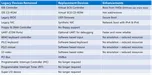 What’s New in Windows Server 2012 R2 – Hyper-V
 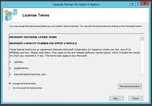 Capacity Planner for Hyper-V Replica
 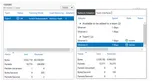 Statistics of a NIC Teaming
 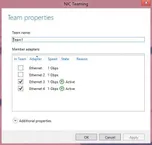 Modifying a NIC Team through GUI and PowerShell
 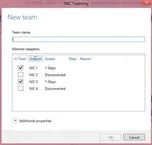 Creating a NIC teaming Update on System Center 2012 SP1 Update Rollup 2 (UR2) for Virtual Machine Manager
 ![clip_image002[5]](/assets/images/posts/2013/04/clip_image0025.png) The components of the NIC Teaming Management UI Windows Server 2012 NIC Teaming tools for troubleshooting
The components of the NIC Teaming Management UI Windows Server 2012 NIC Teaming tools for troubleshooting 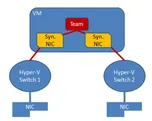 NIC teaming on Virtual Machines
 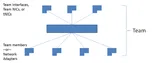 Overview of NIC Teaming (LBFO) in Windows Server 2012 Update for SCVMM 2012 SP1 on Windows server 2012
 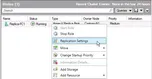 Hyper-V Failover Cluster as a Primary or Replica Server Dynamic Optimization on SCVMM 2012
 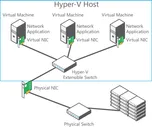 Multitenant security and isolation with Hyper 2012
 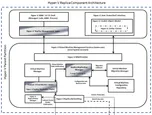 Hyper-V Replica Component Architecture
 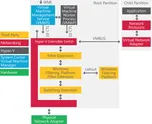 Extending the Hyper-V Extensible Switch Free, simple, standalone tool to migrate vms from a VMware environment to Hyper-V in Windows Server 2012
 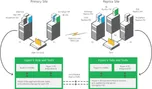 Hyper-V Replica
 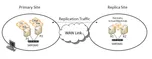 What Is Hyper-V Replica?
 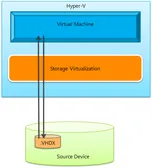 How does a storage migration of a running virtual machine in Windows Server 2012 (both through Hyper-V manager and through PowerShell) actually work? Storage and Continuous Availability Enhancements in Windows Server 2012
  How to Create a Cluster in a Restrictive Active Directory Environment
 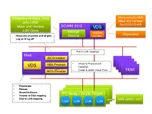 How SCVMM 2012 manage storage
 Create a recovery checklist for a Windows infrastructure server Review integration-service health across a Hyper-V host Separate local administration from domain-wide privileges Review the revised cost assumptions for Arc-enabled Windows Server Hotpatch Review split-brain risk in a stretched infrastructure design Investigate a server update that repeatedly fails Use PowerShell Direct for Windows guest administration Investigate a live migration that stalls during maintenance Review certificate expiry across Windows servers Document a cluster recovery procedure before it is needed Check SMB settings before changing a file-service workload Configure Hyper-V Replica for a defined recovery scenario Plan an in-place Windows Server upgrade around dependencies Plan host storage for Hyper-V virtual machines Review cluster event logs during a node failure Investigate a time synchronisation problem on Windows Server Investigate a checkpoint chain before deleting files Plan storage availability across cluster nodes Use group policy to configure a small server estate Plan Arc-enabled Windows Server 2025 Hotpatch with its baseline reboots Export and import a Hyper-V virtual machine Review event logs around a Windows infrastructure change Use production checkpoints with a clear recovery purpose Test a planned failover and record the application result Apply a baseline Windows Firewall configuration Use remoting to inspect several Windows servers Choose VHDX settings around capacity and performance needs Understand Cluster Shared Volumes in a Hyper-V design Check DNS configuration before investigating a domain problem Mount an Azure file share from a Windows server Plan memory allocation for Linux on Hyper-V Use Cluster-Aware Updating with a tested maintenance process Choose an Active Directory site and subnet design Configure a virtual network adapter and VLAN Investigate a Windows service that fails after a restart Windows Server 2025 is available: what belongs in the evaluation plan Configure and verify a cluster witness Configure a file share with clear Windows permissions Configure networking inside an Ubuntu Hyper-V guest Build a repeatable virtual machine with PowerShell Plan cluster networks around storage and client traffic Use Windows Admin Center for a defined administration task Understand Linux integration services on Hyper-V Create and verify a Hyper-V virtual switch Create a small failover cluster with a clear network design Plan a Windows Server patching and rollback window Validate Windows Server nodes before creating a cluster Configure a Windows Server 2022 host using PowerShell Install Hyper-V on a Windows Server 2022 host Choose a quorum witness for a failover cluster Prepare a Windows Server 2022 installation for infrastructure workloads Connect a Windows server to Azure Arc Deploy an Azure VM with a deliberate disk layout Erro 0x800F081F ao adicionar features no Windows Server 2016 numa Azure Virtual Machine Como ligar o Windows Admin Center ao Azure Unable to RDP into Azure VMs How to extend Azure Service Fabric to on-premise? Creating Windows Server 2016 virtual machine on Azure Azure PowerShell - Overview Transform the Datacenter – Part 3 – Automate and Secure Update Rollup 5 for System Center 2012 R2 Virtual Machine Manager Software-Defined Networking with Windows Server and System Center Jump Start Hyper-V 2012 Hotfixes: Where I can find it and how to automate the deployment? SCOM Alert: WinRM is not functional or not the right version Integration between Hyper-V Network Virtualization and Windows Server Gateway MPIO on Hyper-V Server Backing up Hyper-V and virtual machines using Windows Server Backup Restoring Hyper-V and Virtual Machines using Windows Server Backup Installing and running Hyper-V 2012 R2 from a USB stick How to plan your System Center Virtual Machine Manager Networks Windows Server 2012 R2 Hyper-V vs VMware vSphere 5.5 Storage QoS on VMs in Hyper-V 2012 R2 Configuring a Shared Virtual Hard Disk RTM for Windows Server 2012 R2! Free ebook: Introducing Windows Server 2012 R2 Preview Release Automatic Virtual Machine Activation on Windows Server 2012 R2 Resizing a virtual hard disk with Windows Server 2012 R2 Enhanced Session Mode on Hyper-V 2012 R2 Server management and automation with Windows Server 2012 R2 Generation 2 Virtual Machine Overview System Center 2012 R2 Infrastructure overview Free E-Books of different Microsoft Technologies. What’s new in System Center 2012 R2 – Virtual Machine Manager? Overview of Networking with Windows Server 2012 R2 Overview of Storage with Windows Server 2012 R2 What’s New in Windows Server 2012 R2 – Hyper-V Capacity Planner for Hyper-V Replica Statistics of a NIC Teaming Modifying a NIC Team through GUI and PowerShell Creating a NIC teaming Update on System Center 2012 SP1 Update Rollup 2 (UR2) for Virtual Machine Manager The components of the NIC Teaming Management UI Windows Server 2012 NIC Teaming tools for troubleshooting NIC teaming on Virtual Machines Overview of NIC Teaming (LBFO) in Windows Server 2012 Update for SCVMM 2012 SP1 on Windows server 2012 Hyper-V Failover Cluster as a Primary or Replica Server Dynamic Optimization on SCVMM 2012 Multitenant security and isolation with Hyper 2012 Hyper-V Replica Component Architecture Extending the Hyper-V Extensible Switch Free, simple, standalone tool to migrate vms from a VMware environment to Hyper-V in Windows Server 2012 Hyper-V Replica What Is Hyper-V Replica? How does a storage migration of a running virtual machine in Windows Server 2012 (both through Hyper-V manager and through PowerShell) actually work? Storage and Continuous Availability Enhancements in Windows Server 2012 How to Create a Cluster in a Restrictive Active Directory Environment How SCVMM 2012 manage storage